

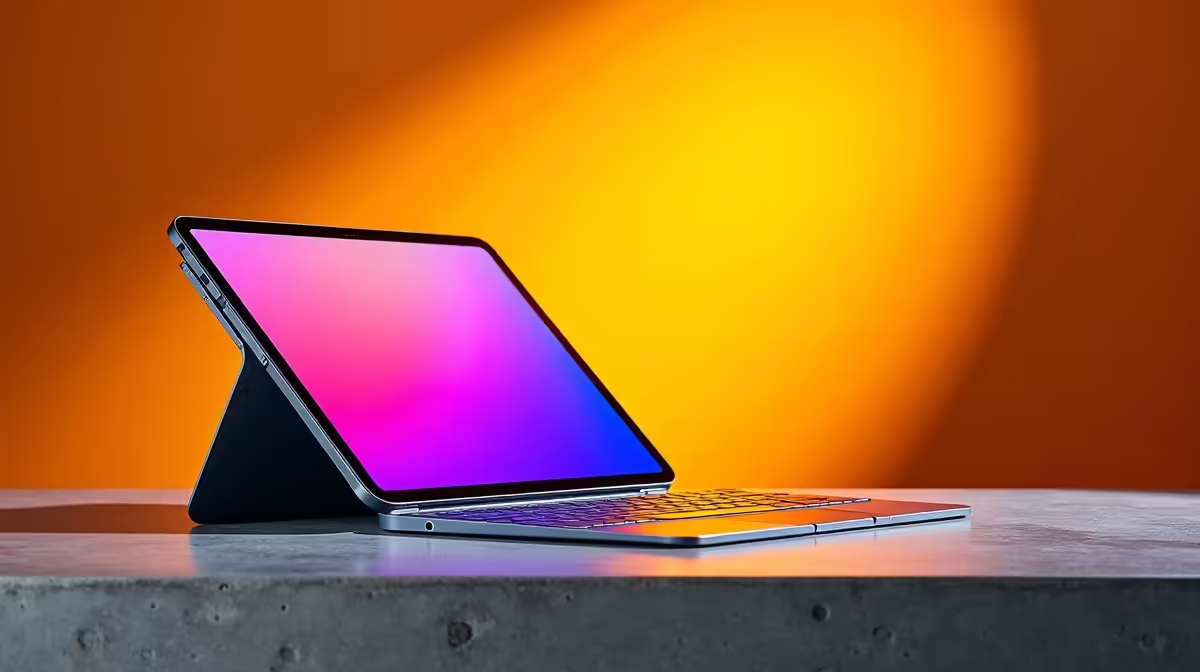
It is the ultimate coffee shop flex. Slapping an iPad onto a floating magnetic stand looks incredibly futuristic. But when you are dropping serious ZAR, you need to know the truth. Can an iPad with Magic Keyboard replace a MacBook? Let us dive into this honest review and find out.
The Portability Dream vs Reality ✨
Apple wants you to believe the iPad is your next computer. The hardware is undeniably powerful. The M-series chips inside modern iPads are absolute beasts. They easily handle basic tasks. But hardware is only half the story. When asking if an iPad with Magic Keyboard replace a MacBook, we must look at the software.
iPadOS is great for tapping and swiping. It struggles with complex multitasking. If you juggle ten spreadsheets and massive video files, a proper operating system is better. File management remains frustratingly limited. Sometimes you just need the traditional clamshell design. You might be better off browsing high-performance laptops if you do heavy productivity work. They offer the true desktop-class software you need.
Load shedding is a reality in South Africa. Both devices offer excellent battery life to survive stage six power cuts. However, a laptop gives you more control to optimise your power management profiles. The screen colour accuracy on both devices is stunning, but laptops usually win on software utility.
Typing Experience and Accessories ⌨️
The Magic Keyboard is surprisingly good. The trackpad is smooth and the keys have decent travel. But it is quite cramped. If you type thousands of words a day, your wrists will feel it. If you are coding, writing a thesis, or doing data entry, a larger typing deck is essential. The cramped layout slows down your workflow over long hours. It simply cannot compete with the tactile feedback of proper mechanical keyboards.
Plus, the combined weight of the tablet and the heavy case is surprisingly high. It often weighs more than a standard MacBook Air. You lose that ultra-light portability you originally paid for.
Productivity Pro Tip ⚡
If you do decide to use an iPad for work, master the Stage Manager feature. It allows overlapping windows and external display support, bringing you one step closer to a true desktop experience.
What About Gaming and Heavy Lifting? 🚀
Here is where the lines really blur. The iPad has amazing mobile games. A MacBook can handle some light gaming and video editing. But neither device is built for serious gamers. The South African gaming community demands raw performance.
If you want high frame rates in the latest AAA titles, you need dedicated graphics. You would get far more value investing in top-tier gaming PCs for your desk. You can keep your tablet just for reading or watching movies during load shedding. Alternatively, if you want a hassle-free desktop setup for home office work, looking into reliable pre-built PCs makes more financial sense.
The Final Verdict on the Price Tag
Let us talk ZAR. By the time you buy an iPad Pro, the Magic Keyboard, and an Apple Pencil... you are spending massive amounts of money. You are stepping right into premium laptop territory.
Can an iPad with Magic Keyboard replace a MacBook? Yes... but only for light users. For students or casual browsers, it is fantastic. For professionals, it often falls short. Before you make a costly mistake, you should always check out the latest tech specials to see how much computing power you can actually get for your budget.
Ready to Find Your Perfect Match? The tablet vs laptop debate is complex, but for maximum power, choice, and value in South Africa, a proper Windows machine is hard to beat. Explore our massive range of laptop specials and find the perfect machine to conquer your world.











