

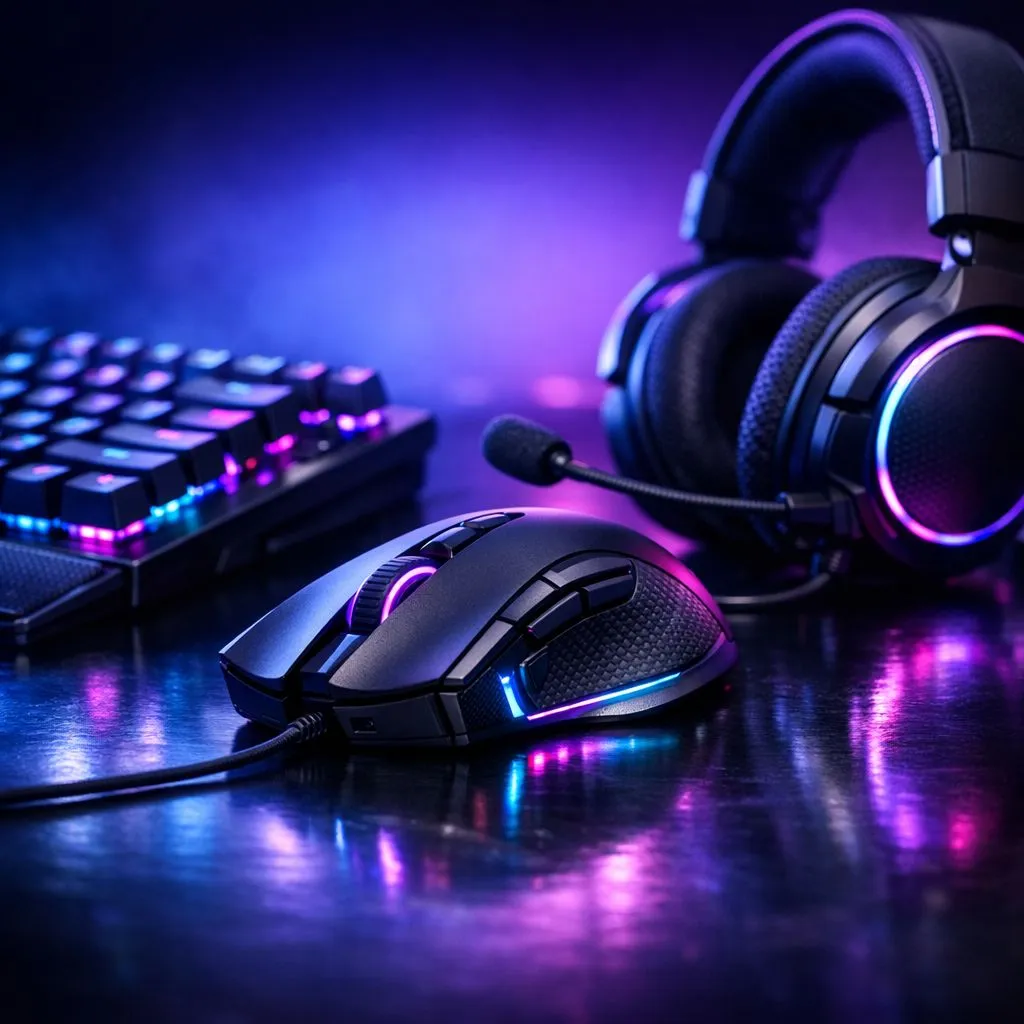
Ever been in a clutch 1v3 in Warzone, lined up the perfect shot… only for your mouse to snag or your keyboard to miss an input? It’s a classic Mzansi rage-quit moment. The truth is, your gear might be holding you back. The secret to levelling up isn't just about skill; you need to choose gaming peripherals that match your play style. It’s about creating a setup that feels like a natural extension of you.
Why Your Keyboard Should Match Your Play Style
Think of your keyboard as your rig's command centre. A Dota 2 or League of Legends player juggling complex macros has vastly different needs than a Valorant pro who relies on split-second strafing. The key is to find the right tool for your specific game. Finding the perfect gaming keyboard is the first and most crucial step in this journey.
For those who love customisation and vibrant RGB, brands like Razer offer incredible software integration. On the other hand, gaming purists and enthusiasts might lean towards the premium build and satisfying feel of Glorious keyboards. ⌨️
Then there's the age-old question: wired or wireless? A clean, cable-free desk powered by a modern wireless keyboard is aesthetically pleasing and offers freedom of movement. However, many competitive players still swear by the bulletproof, zero-latency connection of a classic wired keyboard for that extra peace of mind.
Selecting a Gaming Mouse for Pinpoint Accuracy
If the keyboard is your command centre, your gaming mouse is your digital scalpel. Your choice here directly impacts your aim and reaction time. Do you use your whole arm to aim with a low sensitivity, or are you a high-sensitivity wrist aimer? Your answer determines the kind of mouse you need. Lightweight mice are ideal for fast flicks, while heavier, ergonomic mice offer stability and comfort for long sessions.
You don't have to spend a fortune to get a top-tier sensor, either. There are always incredible gaming mouse deals available that offer pro-grade performance for a lekker price. The debate between a responsive wired mouse and the freedom of a modern wireless mouse is also a factor, but today’s wireless tech is virtually lag-free.
DPI vs. In-Game Sensitivity 🎯
Your mouse's DPI (Dots Per Inch) is its hardware sensitivity. A lower DPI (400-800) is favoured by FPS pros for precise arm movements. Higher DPI isn't always better! Find a comfortable DPI on your mouse, then fine-tune your aim using the in-game sensitivity settings. This combo gives you the most control and consistency.
Finally, don't overlook the surface you play on. Pairing your new mouse with the right mouse accessories, like a high-quality mousepad, is essential for consistent tracking and smooth glides. It’s a small investment that makes a massive difference.
Bringing It All Together: Your Perfect Setup ✨
Ultimately, the best gaming peripherals are the ones you forget you're using. They should feel so intuitive and responsive that they simply become part of your gameplay. Instead of blindly following your favourite streamer's setup, take a moment to analyse how you play. Are you aggressive or tactical? Do you value speed or comfort?
Answering these questions is the key to selecting peripherals that match how you play, giving you the comfort and confidence you need to clutch that next round. Your gear should empower you, not frustrate you.
Ready to Gear Up? Choosing the right gaming peripherals isn't about buying the most expensive gear... it's about finding what works for you. Stop fighting your equipment and start winning. Explore our massive range of gaming peripherals and build the setup that truly matches your play style.











