

How to Choose the Right Mouse Size for Small Hands (and Stop Fighting Your Grip)
If your mouse feels too big, your wrist pays the price… and so does your aim. In South Africa, lots of gamers share the same problem: you upgrade your GPU, headset, and desk… but keep using a mouse that never truly fits. The result? Claw cramps, shaky micro-movements, and “why is my sensitivity so inconsistent?” moments. Let’s fix that by choosing the right mouse size for small hands. 🎮✨
Mouse size for small hands: what actually matters
When we talk “mouse size”, we’re really talking about fit. A good fit helps you keep a stable grip without overreaching.
Measure your hand (quickly, at home)
Grab a ruler and measure from the base of your palm to the tip of your middle finger. Then compare that to the mouse’s dimensions listed in the product specs. If a mouse is listed in mm, trust that number. Evetech’s product pages include the details you need to compare fairly.
The grip test (do this before you buy)
- Palm grip: you want fuller contact. Small hands often struggle with tall, wide shells.
- Claw grip: you need comfort in the front and stable side walls.
- Fingertip grip: size matters less, but too-wide sides still force awkward finger angles.
If you see your wrist lifting to “reach,” the mouse is almost certainly too large.
Avoid the common trap
A smaller hand doesn’t automatically mean “small mouse only.” If you use a wider claw grip, a modest width can be better than a super-narrow shell. Aim for a mouse that lets your fingers rest naturally, not ones you have to pinch and stretch.
How to pick the right mouse size for small hands using real dimensions
Here’s how to translate specs into comfort.
Use your measurements to set boundaries
- If you’re on the small side, avoid mice that are clearly built for larger palms.
- Prioritise length and grip width over fancy marketing.
Check weight and control, not just size
Small hands often compensate by gripping harder. That can change how your aim feels. A well-balanced mouse can reduce that death-grip. Look for consistent sensor performance first, but don’t ignore ergonomics.
Productivity Pro Tip 🔧
If you’re on an FPS grind, keep your cursor control consistent by using the same grip every session. Then adjust in-game sensitivity in small steps (usually 0.1 or less) after you switch to a better-fitting mouse, so you can tell what’s working.
Where mouse fit breaks (and how to avoid it)
Even with the right size, some features can make small hands struggle.
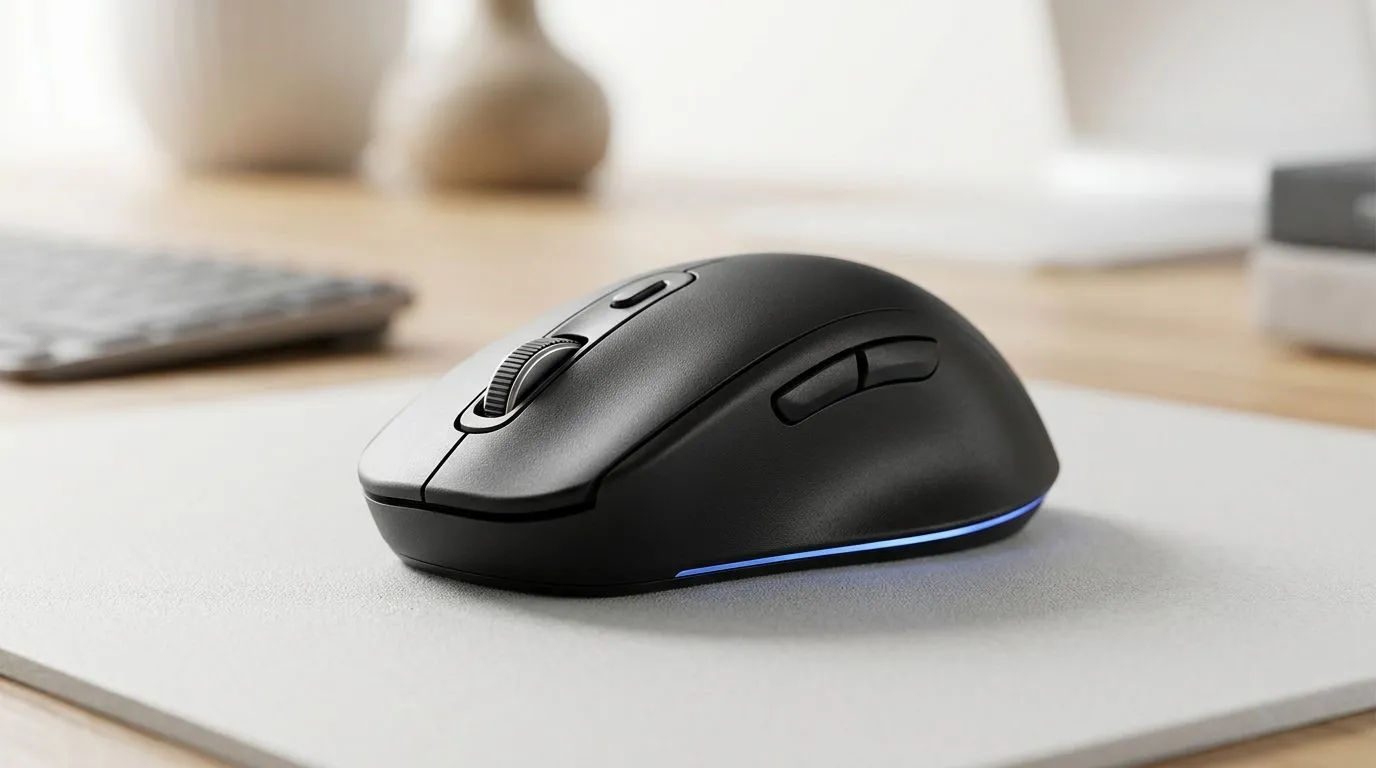
Side button placement
If side buttons sit too far back, your thumb will overextend. If they’re too far forward, you might hit them accidentally during strafing.
Scroll wheel reach
If the scroll wheel feels cramped, you’ll avoid using it. That’s fine for browsing… not fine for inventory cycling in games.
Texture and coating
A grippy finish helps you relax your grip pressure. If your hands get warm during LAN nights, “too slick” can quickly feel like “too big.”
Compare wired vs wireless for comfort and consistency
Mouse size is only part of the story. Connection type affects whether you experience micro-stutters or weight shifts.
If you’re buying for competitive play, you’ll probably want to compare styles and form factors:
- Explore wired gaming mice for consistent response: buy wired mouse
- Or go wireless if you want freedom from cable drag: buy wireless mouse
- If you’re also refining your desk setup, browse accessories here: mouse accessories
For shoppers who want value without sacrificing fit, deals can help you sample different shapes within your budget:
- Check best gaming mouse deals
And if you want to focus on ergonomic builds that are easier to test in person (at least via clear specs), start here:
- See our curated gaming mouse lineup: gaming mouse models
Ready to buy: a simple checklist before you click “Add to cart” 🔥
Before you commit, confirm:
- Hand-to-mouse fit: no fingertip stretch or palm overhang.
- Comfort over looks: side buttons reach your thumb naturally.
- Stability: your wrist rests without hovering.
- Consistency: wired or wireless should not change your control feeling.
If you’re unsure, choose a mouse you can return easily, then do one week of testing in your main game. You’ll know quickly when the size is right… because your grip stops fighting you.
Ready to Find Your Perfect Match? The Mac vs Windows debate is complex, but for maximum power, choice, and value in South Africa, Windows is hard to beat. Explore our massive range of laptop specials and find the perfect machine to conquer your world.











