

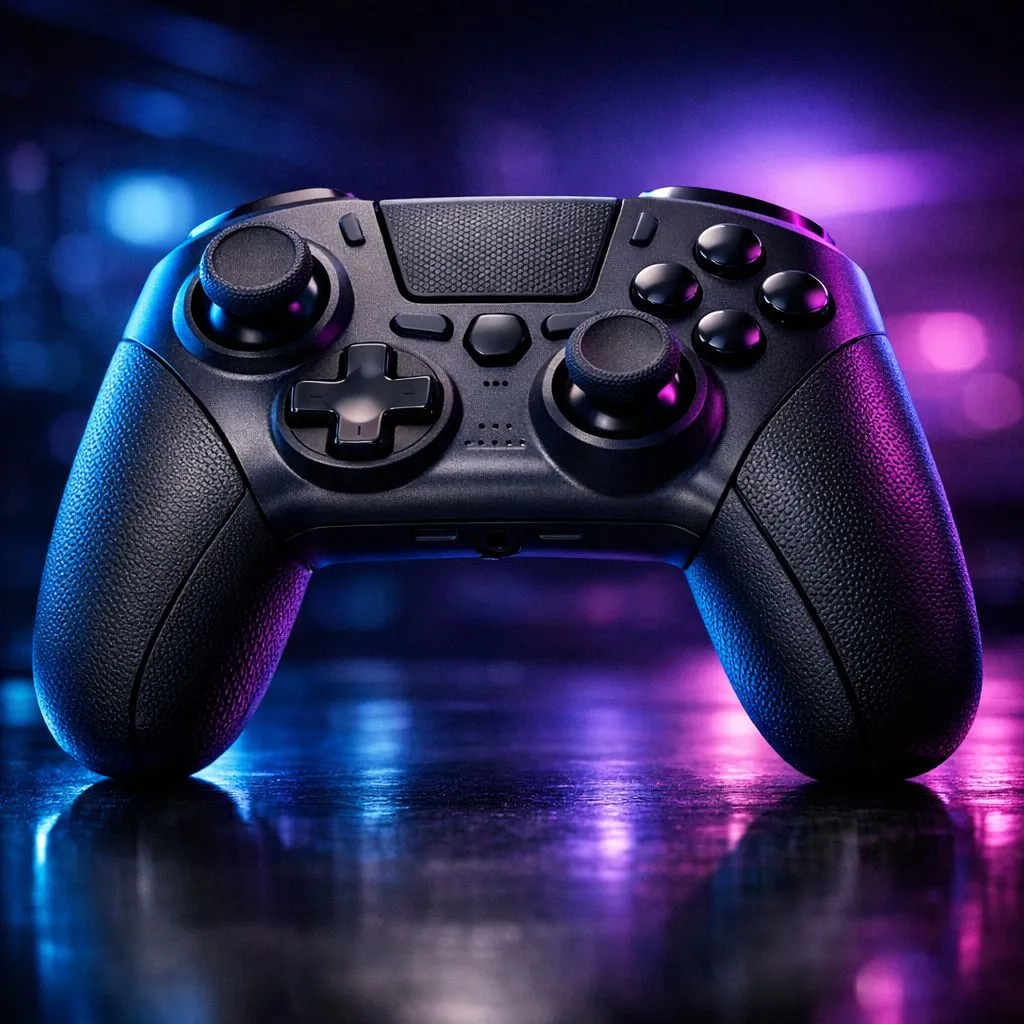
Controller Thumb Fatigue: Ergonomic Fixes for Long Sessions (Gear Review)
If you’ve ever finished a ranked grind and felt your thumbs go numb… you’re not alone. South African gamers often play long sessions on evenings after work, and tiny comfort issues add up fast. 🎮
The good news? Controller thumb fatigue is usually fixable with small ergonomic changes and the right controller. Let’s dial in your setup so your aim feels steady and your hands feel fresh for the next match.
Controller Thumb Fatigue: Ergonomic Fixes for Long Sessions that actually help
Thumb fatigue usually comes from one (or more) of these: poor grip pressure, thumb movement at awkward angles, worn-in stick tension, or mismatched controller size. Start with what you can control today.
Adjust your grip, not just your posture
Try a “light grip” test: hold the controller like it’s important, but not heavy. If you’re squeezing hard enough to whiten your fingertips, you’re loading your muscles all match.
Then check stick reach. If you’re overextending, you’ll fatigue faster. Many players benefit from slightly changing hand angle rather than moving their wrists.
Shorten your play session cycles
Even with a perfect ergonomic setup, your body needs resets. A simple rhythm helps:
- 45 minutes play
- 2–3 minutes stretch
- quick hydration sip
- back to it
It sounds basic… but it reduces cumulative strain.
Productivity Pro Tip 🔧
On Windows, pair your controller practice routine with a timer and micro-breaks. Use a simple countdown app (or Windows Clock) to enforce 45-minute focus blocks. During breaks, do 10 gentle thumb and wrist circles to keep movement smooth and avoid stiffness that affects aim. This “planned rest” approach often beats random breaks after fatigue hits.
Controller Thumb Fatigue: Ergonomic Fixes for Long Sessions and what to look for in a controller
Sometimes the controller itself is the problem. Comfort differences matter, especially for long sessions.
Prioritise stick feel and control, not just brand
If your sticks feel too stiff, you may press harder without realising it. If they’re too loose, you may correct constantly, which also burns energy. Look for controllers designed for competitive play with balanced responsiveness and comfortable ergonomics.
For a comfort-forward example of a tournament-ready option, check the Razer Wolverine V3 Tournament Edition (8K) here:
Razer Wolverine V3 Tournament Edition (8K) best deal
Choose the right style for your hands
Not all grips fit all players. If you’ve got larger hands, a controller that’s too small can force pinch pressure. If you’re compact, a too-large controller can make you reach and strain.
If you’re shopping broadly, Evetech has a helpful guide to get you started:
Buy gaming controllers on Evetech
And if you already know you’re leaning Razer, narrow it down with brands:
Razer gaming controllers
Controller Thumb Fatigue: Ergonomic Fixes for Long Sessions you can test this week
Let’s make this practical. Here’s a quick “one-week experiment”:
- Session pacing: 45-minute blocks with 2–3 minute breaks.
- Grip check: light grip, elbows relaxed, no fingertip white-knuckle pressure.
- Stick rehearsal: 10 minutes in aim trainer or training range, then reassess thumb comfort.
- Controller swap test: if your current controller feels off, try a comfort-forward replacement from Evetech and repeat the same routine.
If discomfort appears early, don’t “push through”. That’s how minor strain turns into multi-day irritation.
Ready to feel the difference? 🚀 The right ergonomics should make aiming feel effortless, not exhausting.
Ready to Find Your Perfect Match? The Mac vs Windows debate is complex, but for maximum power, choice, and value in South Africa, Windows is hard to beat. Explore our massive range of laptop specials and find the perfect machine to conquer your world.











