

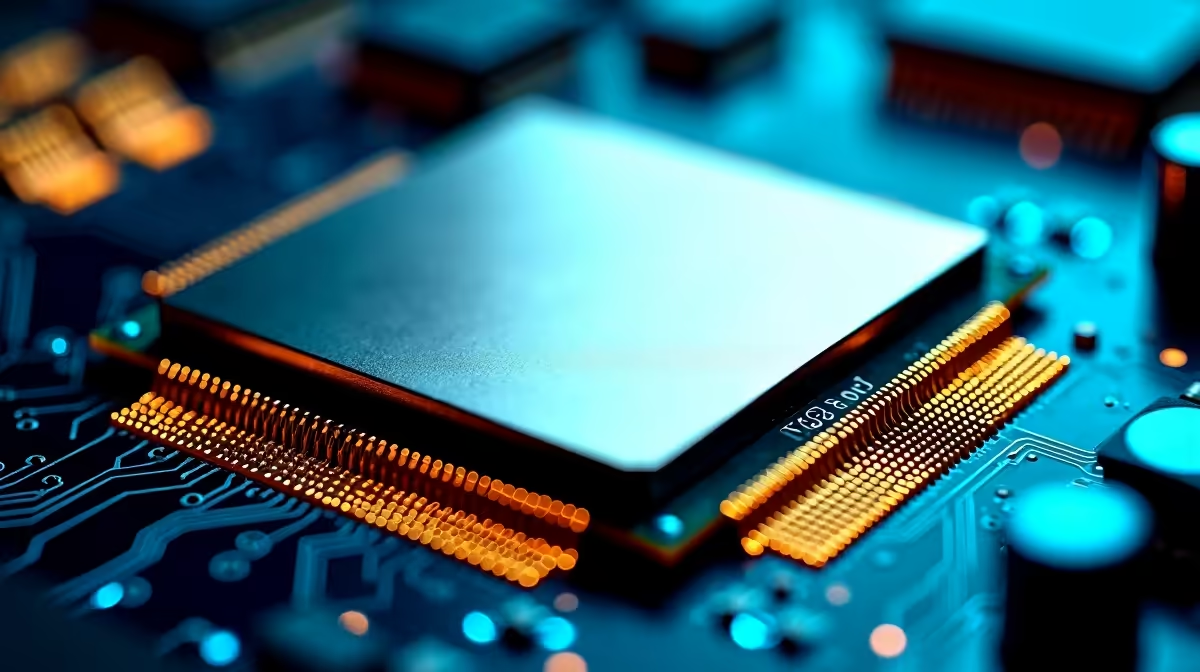
The Intel Core Ultra 7 265K has an exceptionally capable memory controller that supports DDR5 up to 6400 MT/s natively, making RAM tuning one of the most impactful performance upgrades you can make. Getting the speed and latency settings right can unlock measurable gains in gaming, content creation, and professional workloads without spending an extra rand.
Quick Answer
Core Ultra 7 265K Memory Controller: Best RAM Speed & Latency Settings: The Core Ultra 7 265K officially supports DDR5-6400 with Intel XMP 3.0, delivering the best balance of speed and stability. For gaming, aim for DDR5-6000 at CL30 or DDR5-6400 at CL32. Tighter sub-timings below CL30 often require manual tuning and premium RAM kits.
🔧 Understanding the Core Ultra 7 265K Memory Controller
Intel's Arrow Lake memory controller is a significant step forward from previous generations. The Core Ultra 7 265K officially supports DDR5-6400 on the JEDEC specification via XMP 3.0, meaning most quality DDR5 kits will post at rated speeds with a single BIOS toggle. The controller uses a decoupled fabric architecture, where the CPU cores and memory subsystem communicate via Intel's Foveros packaging. This means memory latency characteristics differ slightly from older Intel platforms.
The key metric to understand is memory frequency versus fabric frequency. On Arrow Lake, the memory controller operates best when the memory fabric is kept at or below 4800 MHz (effective). Pushing DDR5 far beyond 6400 MT/s can introduce stability issues and may not translate to proportional performance gains in all workloads.
📊 Best RAM Speed & Latency Settings by Use Case
Gaming (competitive and high-refresh): DDR5-6000 CL30 is widely regarded as the sweet spot. You get excellent bandwidth, low latency, and strong stability across most motherboard and memory combinations. DDR5-6400 CL32 is a solid alternative that uses Intel's maximum official spec. Avoid dropping to DDR5-4800 JEDEC - you leave meaningful frame time improvements on the table.
Content Creation & Rendering: Higher bandwidth benefits workloads like video transcoding and 3D rendering. DDR5-6400 CL30 or DDR5-7200 CL34 (with a quality kit and mature BIOS) can deliver faster render times. Stability matters more here than in gaming, so validate with a full memtest pass before relying on it for production work.
General Productivity / Office Work: DDR5-5600 CL28 or CL30 is more than adequate. Spending extra on high-speed RAM for light office tasks yields minimal real-world benefit. Prioritise capacity (32GB or 64GB) over raw speed.
Recommended Timings for DDR5-6000 CL30:
- Primary: 30-36-36-76
- tRFC: 560 (adjust per kit)
- Gear Mode: Gear 2 (required above DDR5-4800 on this platform)
💡 Tips for Stable Memory Overclocking on Arrow Lake
Enabling XMP 3.0 is always the first step - it applies the manufacturer-validated profile with one click in BIOS. From there, if you want to push further, keep these principles in mind:
Gear 2 Mode is mandatory above DDR5-4800. Arrow Lake requires Gear 2 (the memory controller runs at half the memory bus frequency) for high-speed operation. This adds a small amount of latency but allows the controller to remain stable at 6000–7200 MT/s.
DRAM voltage sweet spot: DDR5 uses an integrated PMIC (power management IC) on the module. Most high-speed kits are rated for 1.4V–1.45V. Pushing beyond 1.5V can degrade modules over time and may void warranties.
Motherboard quality matters significantly. Z890 boards vary considerably in trace routing and power delivery for the memory bus. Mid-range and flagship Z890 boards generally achieve higher stable frequencies than entry-level options.
Validate with MemTest86. Run at least two full passes before considering a memory configuration stable. For production or content creation systems, run overnight.
Quick Tip
If your DDR5-6000 kit won't post with XMP enabled, try setting the frequency to DDR5-5600 first, confirm stability, then step back up to 6000. Many kits need a BIOS update to fully support their rated XMP profile on Arrow Lake.
❓ Frequently Asked Questions
Does the Core Ultra 7 265K support DDR4? No - Arrow Lake (Core Ultra 200S) is DDR5-only. You need a DDR5 kit and a Z890 or B860 motherboard. DDR4 is not compatible with this platform.
What is the maximum stable RAM speed for the Core Ultra 7 265K? Most users achieve stable operation at DDR5-6400 to DDR5-7200 with a quality kit and mature motherboard BIOS. Beyond DDR5-7600, instability and diminishing returns become significant. The official Intel spec is DDR5-6400.
Does faster RAM improve gaming FPS on the Core Ultra 7 265K? Yes, but with diminishing returns. Moving from DDR5-4800 to DDR5-6000 delivers meaningful FPS gains, particularly in CPU-limited scenarios. The jump from DDR5-6000 to DDR5-7200 yields smaller but measurable improvements in latency-sensitive games.
Evetech carries All RAM & Memory and Graphics Card Deals — check live stock and pricing before you buy.
Ready to Find Your Perfect Match? Shop at Evetech











