

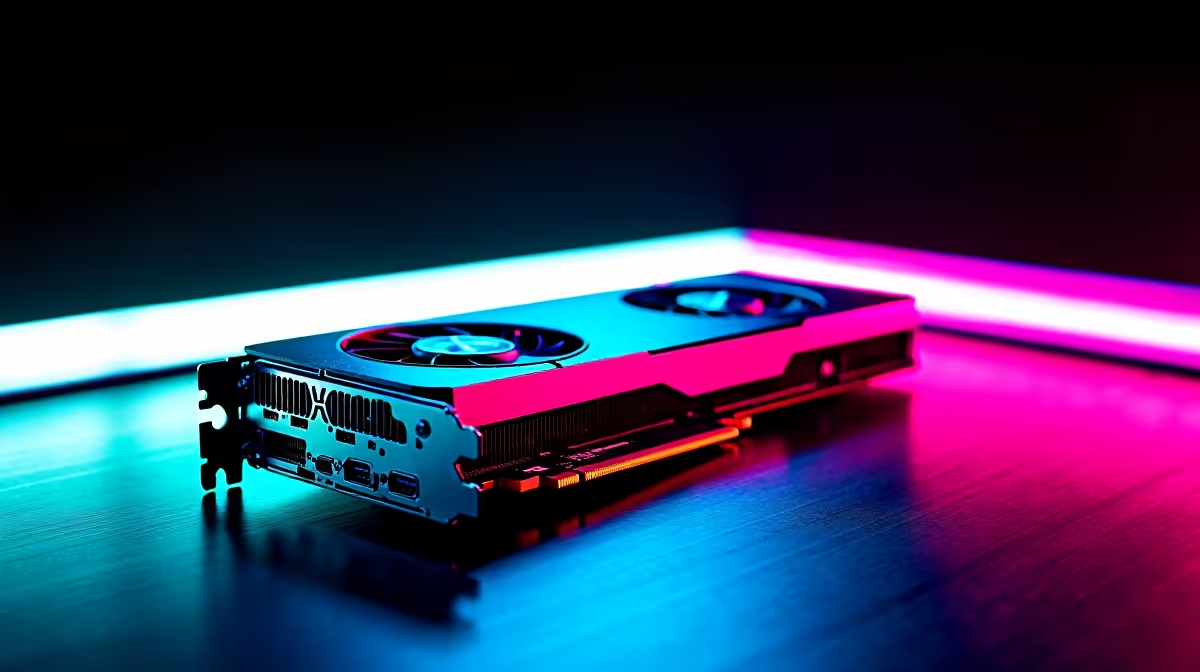
Dropping frames when someone throws a smoke grenade in Counter-Strike 2 is a nightmare. For South African gamers fighting on local servers, every millisecond counts. The AMD Radeon RX 7600 is a brilliant 1080p card, but getting those buttery-smooth frames requires some tweaking. If you want the ultimate competitive edge without spending a fortune, you need the right setup. Let us optimise your rig for peak performance...
Why CS2 Settings on RX 7600 Matter ⚡
CS2 runs on the upgraded Source 2 engine. It looks gorgeous but demands much more from your hardware than CS:GO ever did. The RX 7600 packs 8GB of VRAM. This is plenty for competitive 1080p gaming. However, pushing past that crucial 144Hz or 240Hz mark means adjusting your video options. If your current rig is struggling to keep up, checking out our best gaming PC deals might be your next logical move.
Best Performance Settings for the RX 7600
Let us dive right into the video settings. You want to balance visibility with maximum frame rates. Set your resolution to native 1080p for the best colour clarity and sharpness.
- Anti-Aliasing: 2x MSAA. It keeps edges clean without tanking your FPS.
- Global Shadow Quality: High. Seeing enemy shadows first wins rounds.
- Model/Texture Detail: Medium.
- Shader Detail: Low.
- Particle Detail: Low. This stops smokes and molotovs from lagging your system.
If you are tired of tweaking old hardware to hit these targets, grab one of our pre-built PC deals to skip the hassle.
AMD Adrenalin Pro Tip 🔧
Turn on Radeon Anti-Lag in your AMD software. It reduces input delay significantly in CS2, making your flick shots feel incredibly responsive.
Maximising Your Hardware Potential 🚀
Your GPU does not work alone. CS2 is heavily CPU-dependent. Pairing your RX 7600 with a strong processor ensures no bottlenecks. If you prefer taking your matches on the go, we also stock a massive range of high-performance notebooks for sale in South Africa.
Always keep your drivers updated. AMD regularly releases patches that boost CS2 Settings on RX 7600 performance. If you are looking to upgrade your desktop piece by piece, browse our massive selection of graphics cards to find the perfect fit.
Final Tweaks for Competitive Play ✨
Disable FidelityFX Super Resolution (FSR) for competitive play. Native resolution always offers better clarity for spotting enemies at long range. FSR is great for single-player titles, but in CS2, raw pixels matter more. Always keep an eye on our specials to score upgrades for your setup using your hard-earned ZAR.
Ready to Dominate the Leaderboards? Getting the right hardware is the first step to reaching Global Elite. Whether you are building from scratch or upgrading your trusty rig, Evetech offers the best value in South Africa. Explore our massive range of gaming hardware and gear up for victory.











