

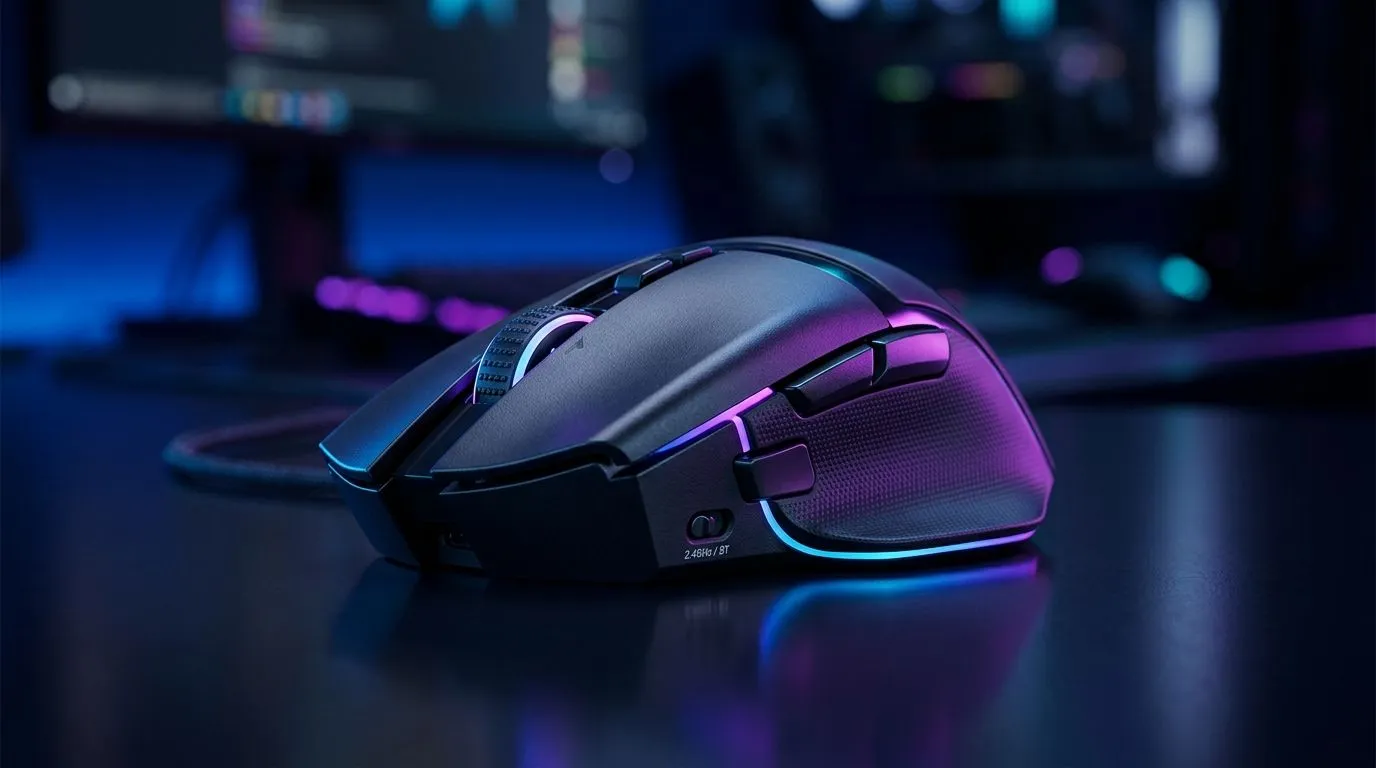
Dual Connectivity Gaming Mouse Worth It in South Africa? The Short Answer (and the real trade-offs) 🎮
If you’ve ever plugged in your mouse, only to wonder if you should have gone wireless… you’re not alone. In South Africa, you’re also juggling load-shedding, data costs, and the reality that “nice to have” features must still fit your budget. So, is a Dual Connectivity Gaming Mouse Worth It in South Africa? Usually… yes. But only if you’ll actually use both modes.
Dual connectivity means the mouse can run on wireless (typically 2.4GHz) and wired USB. That gives you flexibility: low-latency wireless when you want freedom, and reliable wired performance when you need zero battery worries.
Dual Connectivity Gaming Mouse Worth It in South Africa: When wireless beats wired (and vice versa) ⚡
Here’s the micro-story: imagine you’re gaming after work, sofa distance is just far enough to feel annoying with a cable. Then during a tournament or ranked grind, you want consistent, predictable performance. Dual connectivity helps because you can switch your setup style without swapping your whole mouse.
Low-latency wireless, fewer compromises
Most “gaming wireless” mice use a 2.4GHz dongle. In practice, the gap between good wireless and wired is small for most players. The real win is comfort and desk cleanliness. Wired still wins for people who want the simplest path: no dongle, no battery planning.
Wired can be the “panic-proof” option during power stress
In SA, power cuts happen. Even if your router or PC survives, battery levels can become a concern. Wired mode turns your mouse into a dependable tool until things stabilise.
Setup Pro Tip 🔧
"Before you buy, check your PC connection options: if your tower ports are hard to reach, dual connectivity becomes even more useful. Use wireless for daily play, then switch to wired for long sessions or when you want charging while gaming. That way you’re never stuck mid-session."
Dual Connectivity Gaming Mouse Worth It in South Africa: What to look for before you buy 🚀
Not all dual connectivity mice are equal. Use this checklist:
- Wireless method clarity: prefer 2.4GHz dongles made for gaming.
- Battery life you can trust: higher claims only matter if the mouse is actually usable in your sessions.
- Switching behaviour: you want stable mode change without weird disconnects.
- Sensor performance: higher DPI is nice, but sensor consistency is what you feel.
- Button layout: MMO side buttons or FPS controls should match your play style.
If you’re comparing options, start broad. Evetech has solid categories to browse and shortlist:
- Explore wired picks here: wired gaming mouse options.
- If you’re leaning wireless first, check wireless gaming mouse deals.
And if you want to think about your desk and grip, it’s worth scanning the broader mouse accessories space too: mouse accessories for better comfort and control.
Dual Connectivity Gaming Mouse Worth It in South Africa: Value, deals, and smart buying ✨
Here’s where SA shoppers win. Instead of paying “full price for features,” chase the right deal for the tech you’ll use.
Look for dual connectivity models on clearance and bundle pages. Start with current deals like these: best gaming mouse deals
Then verify the exact sensor and connectivity details in the product listings. If you want to compare families of gaming mice by category, use this overview page: gaming mouse category picks
Ready to Find Your Perfect Match? (Yes, dual connectivity can be it) 🎮
If you game on a variety of setups, travel sometimes, or just want to stop worrying about battery life, dual connectivity is usually worth it. You get flexibility without sacrificing your performance routine.
Ready to Find Your Perfect Match? The Mac vs Windows debate is complex, but for maximum power, choice, and value in South Africa, Windows is hard to beat. Explore our massive range of laptop specials and find the perfect machine to conquer your world.











