

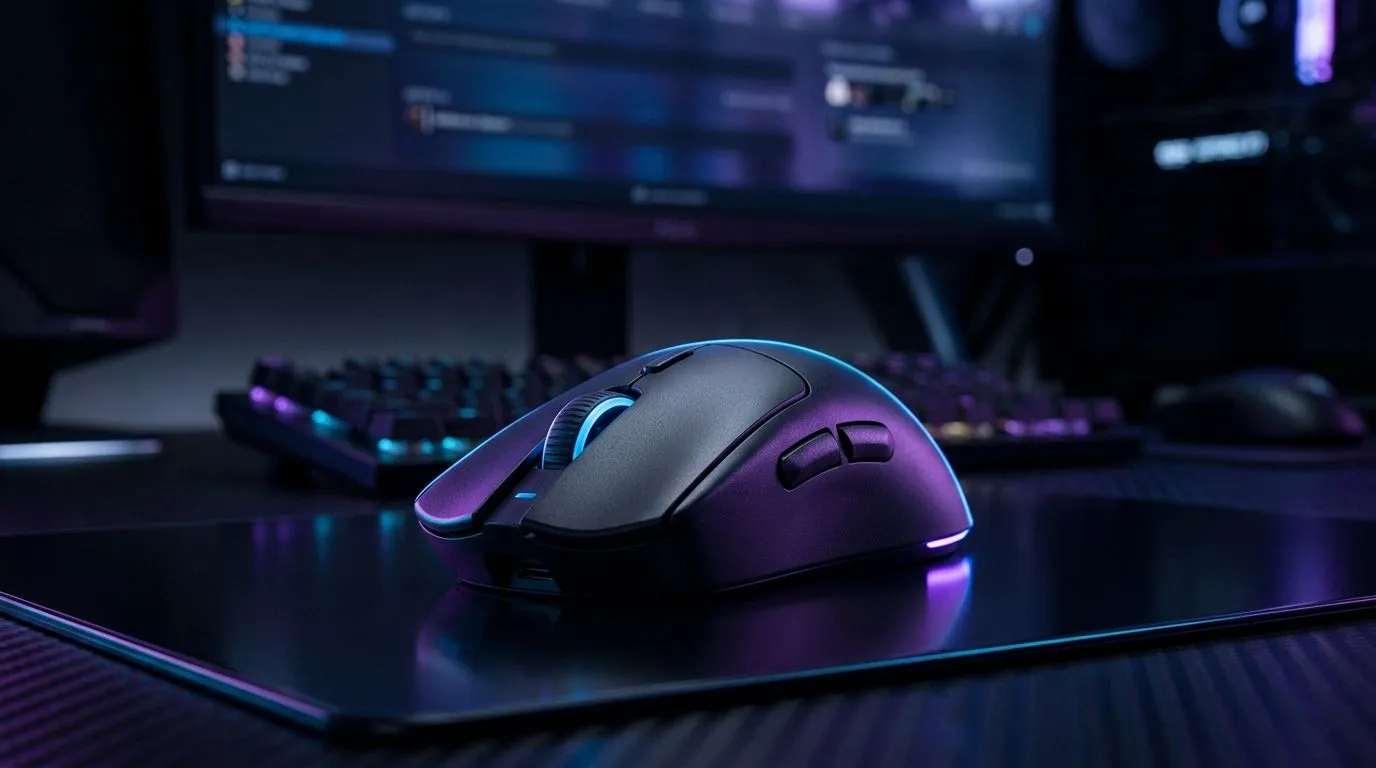
Why South African Gamers Are Turning to Dual-Mode Wireless Mice ⚡
South Africa’s gaming scene is buzzing, but tangled wires and device juggling still frustrate many. Enter dual-mode wireless mice — the sleek solution that works seamlessly with your PC, laptop, and even mobile devices. Whether you're grinding ranked matches or switching between work and play, these mice offer unmatched flexibility and freedom. The days of plugging and unplugging are over, and local gamers are taking notice.
What Makes Dual-Mode Wireless Mice Ideal for PC, Laptop and Mobile?
A dual-mode wireless mouse connects via Bluetooth and a 2.4GHz USB dongle. This means quick device switching without sacrificing response time or battery life. For South Africans who multi-task across gear, this tech reduces downtime and clutter instantly.
If you prefer a fuss-free wired setup sometimes, explore Evetech’s wired mice collection. It’s perfect for ultra low-latency gaming or when you want to conserve battery. But if wireless is your go-to, the next section will be your new favourite.
Top Benefits for Gamers Using Wireless Mice in South Africa 🚀
Low latency is critical for local gamers who want to dominate; many dual-mode mice offer pro-grade sensors and rapid polling rates. Plus, wireless freedom means no more restringing those USB cables after a weekend LAN session.
Battery life on a dual-mode mouse can vary, but many models on the South African market now last a week or longer on a single charge. They even include fast-charging options so you can game during breaks.
Ready to explore wireless gaming mice with excellent specs and South African pricing? Check out Evetech’s diverse wireless mouse range for unbeatable deals and reviews.
How to Choose the Right Dual-Mode Wireless Mouse for You 🔧
Picking a mouse comes down to comfort, DPI (dots per inch), and how you use your devices day to day. If you switch often between your PC, laptop, and mobile, your mouse should have easy device toggling. Look for ergonomic designs to avoid wrist strain during long sessions, and adjustable DPI so you can tune sensitivity on the fly.
Dual-Mode Mouse Tip
When switching between devices, save profiles tailored to gaming or browsing. It boosts productivity and keeps control fluid.
For gamers hunting deals, Evetech’s best gaming mouse deals page updates regularly with ZAR prices that fit every budget. Whether you're after RGB lighting or ultra-light builds, there’s something local buyers appreciate.
Combining Accessories for the Ultimate Setup ✨
To complement your wireless or wired mouse, consider the full range of mouse accessories at Evetech. From precision mousepads to custom grips, subtle upgrades can elevate daily performance and comfort.
If wired still suits your gaming environment better, browse our full wired mouse selection for low-latency options. They often come with customization features and durable builds ideal for intensive sessions.
Also, for enthusiasts wanting cutting-edge tech, the gaming mouse section on Evetech’s site showcases premium models packed with features designed for competitive play.
Find Your Next Gaming Mouse Experience wireless freedom and high performance side-by-side. Shop now at Evetech for performance that leaves lag in the dust.











