

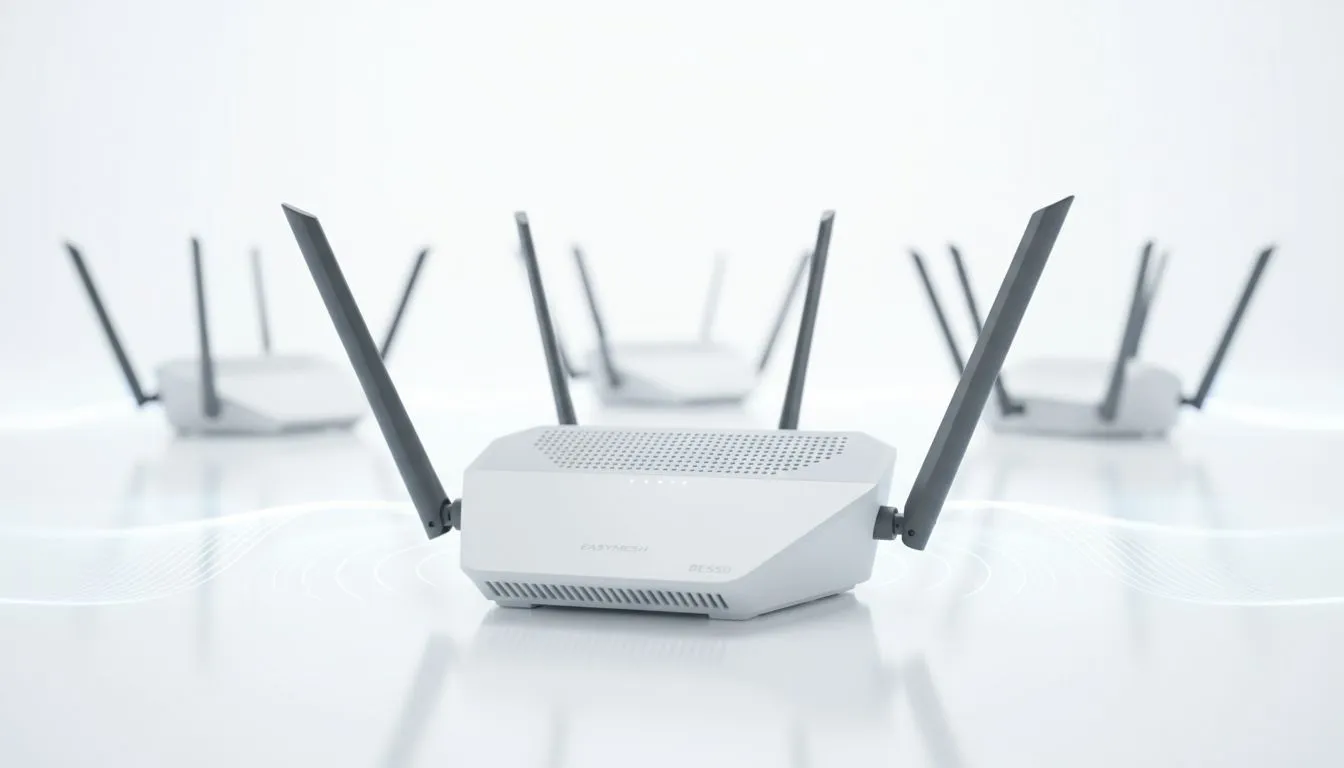
Is your WiFi signal weaker than a load-shedding schedule? Lag spikes hitting you mid-match, or the signal dropping completely the moment you step out to the braai area? You're not alone. Many South African homes, with their solid brick walls, are WiFi killers. But what if you could create a single, powerful, seamless network that covers every corner? That's the magic of an EasyMesh compatible router, and the TP-Link Archer BE550 is a brilliant example.
Say Goodbye to Dead Zones with an EasyMesh Router
For years, the go-to solution for bad WiFi was a simple extender. While they helped, they often created a separate, clunky network you had to switch to manually. This meant dropped video calls and buffering streams as you moved around. They were a patch, not a fix. Modern solutions are far smarter. An EasyMesh compatible router acts as the brain of a unified home network. You can add other EasyMesh-certified devices (from any brand!) to create a single, intelligent mesh system that blankets your home in glorious, high-speed WiFi. 📶
This approach is fundamentally better than relying on older wireless range extenders. With EasyMesh, your devices seamlessly hop to the strongest signal without you noticing. It’s one network name, one password… just perfect connectivity everywhere.
Enter the TP-Link Archer BE550: A WiFi 7 Powerhouse
The Archer BE550 isn't just another router; it's a leap into the future with Wi-Fi 7 technology. Why does that matter? It brings staggering speeds (up to 9214 Mbps), lower latency, and incredible stability, even in a house full of connected devices. It's built for the demands of 4K streaming, competitive online gaming, and a dozen smart home gadgets all running at once.
As a top-tier EasyMesh compatible router, the BE550 is the perfect foundation for your home network. You can start with this single, powerful unit and expand later if needed by simply adding another EasyMesh satellite node. Its powerful hardware ensures the core of your network is rock-solid. To take full advantage of these new speeds, especially on an older desktop PC, pairing it with modern wireless adapters is a smart move.
Pro Tip for Perfect Placement 📡
Your main router's position is key. Place the Archer BE550 in a central, open area, away from thick walls or metal objects. If you add a second EasyMesh node, place it roughly halfway between your main router and the biggest dead zone. This ensures a strong signal handshake between the units, creating a robust and reliable mesh network throughout your home.
Future-Proofing Your Home Network
Choosing the Archer BE550 means you're not just solving today's WiFi problems; you're preparing for tomorrow's technology. Wi-Fi 7 is the new standard, and this router puts you right on the cutting edge. The flexibility of the EasyMesh standard means you're not locked into a single brand for expansion, giving you more choice and value down the line. It’s the smart way to invest in your home's digital backbone.
Whether you're a gamer needing the lowest possible ping, a professional working from home, or a family tired of buffering, upgrading your wireless networking setup makes a world of difference. An EasyMesh router like the Archer BE550 provides a simple, powerful, and scalable solution that just works. ✨
Ready to Banish Buffering Forever? A fast, reliable connection is no longer a luxury… it's essential. An EasyMesh compatible router is the smartest way to guarantee wall-to-wall coverage. Explore our range of high-performance wireless routers and build the home network you deserve.











