

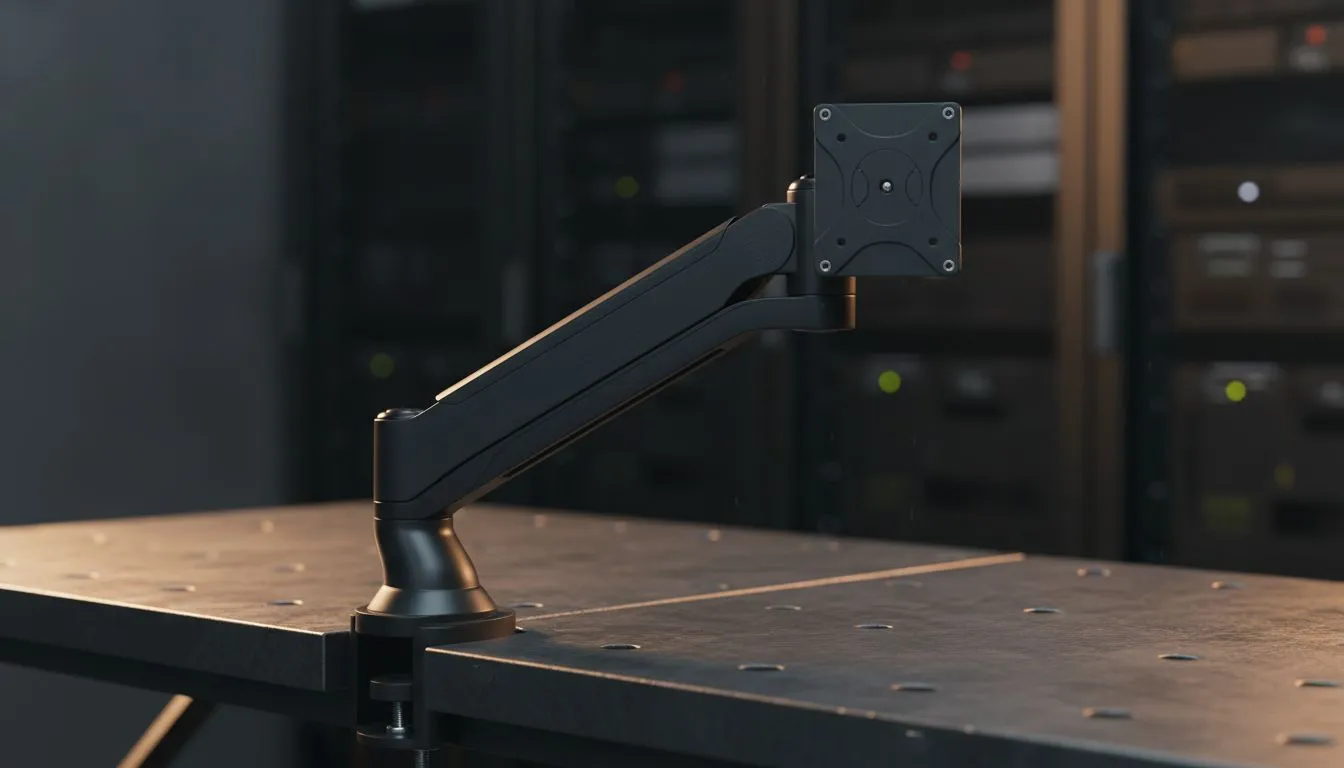
Struggling to fit your keyboard, mouse, and a cup of coffee on your desk without knocking something over? We’ve all been there... especially in smaller South African apartments where space is at a premium. An Ergonomic Monitor Arm for Small Desks - Space-Saving Setup is the ultimate secret to reclaiming your workspace. It clears the clutter and puts your screen exactly where it needs to be for maximum comfort. 🔧
Reclaiming Your Desk with an Ergonomic Monitor Arm for Small Desks - Space-Saving Setup
The standard stands that come with most displays are often the biggest space-wasters on a desk. They feature wide, clunky bases designed for stability but at the cost of your precious real estate. When you are browsing for new pc monitors at Evetech, you’ll notice that high-performance screens often have even larger footprints. By switching to a clamp-based arm, you lift that bulk off the surface, leaving you with enough room for a full-sized mousepad or even a secondary peripheral.
The Health Benefits of Proper Screen Positioning
Ergonomics isn't just a buzzword... it’s about making sure you aren't visiting the physio every second month. Lifting your screen to eye level prevents the dreaded "tech neck" caused by slouching. This is particularly important if you have invested in high-quality IPS panels that offer superior colour accuracy and viewing angles. If the monitor is positioned correctly, you get the full benefit of those crisp visuals without straining your eyes or back. ⚡
Choosing the Right Screen for Your Compact Area
Not every monitor arm is built the same, just as not every screen fits every workflow. If you prefer the traditional look, Flat screens are excellent for multi-monitor setups on a dual-arm mount. However, many South African gamers are moving toward immersive Curved monitors to fill their field of view. A sturdy arm allows you to pull these screens closer for intense gaming sessions or push them back when you need to focus on admin or studies. 🚀
Smooth Performance and Visual Clarity
Beyond the physical setup, your monitor’s internal tech dictates your experience. To ensure your gameplay is as smooth as your new desk layout, look for displays featuring FreeSync (AMD) or G-Sync (NVIDIA). These technologies prevent screen tearing by syncing your refresh rate with your GPU. If you want the most flexibility for future upgrades, choosing a screen with Adaptive Sync ensures compatibility across various hardware brands. ✨
Cable Management Pro Tip ⚡
Most ergonomic monitor arms come with built-in cable routing channels. Don't just let your DP and power cables hang loose... tuck them into the arm's chassis and use a few Velcro ties behind the desk. It prevents cables from snagging when you adjust the height and keeps your small desk looking professional and clean.
Ready to Find Your Perfect Match? A cramped desk shouldn't limit your potential. Whether you are a pro gamer or a remote worker, the right display and mounting solution can transform your productivity. Explore our massive range of monitor specials and find the perfect machine to conquer your world.











