

Why Stability Matters for South African Gamers
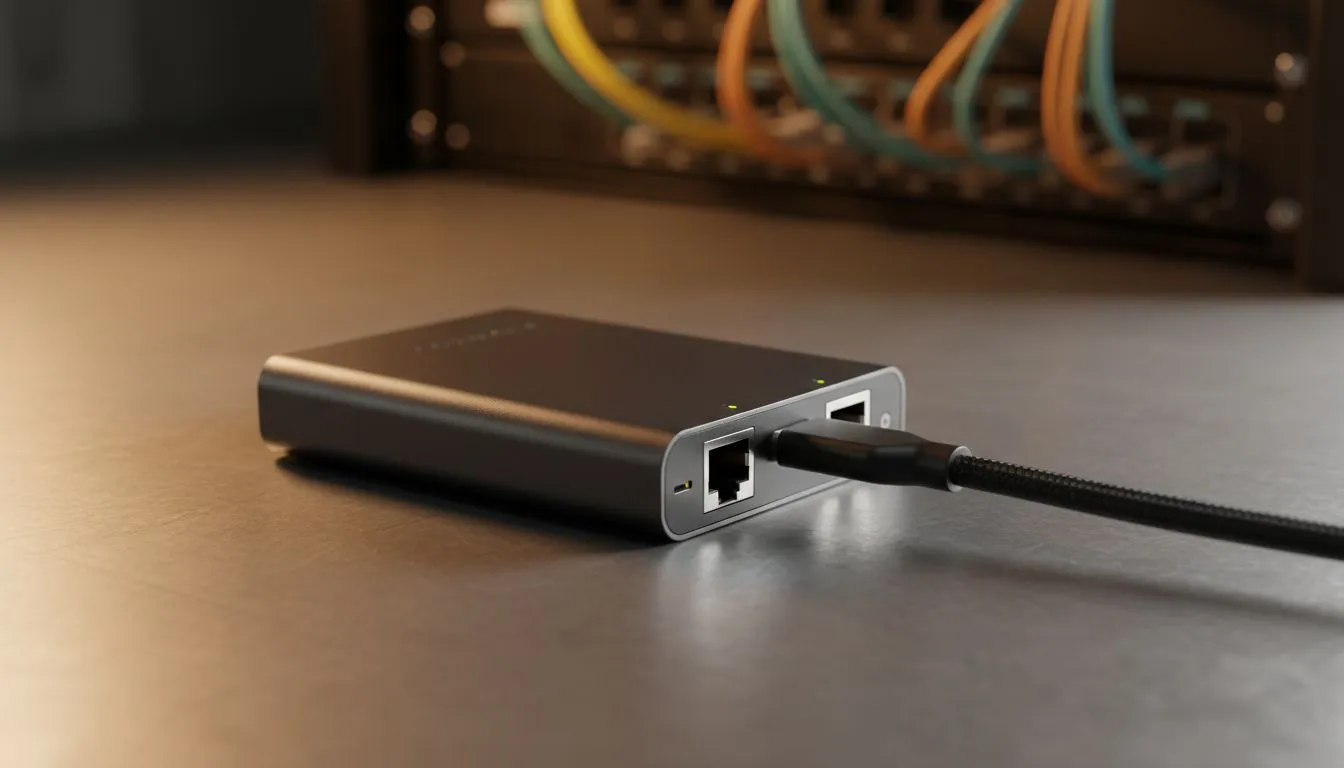
South African gamers know the pain of a sudden ping spike during a clutch moment. While Wi-Fi has improved, nothing beats the reliability of a physical cable. If your laptop or desktop lacks a port, finding the right ethernet adapter for Windows and Linux is your next move. It is about more than just speed... it is about consistency in every match 🚀.
Choosing the Best Connection for Windows
Most modern laptops have ditched the LAN port to stay slim. This is a problem for competitive players who need low latency. When you browse for network adapters, you want something that Windows recognises immediately. A high-quality USB 3.0 or USB-C adapter will provide full gigabit speeds without needing manual driver updates. This keeps your setup clean and your latency low while you dominate local servers in Cape Town or Joburg.
Linux Support: Avoiding the Driver Headache
Linux users often face challenges with hardware compatibility. Not every chipset plays nicely with the kernel out of the box. If you are running a distro like Ubuntu or Pop!_OS, choosing a TP-LINK network adapter is usually a safe bet. These devices often feature chipsets that have native support... saving you from long nights in the terminal trying to compile obscure drivers. Always look for "Plug and Play" mentions to ensure a stress-free experience ✨.
Hardware Matchmaking ⚡
Always check your USB port generation before buying. A Gigabit adapter plugged into a USB 2.0 port will be throttled to roughly 480Mbps. To get the full 1000Mbps speed you paid for, ensure your adapter is plugged into a USB 3.0 port... usually identifiable by its blue colour.
Reliable Hardware for the Local Market
Heat and durability matter when you are gaming for hours in the South African summer. Brands like Cudy network adapters have become popular for their solid build quality and affordability. They offer great value for money, often costing less than 400 ZAR while delivering premium performance 🔧. Whether you are downloading a massive 100GB update or streaming your gameplay, a dedicated adapter ensures your bandwidth remains steady.
Speed and Versatility Across Platforms
When choosing your gear, consider the future of your setup. A USB-C ethernet adapter is highly versatile because it works with modern laptops, MacBooks, and even some mobile devices. If you are a power user who frequently switches between Windows for gaming and Linux for work, a single high-quality adapter can handle both roles perfectly. This reduces clutter on your desk and ensures you always have a stable line to the internet, regardless of which OS you boot into.
Ready to Kill the Lag? A stable connection is the difference between a win and a loss in the heat of battle. Explore our full range of network adapters and find the perfect hardware to keep you connected and competitive.











