

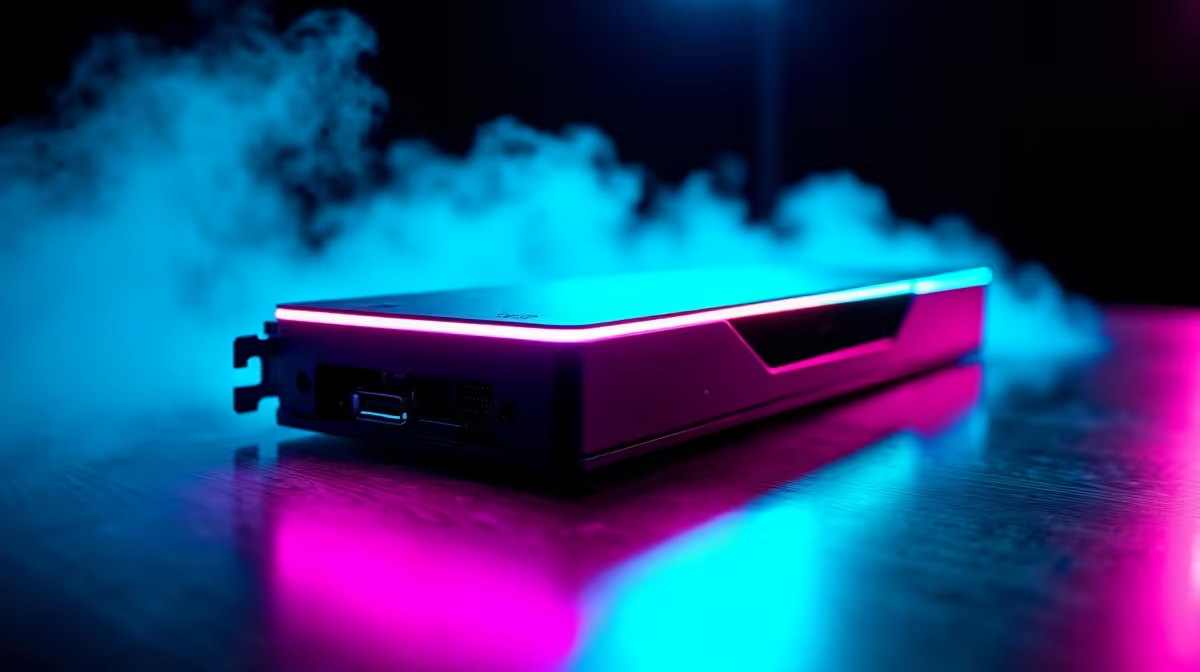
Why Consider an External GPU for Laptop Gaming?
If you’re a South African gamer who’s hit performance limits on a laptop, an external GPU can unlock new levels of graphics power without buying a whole new machine. 🚀 Whether you’re playing the latest AAA title or streaming content in high-quality, external GPUs let your laptop rival desktop rigs. This guide will break down everything you need to know about external GPU for laptop gaming—from setup tips to hardware choices—helping you boost your frame rates and keep cool under pressure.
How an External GPU Works and When It’s Worth It
An external GPU (eGPU) connects to your laptop via Thunderbolt 3 or 4 ports, giving you desktop-grade graphics horsepower. Instead of relying on the laptop’s built-in GPU, the eGPU processes gaming graphics externally, lifting performance with more VRAM and faster cores. This can turn a slim ultrabook into a pixel-pumping powerhouse.
Key Benefits of Using an External GPU
- Upgrade graphics without replacing your laptop
- Play games at higher resolutions and detail settings
- Improve VR experiences and video editing speeds
- Extend your laptop’s gaming lifespan
However, eGPUs work best on laptops with compatible ports and BIOS support. Many gaming laptops come equipped, but ultraportables might lack the bandwidth needed. Check your laptop model through resources like our notebooks for sale in South Africa to see which support external GPU setups.
Choosing the Right Graphics Card for Your External GPU Setup
Picking the right GPU depends on your budget and gaming goals. High-end cards from Nvidia and AMD deliver stellar 1440p or 4K performance, but they come at a premium. Mid-range cards can still run popular esports titles at ultra settings while fitting more comfortably in South African gamers’ budgets.
Exploring current graphics cards for sale can give insights on pricing and availability. Look for cards with at least 6GB of VRAM for smooth modern gaming and consider power draw to ensure your eGPU enclosure can handle it.
Pro Tip: Balance Your Setup
Choosing an external GPU that fits your main gaming genre can optimise value—for example, RTX 3060 for ray tracing lovers or AMD RX 6600 XT for solid 1080p esports performance.
Setting Up Your External GPU: What You Need to Know
Installing an eGPU isn’t just plug and play. You’ll need:
- A Thunderbolt 3 or 4 port on your laptop
- An eGPU enclosure (these house your desktop GPU and provide power)
- The right drivers and software to link your laptop with the graphics card
Once connected, configure your laptop to prioritise the external GPU for gaming. This usually means tweaking Windows display settings and updating GPU drivers. South African gamers benefit from fast fibre or broadband plans to streamline any online updates or multiplayer sessions alongside their beefed-up visuals.
For those thinking bigger or seeking alternatives, there are also best gaming PC deals in South Africa and pre-built gaming rigs that offer plug-and-play performance without the setup hassle.
Is an External GPU the Right Choice for You?
External GPUs add desktop-level graphics to laptops, extending their usability for gaming, streaming, and creative tasks. But the investment includes the cost of the eGPU enclosure, a compatible laptop, and the graphics card. South African gamers should weigh this against buying a new gaming laptop or desktop.
Occasionally, special promotions on GPUs and laptops can tip the scales. You can keep an eye on Evetech specials for deals on components and kits that make upgrading more affordable.
Call-to-Action Heading Ready to elevate your gaming with an external GPU or upgrade your gear? Power up your setup today and experience the thrills of high-performance gaming without compromise. Shop now at Evetech for performance that leaves lag in the dust.











