

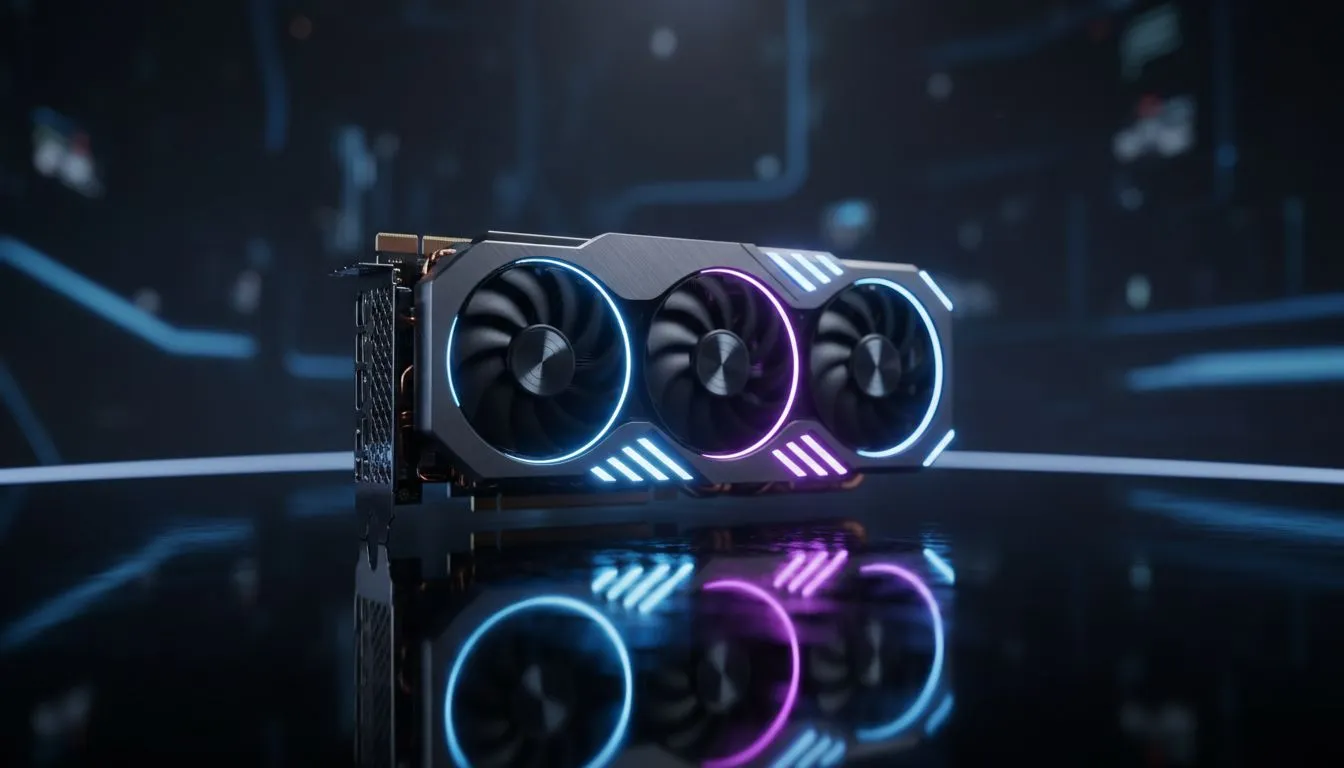
Why a flagship GPU still matters for South African gamers 🚀
Flagship Graphics Card South Africa: What to Look For — if you want silky high refresh rates at 1440p or smash settings in Cyberpunk, this guide is for you. South African gamers need performance and local availability. I’ll walk you through the spec checklist, local buying tips, and where to compare models on Evetech so you make a confident buy. ✨
Core specs to prioritise for flagship performance
Not all “top-tier” cards are equal. Focus first on VRAM, memory bus width, and CUDA/stream processor counts where relevant. For a quick browse of current GeForce options and model comparisons, check Evetech’s GeForce lineup — it’s a good place to see what SKUs are in stock and how they compare on paper: GeForce lineup on Evetech. Use these pages to confirm real-time availability before you commit.
Power, cooling and PSU headroom
Flagship cards draw more power and need case airflow. Factor in TDP and recommended PSU capacity. Many cards list a 650W or 750W recommendation; always check the vendor spec sheet. Evetech’s main graphics cards collection helps you cross-reference recommended PSU and connector requirements across brands: Full graphics cards collection. If your PSU is borderline, budget for a reputable upgrade in ZAR to avoid throttling.
Brand variants and aftermarket coolers
Manufacturers like MSI add custom cooling and factory overclocks which can matter for noise and sustained boost clocks. If you prefer quieter operation or stronger out‑of‑the‑box overclocks, inspect brand listings — for example, compare MSI models directly on Evetech here: MSI models. Different coolers can affect case compatibility and thermal performance.
Picking between GeForce and Radeon for flagship choices
Both camps offer flagship silicon with different strengths in ray tracing and raster throughput. See how Radeon cards are presented and priced locally before deciding: Radeon selections. If you lean into AMD, check driver maturity for your favourite titles and monitor Freesync compatibility.
Buying Smart in SA 🔧
When possible, buy from a local authorised retailer to speed up RMA and warranty support. Cross-check model numbers on Evetech and save product pages — they show exact SKUs, cooler types, and power requirements that you won’t want to guess.
Real-world checklist before checkout
- Confirm the exact SKU, not just the series name.
- Match physical card length to your case and check power connectors.
- Factor in local warranty service and shipping lead time.
- Compare performance reviews and in-game benchmarks for titles you play. These practical checks cut through marketing talk and protect your ZAR.
Final setup tips and optimisation
After install, update drivers from official vendors and use the card’s utility for fan curves. For monitoring, use a lightweight tool and validate temps under sustained loads. Small tweaks — like improving case airflow or enabling a mild power target increase — can deliver stable fps gains.
Ready to Find Your Perfect Match? The Mac vs Windows debate is complex, but for maximum power, choice, and value in South Africa, Windows is hard to beat. Explore our massive range of laptop specials and find the perfect machine to conquer your world.











