

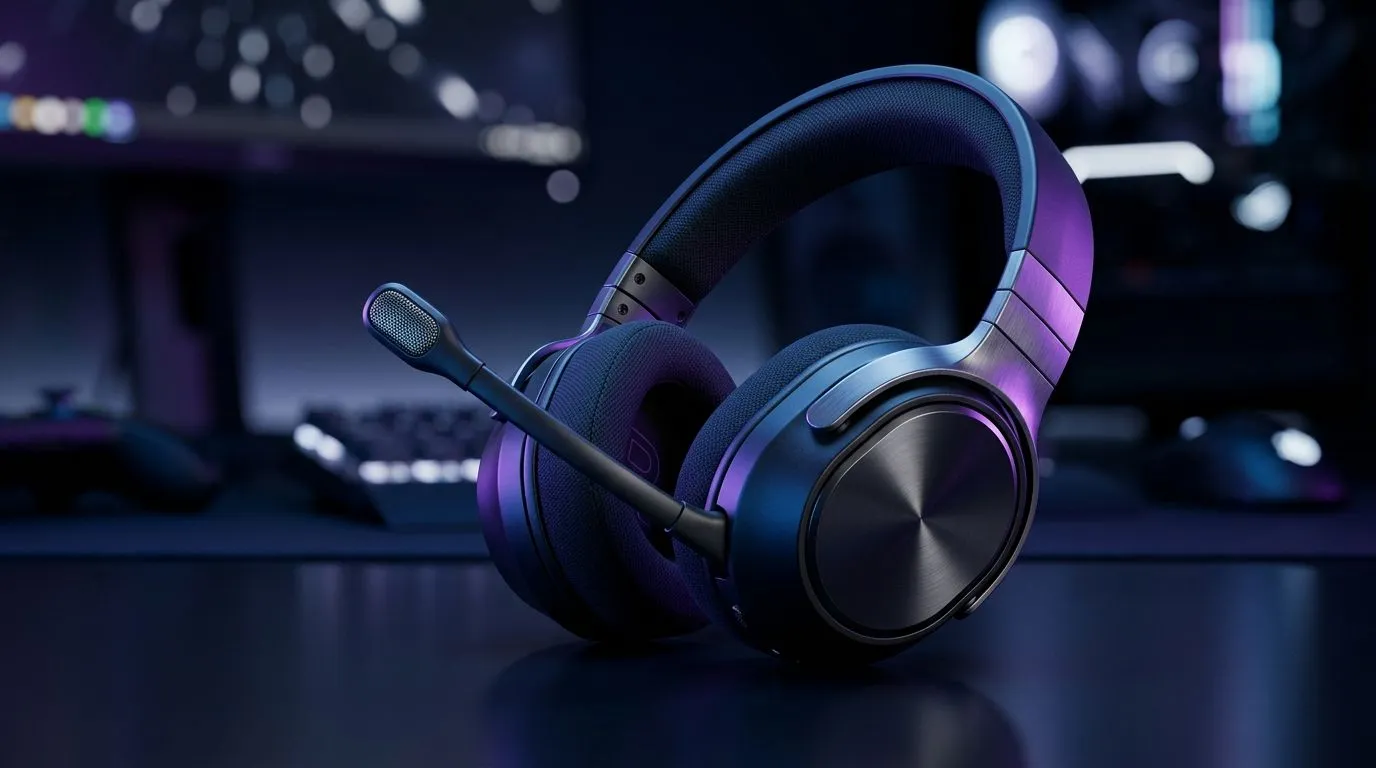
Flip-to-Mute Mic With AI Noise Reduction: what South African gamers really ask first 🎮
If your squad chat keeps getting drowned out by fans, street noise, or the neighbour’s mower… you’re not alone. In South Africa, we game on everything from fibre to patchy Wi‑Fi, and the mic experience is part of the “it just works” feeling. So when you see “flip-to-mute” paired with AI noise reduction, it’s fair to ask: does it actually help in game chat, or does it mangle your voice? Let’s break it down.
Flip-to-Mute Mic With AI Noise Reduction: how it works in real life 🔇
A flip-to-mute mic is usually a simple mechanical action: you flip the mic position (or tap a sensor) and it silences your audio. The big win? You can kill your mic fast without hunting for software controls.
AI noise reduction is different. It typically targets background sounds like keyboard clicks, air-conditioning hum, and some constant noises. In practice, it often improves clarity, but it can’t magically separate your voice from overlapping speech perfectly. If your party is talking over each other, AI can sometimes over-smooth, making speech sound slightly “processed”.
In competitive titles, clarity beats volume. Even a quiet voice can win comms if your team can understand the words.
Productivity Pro Tip ⚡
On Discord, test your voice settings in a private server with a friend. Record 10 seconds, then switch AI noise reduction on and off. If your voice sounds smaller or “hissy”, reduce mic gain or noise reduction strength (if available) instead of cranking volume.
Flip-to-Mute Mic With AI Noise Reduction: what to listen for in game chat ✨
Here’s what to check during a 2-round test:
- Plosives and sibilance: does “s” or “t” get harsh after noise reduction?
- Breath and pauses: does the AI fill silence too aggressively, making your speech feel unnatural?
- Room noise level: if your headset is picking up fans and TV audio, AI usually helps. If it’s picking up loud, intermittent noises, results vary.
- Team comprehension: ask one teammate to rank “understood quickly” on a 1–10 scale.
If you’re on the fence, treat it like any other audio tuning. One small adjustment can be better than chasing the strongest AI preset.
Flip-to-Mute Mic With AI Noise Reduction: is it good for game chat? ⚡
Generally, yes… for most players who deal with consistent background noise. The flip-to-mute function adds reliability, especially during quick pauses, squad strategising, or when you need instant silence.
But if your environment is chaotic (multiple voices, loud household sounds, neighbours constantly interrupting), AI noise reduction may not deliver the “studio” effect marketers promise. Your best bet is combining smart settings with good mic placement.
For a clean starting point, aim the mic towards your mouth, keep it roughly one fist-width away, and avoid speaking into the mic at an extreme angle. That helps the AI work with your voice, not against it.
Gear Review: practical headset shopping in Evetech’s range 🔧
If you want a solid baseline headset for comms (and the option to improve mic clarity), start by comparing models in Evetech’s headset selection. A good way to narrow it down is to focus on features that match your routine: quick mute, comfort for long sessions, and proven wireless stability.
Here are Evetech pages to browse:
- Check out the Razer Barracuda X Chroma Wireless for a value-oriented wireless option: Razer Barracuda X Chroma Wireless Headset (Phantom White)
- Browse more headset choices in the broader lineup: Razer headphones & headsets on Evetech
- Or scan the full headset category to compare fit and mic behaviour: Headphone headsets range
Want the shortest path to a better chat experience? Choose a headset that lets you mute instantly, then fine-tune noise reduction in your voice app.
Ready to Find Your Perfect Match? The Mac vs Windows debate is complex, but for maximum power, choice, and value in South Africa, Windows is hard to beat. Explore our massive range of laptop specials and find the perfect machine to conquer your world.











