

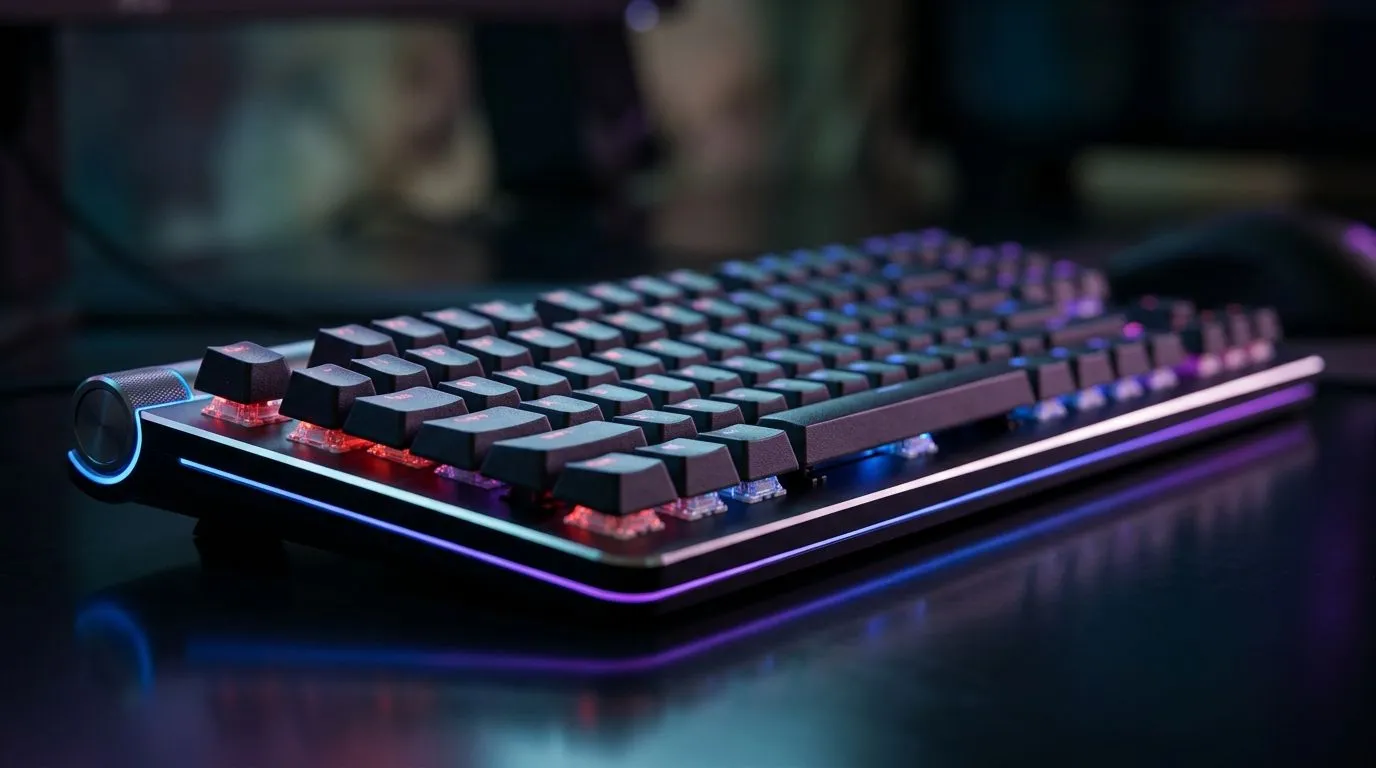
Gaming Keyboard Features That Matter Most Under R2,000: Start With What You’ll Actually Feel
Buying a gaming keyboard under R2,000 in South Africa isn’t just about looks. You want faster inputs, fewer annoying “double taps”, and comfort that doesn’t ruin your wrists after an hour. Maybe you’re upgrading from a basic office board, or you’re building a budget battlestation for ranked… and you still need it to feel great in-game. Let’s break down the features that matter most, so you spend smarter and game longer. ⚡🎮
Gaming Keyboard Features That Matter Most Under R2,000: The Non-Negotiables
1) Switch type and key feel (not just “RGB”)
Under R2,000, the biggest difference you’ll notice is key feel. Look for switches described as mechanical or “mechanical-feel” with clear key actuation specs. If a listing doesn’t explain the switch type, treat it as a gamble. In budget boards, consistent keypresses are more important than fancy effects.
2) Anti-ghosting and N-key rollover (KBDs love to lie)
For shooters and mobas, you need anti-ghosting so multiple keys register at once. Prioritise listings that clearly state anti-ghosting or N-key rollover. If you’ve ever tried to strafe + aim + jump and your keyboard “missed” one input… you already know why this matters. 🚀
3) Polling rate and response feel
A higher polling rate can reduce input lag, especially in fast games. While exact polling rates can vary by model, reputable product pages usually mention them. If it’s unclear, choose a keyboard that clearly states performance specs.
4) Connectivity: wired wins for consistency (most of the time)
Wireless is convenient, but wired is often more consistent for competitive play. If you’re unsure, start with wired for ranked nights, then consider wireless later. ✨
Productivity Pro Tip ⚡
If you stream or record while gaming, keep your keyboard on wired for stability, then use Windows’ built-in Focus Assist to reduce notification pop-ups mid-match. It helps your gameplay stay smooth and your recordings stay cleaner.
Gaming Keyboard Features That Matter Most Under R2,000: Wired vs Wireless, Explained Like a Local
When you’re chasing value under R2,000, connectivity is a practical decision. Wired keyboards tend to be the safest pick for consistent input, especially in lower-latency competitive sessions. Wireless can be great for couch gaming or a cleaner desk… but check battery life claims and whether the keyboard supports stable low-latency modes.
If you want to compare current deals first, browse these options:
- Start with curated pricing for gaming keyboard deals here: Best gaming keyboard deals
- Want a quick route to the cheapest picks? Use this: Buy the cheapest gaming keyboard in South Africa
For connectivity-specific choices:
- If you’re going wired, check: Cheapest gaming keyboards (Wired)
- If you prefer wireless, compare here: Cheapest gaming keyboards (Wireless)
And if you’re building a full budget setup and want fewer decisions:
- Consider a bundle like this keyboard + mouse combo: Buy keyboard and mouse combo
Gaming Keyboard Features That Matter Most Under R2,000: A Quick Buying Checklist (Before You Checkout)
Before you add to cart, scan the product page for these:
- Anti-ghosting or rollover (clear wording beats vague marketing)
- Mechanical or stated key switch type
- Connectivity option (wired for competitive consistency)
- Build quality (solid keycaps, stable chassis, not “flexy”)
- Warranty or clear return policy (peace of mind matters on budget buys)
One last thing… RGB is fun, but you should never buy RGB first. Buy control and comfort first, then let the lights be the bonus. After all, your fingers will judge the keyboard long before your eyes do. 🎮🔧
Ready to Find Your Perfect Match? The Mac vs Windows debate is complex, but for maximum power, choice, and value in South Africa, Windows is hard to beat. Explore our massive range of laptop specials and find the perfect machine to conquer your world.











