

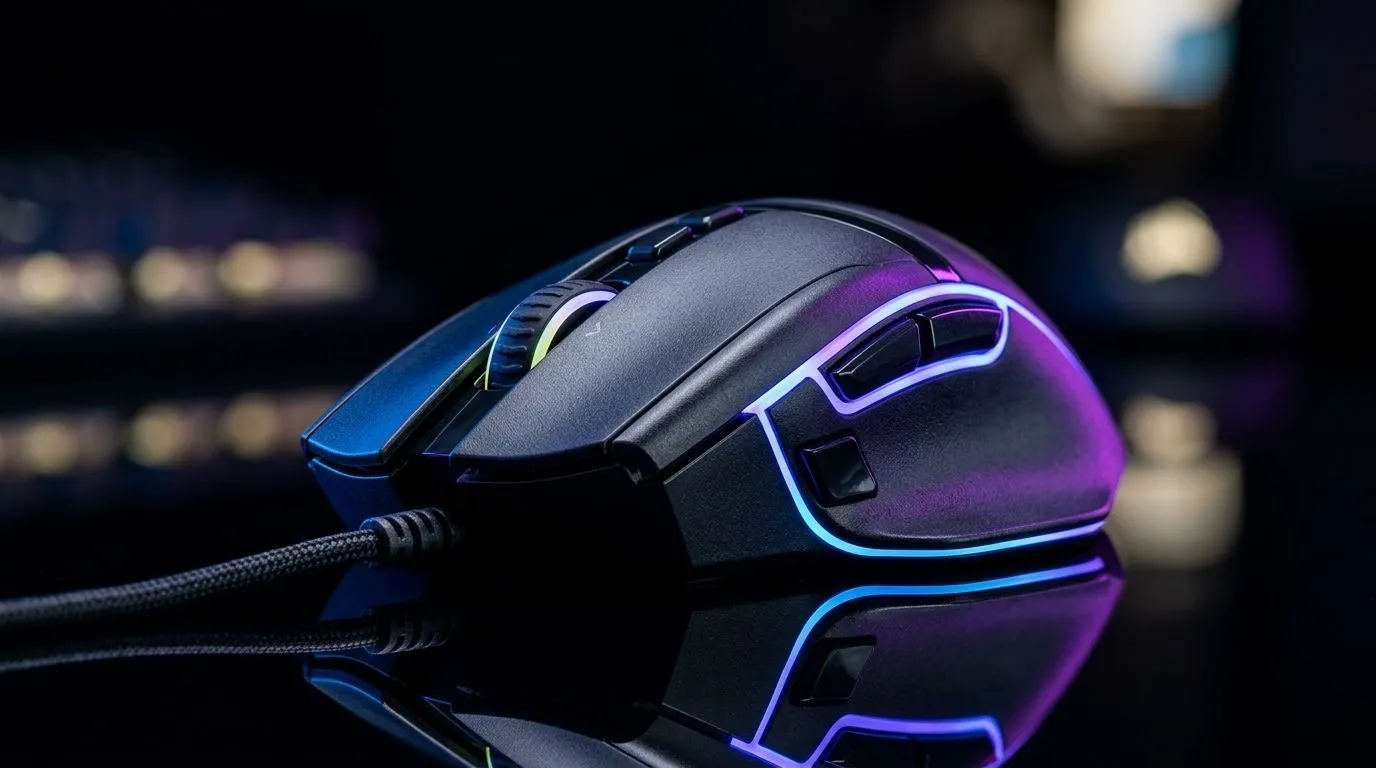
Gaming Mouse Features Under R2000 in South Africa: What Actually Matters 🎮
If you’re gaming in South Africa on a budget, a mouse upgrade can feel like a secret weapon… until you buy the wrong one. Under R2000, the “best” gaming mouse features aren’t about flashy marketing. They’re about comfort, sensor consistency, and buttons that won’t annoy you mid-match. Whether you’re on Counter-Strike 2, Fortnite, or Apex Legends, the right mouse helps you aim more confidently and react faster. Let’s break down the features worth your rand.
Comfort, sensor, and control: the under-R2000 essentials
A good sub-R2000 gaming mouse should feel stable in your hand and behave predictably on your desk. Start with grip style. If you’re palm gripping, look for a wider shape and a scroll wheel that’s easy to actuate. If you fingertip grip, you’ll usually want a slimmer body with less hump.
Next: sensor performance. Most reputable gaming sensors in this bracket aim for smooth tracking across common surfaces, with adjustable DPI so you can match your in-game sensitivity. While tracking specs vary by model, Evetech’s listings help you compare options by category, so you can narrow down your choices quickly. For a wide selection, browse their curated mouse range here:
DPI, polling rate, and why you should care
Polling rate (how often your mouse reports to your PC) affects responsiveness. Higher rates can reduce perceived lag, but the real win is consistency with your setup. If your PC and monitor can’t take advantage of it, you still benefit from a solid sensor and well-tuned firmware.
Wired vs wireless under R2000: choose the trade-off
Wireless has improved a lot, but budget wireless often means fewer compromises… and more charging habits. Wired still wins on “plug in and forget,” which matters when you just want to queue and game.
Here’s where the decision gets easier:
- If you play long sessions and hate downtime, start with wired options: Wired gaming mice
- If you want a cleaner desk and don’t mind occasional charging, check wireless models: Wireless gaming mice
My quick micro-story from the LAN era
Back in the day, I’d always bring the “reliable mouse” to tournaments. Not the prettiest one. Not the one with the most RGB. The one that didn’t act weird when the room lighting changed or the USB ports were stressed. Wireless can be awesome now… but wired still feels like certainty.
Buttons, scroll wheel, and software: the “feel” features
Real in-game benefits usually come from usable buttons and a scroll wheel that doesn’t skip. Under R2000, you’ll typically find:
- Side buttons for binds (grenade, abilities, weapon slots)
- A scroll wheel with reliable tactile steps
- Basic software for DPI profiles and lighting (where supported)
Evetech groups gaming mice by their spec focus, which makes it easier to compare without getting lost:
Productivity Pro Tip ⚡
Productivity Pro Tip ⚡
On Windows, use the PowerToys FancyZones utility to create custom snap layouts for your windows. It's a lifesaver for managing multiple apps on an ultrawide monitor, letting you organise your timeline, preview window, and asset folders perfectly for video editing.
Deals matter in South Africa… so start with value
Sometimes the “best feature list” isn’t the best buy. A mouse that’s usually R2499 might drop under R2000 for a weekend. That’s where you win twice: better performance and better comfort… for the same budget.
Before you commit, check current savings here:
Final checklist before you buy (under R2000)
Before checkout, look for:
- Comfort for your grip (palm vs claw vs fingertip)
- Adjustable DPI you can tune to your game
- Reliable side buttons that you can reach without re-positioning
- Clear wired vs wireless trade-off based on your playtime
- A price you’re happy with in ZAR, not just “on paper”
Ready to Find Your Perfect Match? The Mac vs Windows debate is complex, but for maximum power, choice, and value in South Africa, Windows is hard to beat. Explore our massive range of laptop specials and find the perfect machine to conquer your world.











