

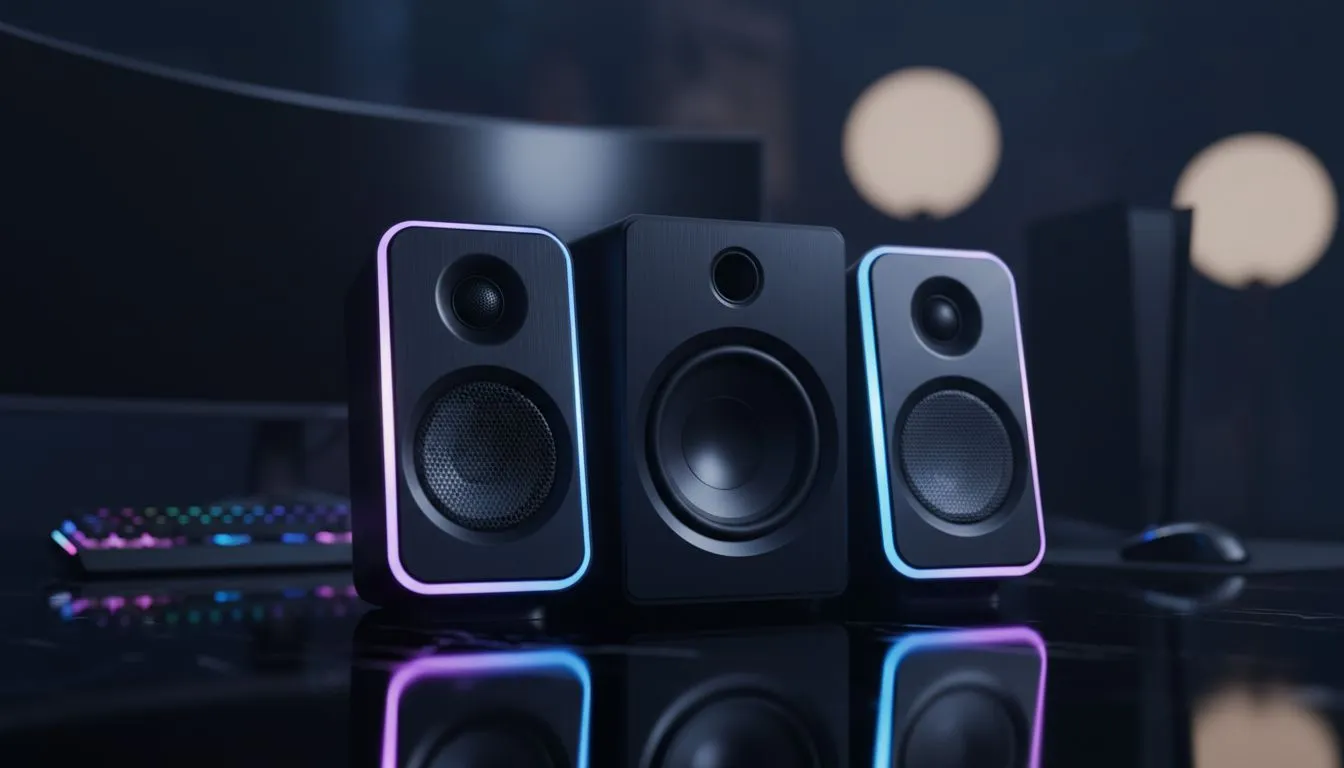
Ever lost a clutch round because you could not hear which way the flank was coming? We have all been there. A great gaming speaker setup: clear footsteps, big effects, low hassle is the dream for any local player. It is about spatial awareness and immersion without the "headset fatigue" that hits after a long session in the South African heat. Let us get your desk sounding like a pro arena.
Choosing the Right Configuration for Your Space
Deciding how many speakers you need depends on your desk real estate. If you are working with a compact setup in a flat, 2.0 speaker configurations are ideal. They provide crisp stereo imaging which is essential for tracking movement in titles like Counter-Strike 2.
For those who want to feel every grenade blast, 2.1 speaker setups include a dedicated subwoofer. This adds that deep, cinematic rumble to your room. It makes open-world adventures feel much more alive. Just be mindful of the neighbours if you are gaming late at night... that bass carries! ⚡
Wired Reliability vs Wireless Freedom
Cable management is often the bane of a clean aesthetic. For the most stable connection with zero lag, wired speakers remain the top choice for competitive play. You never have to worry about interference or battery levels during a heated match.
However, if you value a minimalist look, wireless speaker options have come a long way. Modern Bluetooth tech ensures your audio stays in sync with the action on screen. It is a great way to reduce the "cable spaghetti" behind your monitor. 🔧
Audio Positioning Tip ⚡
To get the best "soundstage," place your speakers at an equal distance from your ears, forming an equilateral triangle. Angle them slightly inward toward your sitting position. This simple adjustment ensures you hear exactly where those footsteps are coming from in your favourite FPS.
Finding Value in Local Favourites
South African gamers often look for gear that balances performance with a fair price in ZAR. Brands like Promate have gained popularity for delivering loud, clear audio without a massive price tag. Whether you are looking for RGB lighting to match your rig or a stealthy black finish, there is a wide range of speakers available to suit your specific style. 🚀
Investing in a proper gaming speaker setup: clear footsteps, big effects, low hassle means you can finally give your ears a break from heavy headphones. It turns your PC into a true entertainment hub for music, movies, and high-stakes gaming. ✨
Ready to Find Your Perfect Match? Elevate your audio experience and never miss a sound cue again. Whether you need a compact 2.0 set or a thumping 2.1 system, we have the best deals in South Africa. Explore our massive range of gaming speakers and find the perfect kit to complete your setup.











