

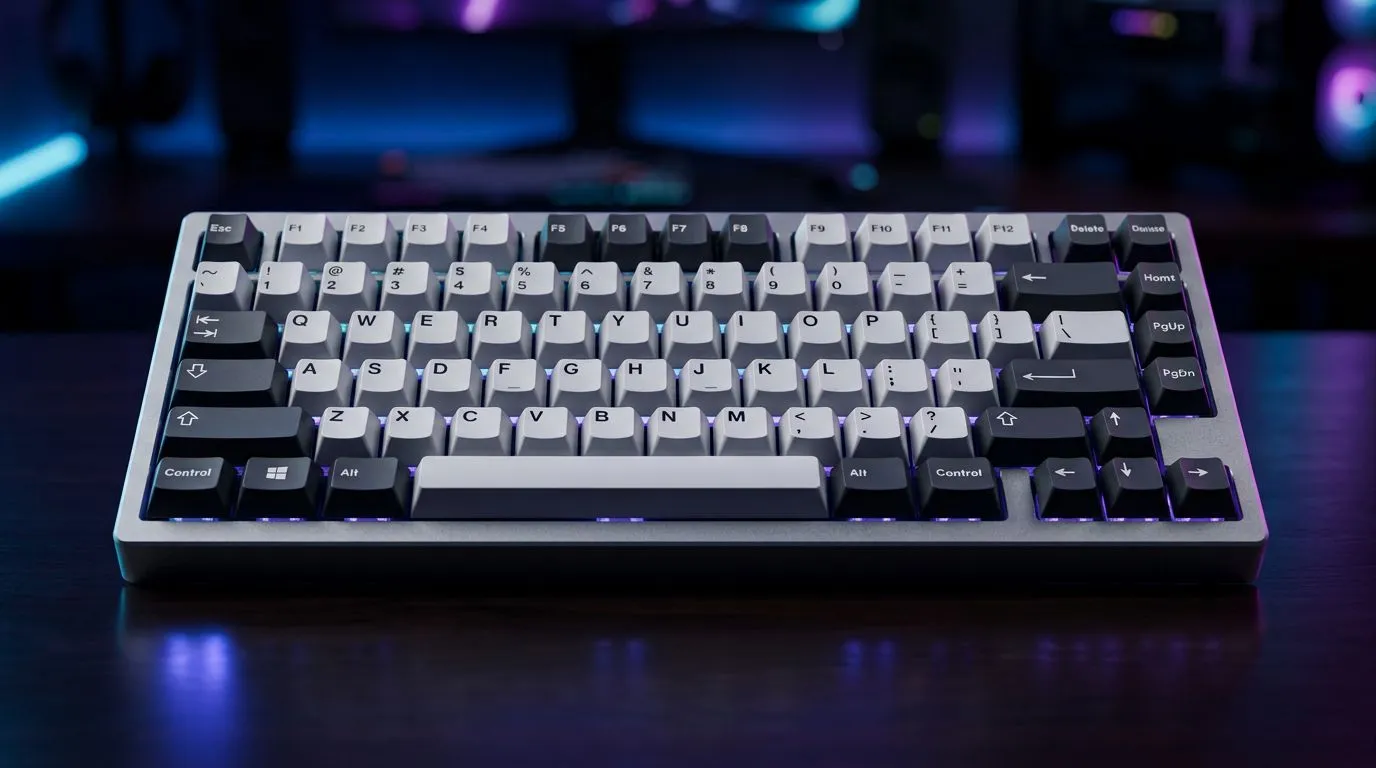
Gasket Mount Keyboard for Typing and Gaming Comfort: The “No Rattle” Feeling You Can Actually Hear
If you’ve ever cringed at a hollow “thock” turning into a rattly mess after a few months, you’re not alone. South African gamers and typists want the same thing… consistent key feel, less noise, and comfort that doesn’t mess with your wrists. A gasket mount keyboard aims for exactly that. ✨ It uses a flexible “seal” around the plate so switches move with less harsh vibration. Result? Smoother typing, calmer gaming sessions, and a setup that feels premium without begging for constant tinkering.
Why a Gasket Mount Keyboard for Typing and Gaming Comfort Feels Better Under Your Fingers
A gasket mount design typically suspends the keyboard’s plate using rubber or silicone dampers. Instead of the plate sitting rigidly on the case, it “floats” slightly. That design reduces how much force bounces back into the chassis, which is where a lot of that unpleasant ringing comes from.
The real differences: sound, flex, and fatigue
- Sound: less pinging and less “hollow rattle” compared to stiffer mounting layouts. 🔧
- Flex: a bit of controlled give when you bottom out, which many people describe as smoother.
- Comfort: steadier key travel can help you keep a consistent rhythm, especially during long ranked grinds or essay-level typing.
What to watch for: “Gasket mount” doesn’t automatically mean “good for everyone”. Switch choice (and stabilisers for larger keys) still matters. And if you’re buying on a budget, prioritise the whole package, not just the mount style.
What to Look for Before You Buy a Gasket Mount Keyboard for Typing and Gaming Comfort
Before you spend money, do a quick checklist. It’ll save you regret.
Switches first, mounting second
If you’re gaming, you’ll usually prefer switches with predictable actuation. For typing-heavy work, many people like a smoother, less fatiguing feel. If you’re unsure, filter by the connection type and layout options you’ll actually use.
Wired vs Wireless: pick based on your desk reality
In SA, desk setups vary a lot. Some players want zero-latency certainty and a stable connection. Others want fewer cables and a clean battlestation.
If you want to compare options quickly, Evetech has dedicated pages you can browse based on what you care about:
- Wired options: buy the cheapest gaming keyboard in South Africa (Wired)
- Wireless options: buy the cheapest gaming keyboard in South Africa (Wireless)
And if you’re still hunting for deals overall, start here: best gaming keyboard deals.
Layout and comfort checks (especially if you type a lot)
Look for:
- A layout that matches your habits (full-size vs TKL vs 60/65%).
- Keycaps that feel comfortable in your hand.
- Stable stabilisers on larger keys (Backspace, Enter, Space).
If you’re building a full setup instead of buying “just a keyboard”, consider pairing your keyboard with a mouse for better desk balance. Evetech has combo options here: buy a keyboard and mouse combo.
Productivity Pro Tip ⚡
Productivity Pro Tip ⚡
On Windows, use the PowerToys FancyZones utility to create custom snap layouts for your windows. It's a lifesaver for managing multiple apps on an ultrawide monitor, letting you organise your timeline, preview window, and asset folders perfectly for video editing.
A Quick South African Buyer Micro-Story: From “Nice” to “Finally Right”
One of the most common complaints I hear from friends who game and study is this: “It’s comfortable for a week… then it starts feeling harsher.” Often, the issue isn’t the keyboard’s existence. It’s the mismatch between mount behaviour, switch feel, and your typing rhythm.
With gasket mount designs, that mismatch can be easier to avoid because the board tends to behave more consistently. Less harsh vibration means fewer “fatigue spikes” during long sessions… especially when you’re switching between fast gaming moments and slower writing.
But let’s be real… you still need to choose the right model for you. If you want to compare broader keyboard options across price points, use this page to keep your shortlist tight: buy the cheapest gaming keyboard in South Africa.
Ready to Buy? Use This Comfort + Performance Checklist Before Checkout
Before you add anything to your cart, confirm these:
- Mount type: you’re specifically getting a gasket mount (not just marketing).
- Switches: pick based on typing comfort and gaming responsiveness.
- Connection type: wired for “set-and-forget”, wireless if cable clutter bothers you.
- Layout: ensure your desk habits match the size.
- Stabilisers: especially for the keys you hit the most.
If your goal is better typing and smoother gaming comfort, gasket mount keyboards are a smart direction. Then you just need the right deal and the right switches to make it feel “yours”.
Ready to Find Your Perfect Match? The Mac vs Windows debate is complex, but for maximum power, choice, and value in South Africa, Windows is hard to beat. Explore our massive range of laptop specials and find the perfect machine to conquer your world.











