

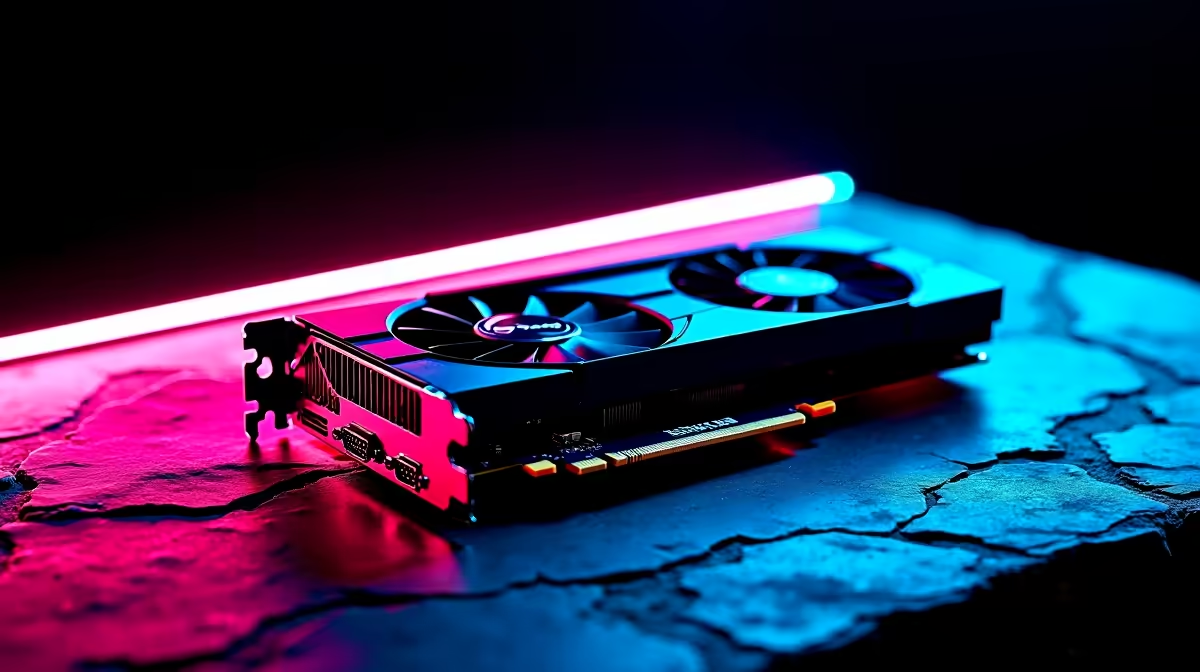
The wait for Vice City is almost over... and South African gamers are already gearing up. If you are packing an AMD Radeon RX 7800 XT, you are in a sweet spot for 1440p dominance. But how do you push Rockstar's next masterpiece to the limit without dropping frames during high-speed chases? Let us break down the ideal GTA 6 settings on RX 7800 XT for best performance.
Why the RX 7800 XT Shines in Vice City 🚀
Rockstar titles are notoriously demanding at launch. Fortunately, the RX 7800 XT boasts 16GB of GDDR6 VRAM. That is plenty of memory to handle ultra-high-resolution textures without breaking a sweat. If your current rig is struggling to keep up with modern demands, exploring the best gaming PC deals can give you the foundation you need.
Of course, you might just want a GPU upgrade. You can easily buy graphics cards online to breathe new life into your existing setup. Just ensure your power supply can comfortably handle the increased wattage.
Optimising GTA 6 Settings on RX 7800 XT for Best Performance
To hit that buttery smooth 60 FPS or higher, you need to balance eye candy with raw speed. Here is exactly how you should configure your graphics menu.
Resolution and Upscaling 🔧
Stick to 1440p. It offers incredible clarity while keeping your frame rates consistently high. Native 4K might push the GPU a bit too hard during intense police chases. You will also want to utilise AMD's FidelityFX Super Resolution. Setting FSR to 'Quality' mode renders the game at a slightly lower resolution and upscales it seamlessly. This trick alone can net you an extra 15 to 20 frames per second.
If you prefer a plug-and-play experience without tweaking hardware, exploring our pre-built PC deals is a brilliant shortcut to top-tier performance.
FSR 3 Frame Gen Tip ⚡
When tweaking GTA 6 settings on RX 7800 XT, always enable AMD Fluid Motion Frames. It artificially boosts your frame rate without heavily impacting visual fidelity... perfect for those chaotic online heists.
Textures, Shadows, and Ray Tracing ✨
Because you have 16GB of VRAM, you can safely crank Texture Quality to Ultra. The neon-lit streets and muddy swamps will look absolutely incredible. However, you should drop Volumetric Clouds and Shadows down to High. Ultra shadows often consume massive amounts of processing power for very little visual gain. Your eyes will barely notice the difference in the heat of a high-speed firefight.
Ray Tracing is beautiful but undeniably heavy. Keep Ray-Traced Reflections on Medium. This gives you gorgeous puddles and realistic car reflections without tanking your FPS below that crucial 60 FPS mark. Ambient Occlusion should sit at High to give alleys and buildings realistic depth.
Building a new setup from scratch? Keep a close eye on our latest tech specials to save thousands of ZAR on premium components. And if you are a gamer who travels often, do not stress. We have a massive range of high-performance gaming laptops for sale in South Africa to keep you connected to the criminal underworld anywhere.
Dialling in the right settings is all about smart compromises. Prioritise textures and upscaling... and leave the ultra-shadows behind.
Ready to Rule Vice City? The streets of Leonida demand serious hardware. Whether you are upgrading your GPU or buying a whole new rig, Evetech has the power you need at prices you will love. Explore our massive range of gaming specials and find the perfect machine to conquer your world.











