

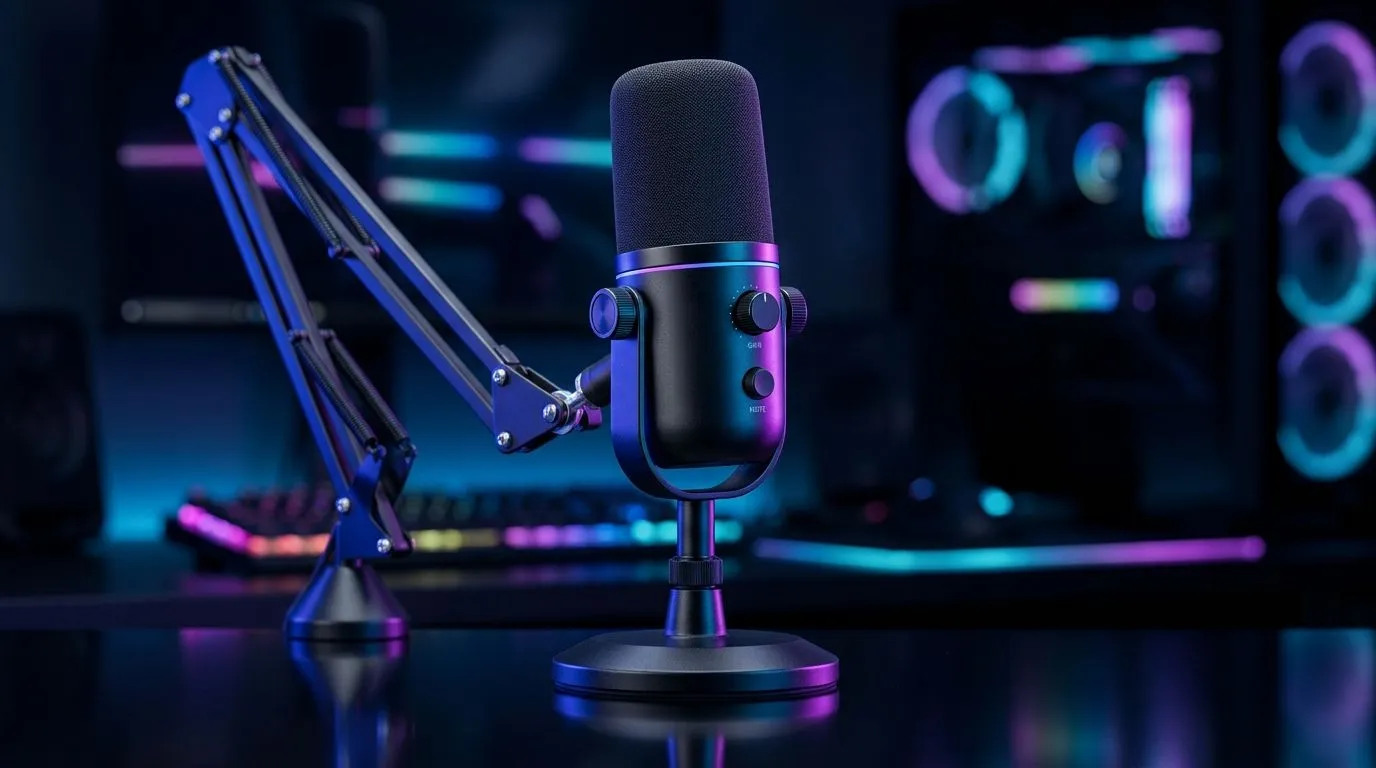
High-Sensitivity Adjustable Mic for Competitive Voice Chat: Is It Enough?
South African gamers don’t just fight in-game… we talk. Ranked comms, party strategy, and last-second callouts all hinge on one thing: your mic. If your headset has a high-sensitivity, adjustable boom, you might assume you’re set. But is it actually enough for competitive voice chat when traffic noise, fans, and teammates pile in?
Let’s break down what “high-sensitivity adjustable mic” really means, what to test at home, and when it’s still not the full solution. 🎧✨
High-Sensitivity Adjustable Mic for Competitive Voice Chat: What “High Sensitivity” Means in Practice
High-sensitivity mics pick up quieter sounds more easily. That helps when you speak softly or your character volume is lower. The trade-off? They also capture background noise more readily. Fans, keyboard clicks, AC units, and street noise through a window can become “background noise” on Discord… then your teammates start muting you.
In competitive games, clarity beats loudness. You want your voice to sit above noise, with minimal clipping when you get excited and speed up your speech. 🚀
High sensitivity + adjustable = better control, not guaranteed perfection
An adjustable boom helps you place the mic closer to your mouth and reduce spill from behind you. But placement matters more than marketing. A mic that’s too far back will sound thin. Too close (or angled badly) can cause plosives like “P” and “B” to pop.
High-Sensitivity Adjustable Mic for Competitive Voice Chat: Quick Setup Tests at Home
Before you blame your headset, run a 2-minute reality check:
- Sit in your normal gaming position.
- Record yourself on your phone app for 10 seconds.
- In Discord, do a quick mic test while your PC is under normal load.
Listen for these signals:
- Clipping during loud moments (your mic is too hot).
- Hiss or constant room noise (sensitivity too high).
- Echo (bad positioning or speaker bleed).
Comms Setup Pro Tip ⚡
On Windows, open Sound settings and set your headset mic input level to a sensible baseline, then test “Listen to this device.” If you hear background noise strongly, lower mic gain rather than shouting. Pair that with a boom mic closer to your mouth and slightly angled down to reduce room pickup.
High-Sensitivity Adjustable Mic for Competitive Voice Chat: Compare the Real-World Headset Options
When you’re shopping in South Africa, the best move is to compare headsets by how their mic system is designed for voice clarity and comfort during long sessions.
If you’re considering a wired/wireless headset with a boom mic that’s built for team play, check options like the Razer Barracuda X Chroma Wireless Headset (Phantom White) here: Explore the Razer Barracuda X Chroma Wireless Headset at Evetech
Want more direction on mic + headset features in general? Start broader with Evetech’s curated category listings: Browse Razer headphones and headsets at Evetech
And if you’re still narrowing your shortlist, compare different headset styles (over-ear, closed-back, boom positioning) from this selection: Shop headphone headsets at Evetech
High-Sensitivity Adjustable Mic for Competitive Voice Chat: When It’s Not Enough
Even the best mic can lose to your room. If your setup has loud fans, echo-y walls, or you play with speakers blasting, “high sensitivity” will faithfully pick all of that up. In competitive terms, you might need:
- mic gain adjustment (don’t chase max sensitivity),
- better positioning (closer and angled),
- background noise control (fan curves or minor desk absorption),
- or a headset designed specifically for clean voice pickup.
So, is it enough? For many players, yes... if you tune it and set it up properly. For others, the room and settings matter more than the headline spec. 🔧
Ready to Find Your Perfect Match? The Mac vs Windows debate is complex, but for maximum power, choice, and value in South Africa, Windows is hard to beat. Explore our massive range of laptop specials and find the perfect machine to conquer your world.











