

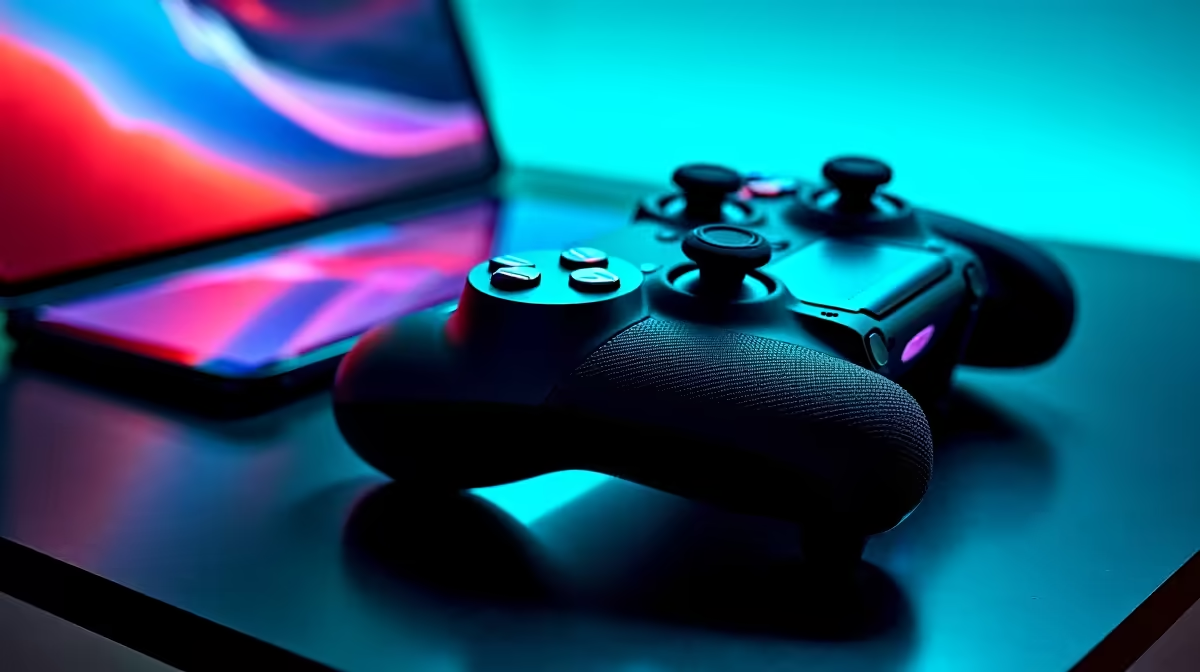
The iPad has quietly become one of the most capable portable gaming platforms available in South Africa, punching well above its weight thanks to Apple's M-series chips and a growing library of console-quality titles. Whether you're gaming on a commute, in res, or at home, pairing your iPad with the right controller transforms it from a touchscreen device into a full gaming machine. This guide covers the best games to play and how to set up a controller for the ultimate iPad gaming experience.
Quick Answer
The best iPad gaming setup combines a Bluetooth controller (PlayStation DualSense or Xbox Wireless Controller both work natively) with premium titles like Resident Evil Village, Genshin Impact, and Dead Cells. Enable controller support in iOS Settings, connect via Bluetooth, and you're ready to play.
Best Games for iPad Gaming in 2026 🎮
The App Store has matured significantly, and several titles stand shoulder to shoulder with console releases. Resident Evil Village and Resident Evil 4 Remake run at impressive frame rates on M2/M4 iPad Pro models, offering full console-quality survival horror. Genshin Impact remains a must-play free-to-play RPG with cross-save support, meaning your PC progress carries over. Dead Cells and Hades are outstanding roguelikes that feel purpose-built for the platform. For racing fans, Grid Legends and Asphalt Legends Unite deliver excellent controller support.
For SA gamers watching data costs, many of these titles are fully offline after the initial download - no ongoing data drain.
Controller Setup: What Works on iPad 💡
Apple's MFi (Made for iPhone) ecosystem has expanded dramatically. The PlayStation DualSense and Xbox Wireless Controller both connect via Bluetooth with full button mapping support in iOS. To pair: go to Settings → Bluetooth, put your controller in pairing mode, and select it from the list. No apps or drivers needed.
Once connected, most games auto-detect the controller and display the correct button prompts. For games that don't, head to Settings → General → Game Controllers to configure button remapping system-wide. Third-party options like the Backbone One (Lightning or USB-C) clip directly onto your iPad Mini and provide a handheld console feel - a popular choice among SA gamers who travel.
For the best experience, play on iPad Pro or iPad Air models. The M2 and M4 chips handle demanding titles like Resident Evil Village at sustained frame rates without thermal throttling, even during extended sessions.
Optimising Your iPad Gaming Setup ⚡
Display settings matter more than most players realise. Enable ProMotion (120Hz) on compatible models via Settings → Accessibility → Motion - this dramatically smooths controller input. Reduce notification interruptions by enabling Focus Mode during gaming sessions.
Audio is another often-overlooked upgrade. The iPad's quad-speaker array is excellent, but a good gaming headset elevates immersion. Any USB-C or Bluetooth headset works - check the headset range at Evetech for options that pair seamlessly with Apple devices.
For competitive multiplayer titles, a Wi-Fi connection is strongly recommended over cellular. If you're playing on a hotspot, 5GHz bands reduce latency noticeably. A portable UPS or power bank keeps your gaming sessions going during long stretches away from a plug point.
Frequently Asked Questions ❓
Q: Does the PlayStation DualSense work with iPad without any adapters? A: Yes, the DualSense connects via Bluetooth directly to any iPad running iPadOS 14.5 or later. Haptic feedback and adaptive triggers are partially supported depending on the game.
Q: Which iPad model is best for gaming in SA in 2026? A: The iPad Air (M2) offers the best value for gaming - it handles all current App Store titles, supports 120Hz via ProMotion on the M3 variant, and is more affordable than the iPad Pro. The iPad Pro M4 is the top performer but carries a premium price.
Q: Can I play iPad games on a TV or external monitor? A: Yes. Use a USB-C to HDMI adapter or Apple TV AirPlay to mirror gameplay to a larger screen. Many games support extended display with independent touch controls on the iPad itself.
Q: Are there multiplayer iPad games with South African player bases? A: Genshin Impact, Call of Duty Mobile, and FIFA Mobile all have active SA communities. Servers are typically routed through Europe, so latency is manageable but not as low as PC gaming on dedicated SA servers.
Evetech stocks Graphics Card Deals and Evetech Best Sellers — shop online with fast delivery across South Africa.
Ready to Find Your Perfect Match? Explore relevant Evetech options, compare current South African pricing, and choose hardware that fits your setup. Shop now











