

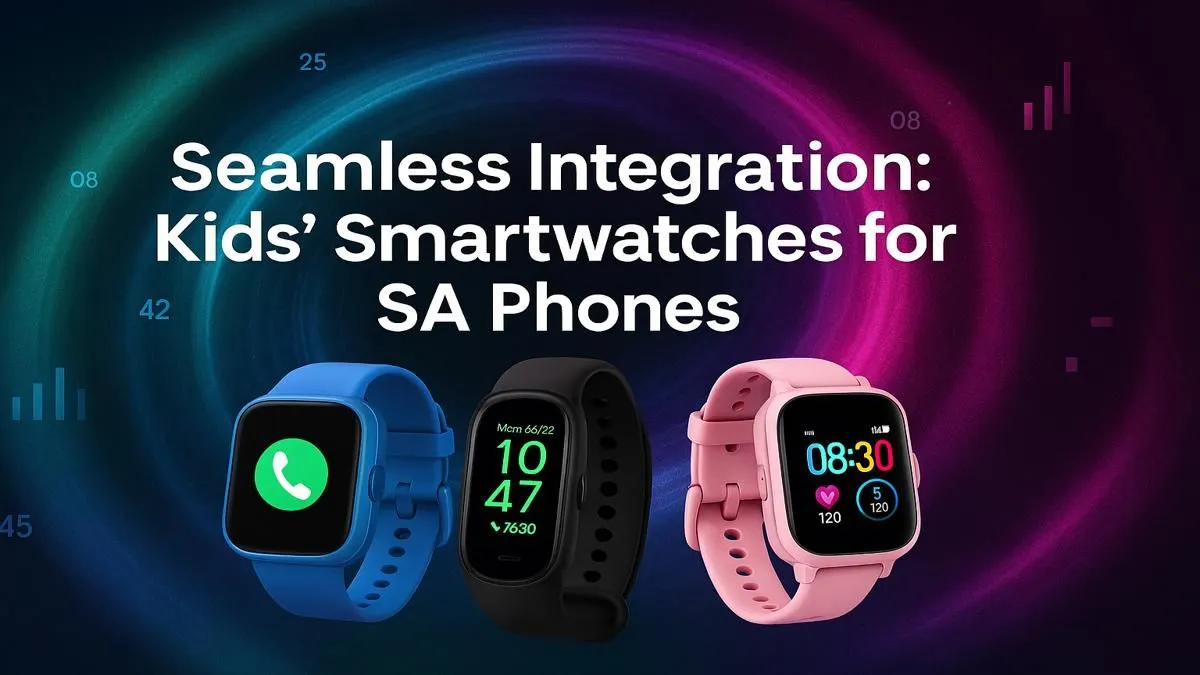
So, you’ve bought your child their first smartwatch. Excitement is high! But then… eish. It won’t connect to your phone. Suddenly, that cool piece of tech is just a fancy bracelet. This frustration is common, but easily avoided. Getting the compatibility right is the most important step when choosing a kids smartwatch in South Africa, ensuring it works seamlessly with your family’s devices from day one. Let's dive into what you need to know. ⌚️
Why Compatibility is Key for a Kids Smartwatch
A smartwatch for kids is more than a gadget; it’s a communication and safety tool for parents. Features like GPS tracking, two-way calling, and SOS alerts all depend on a stable connection to a parent's smartphone via a dedicated app. If the watch and phone can't talk to each other, you lose all that peace of mind. That’s why checking compatibility before you buy is non-negotiable, and it’s simpler than you think.
Most issues arise from mismatched operating systems or outdated software. Ensuring the device you choose is a good fit for your phone is the secret to unlocking its full potential. You can browse our wide selection of smart watches to see the specific requirements listed on each product page.
The Big Two: Android vs. iOS
The first and most crucial check is the operating system (OS). Does your family use iPhones (iOS) or Android devices like Samsung, Huawei, or Xiaomi?
While most modern kids' smartwatches are designed to be cross-compatible, some are optimised for one ecosystem over the other. Always check the fine print on the product page. It will typically specify the minimum OS version required, for example, "Supports Android 8.0 and up" or "Requires iOS 12.0 or later." If your phone is running an older version, you might need to update it before the watch will connect properly.
Many find that versatile and affordable options from brands like Promate offer excellent compatibility across both major platforms, making them a safe bet for most South African families.
Beyond the OS: Other Factors to Check
Got the OS sorted? Great! Here are a few other technical details to confirm for a smooth setup.
The Companion App
Every kids smartwatch is managed through a companion app on the parent's phone. This app is your control centre for adding contacts, setting up safe zones (geofencing), and tracking location. Before you buy the watch, search for its companion app on the Google Play Store or Apple App Store. Read the recent reviews—are other parents finding it stable and easy to use? A great watch with a buggy app is a recipe for headaches.
Bluetooth Version
Bluetooth is the wireless technology that tethers the watch to your phone. For the most stable connection and better battery life, you'll want the watch and your phone to have similar Bluetooth versions (e.g., Bluetooth 5.0). While they are backwards-compatible, pairing a brand-new watch with a very old phone might lead to connection drops.
Geofencing Pro Tip 🗺️
Once your watch is connected, use the companion app to set up a 'Safe Zone' or geofence around your home, school, or a family member's house. The app will then send you an instant notification on your phone the moment your child enters or leaves that predefined area. It's one of the most powerful safety features a kids smartwatch offers.
Your Pre-Purchase Checklist ✅
Feeling more confident? Before you click "Add to Cart" on that perfect kids smartwatch in South Africa, run through this quick checklist:
- What phone do I have? Confirm if it's Android or iOS and check the specific OS version in your phone's settings.
- Does the watch support my phone? Double-check the product description for the required OS versions.
- What features are essential? If GPS is your top priority, ensure the watch and its app are well-reviewed for location accuracy.
- What's my budget? You don't need to break the bank for great features. You can find some fantastic entry-level watches under R1000 that tick all the essential boxes.
By taking a few minutes to verify these details, you'll ensure your new purchase brings joy and peace of mind... not technical trouble.
Ready to Find a Watch That Just Works? Choosing the right kids smartwatch in South Africa doesn't have to be a headache. Armed with this guide, you can shop with confidence. Explore our curated range of smart watches and find the perfect, compatible tech for your little one.











