

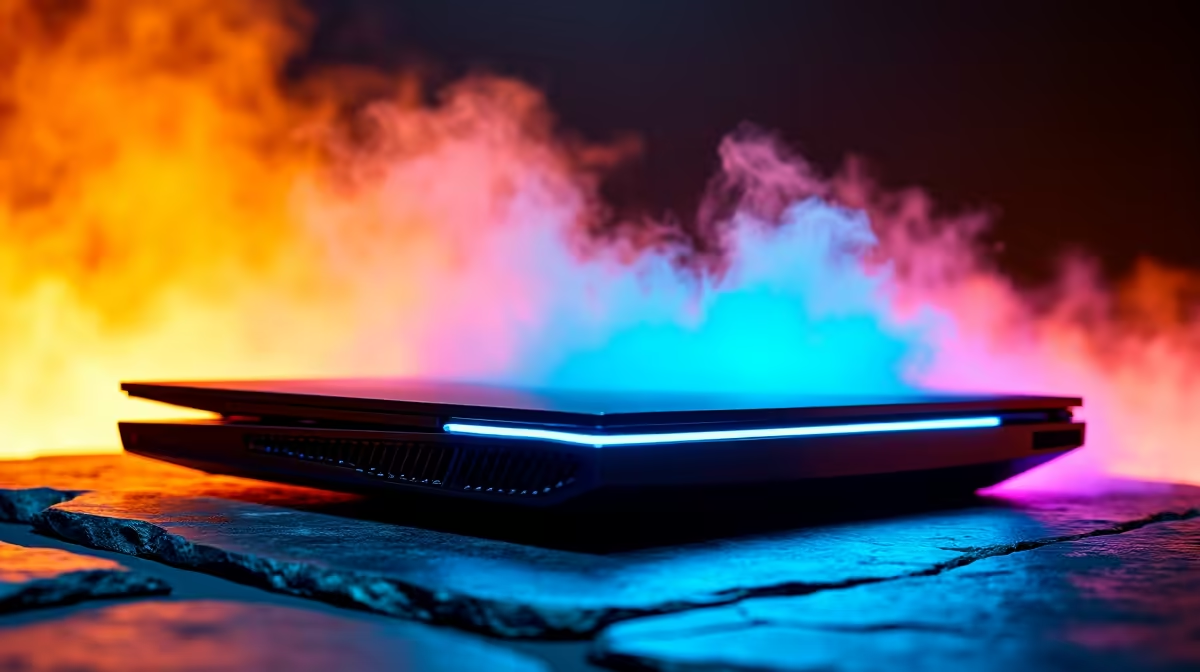
You are in the final circle of Warzone. Your ping is perfect... but suddenly, your frames drop to a stuttering mess. Sound familiar? In the heat of a South African summer, laptop gaming throttling is the ultimate enemy. When your system gets too hot, it slows down to protect itself. Let us look at exactly how to prevent laptop gaming throttling and keep your frames consistently high.
Why Laptop Gaming Throttling Happens
Modern portable machines pack incredible power into tiny chassis. But when you push heavy titles, that hardware generates serious heat. If the internal fans can't expel the hot air fast enough, the CPU and GPU automatically reduce their clock speeds. This survival mechanism stops your silicon from melting... but it ruins your gameplay with massive lag spikes.
Over a few years, the factory thermal paste also degrades, making heat transfer far less efficient. If your current rig is constantly overheating despite your best efforts, it might be time to browse the latest laptops and notebooks for sale in South Africa. Newer models feature vastly improved cooling solutions, including liquid metal applications and custom vapour chambers.
Quick Fixes to Prevent Laptop Gaming Throttling 🔧
You don't need to spend thousands of ZAR to see an immediate improvement. Start with the basics. Elevate the back of your machine to improve airflow. A flat wooden desk traps heat, so giving the bottom intakes some breathing room works wonders. You should also check out our weekly tech specials for a good quality cooling pad. A decent pad forces fresh air directly into your system's vents.
Next, clean your fans. Dust build-up is a silent killer for portable rigs. Grab a can of compressed air and carefully blow out the vents every few months to keep the airways clear. For advanced users, undervolting your processor is a brilliant strategy. This process reduces the voltage supplied to the CPU, lowering temperatures without sacrificing performance.
Cooling Pro Tip ⚡
Do not forget to optimise your software settings. Capping your frame rate in the game menu stops your GPU from working harder than necessary. If your screen is 60Hz, pushing 120 frames only generates extra heat with no visual benefit.
When to Upgrade Your Setup 🚀
Sometimes, the physical limits of a mobile chassis are just too restrictive. If you are tired of fighting temperatures, moving to a larger form factor is the ultimate solution. Desktops offer massive cases with superior airflow. You can explore some amazing gaming PC deals that will run ice-cold even during intense marathon sessions.
If you want something ready to plug and play right out of the box, a pre-built desktop PC removes the hassle of building it yourself. The spacious interiors allow for massive heat sinks and multiple case fans. Plus, you get the freedom to easily upgrade individual parts later. If you want to push 4K graphics without breaking a sweat, you can simply buy a new graphics card and slot it right in... something you simply can't do with a standard notebook.
Beating the heat means better performance, longer component lifespans, and more victories. Take care of your hardware, and it will take care of your rank.
Ready to Find Your Perfect Match? The laptop vs desktop debate is complex, but for maximum power, choice, and value in South Africa, Evetech is hard to beat. Explore our massive range of laptop specials and find the perfect machine to conquer your world.











