

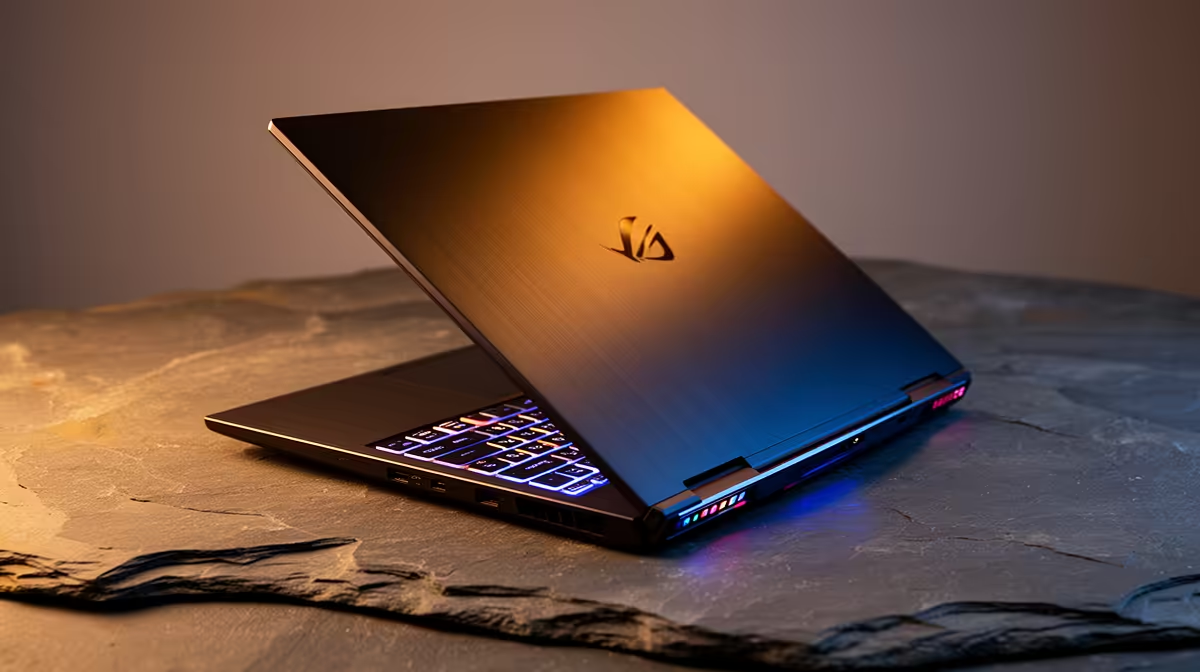
Getting accepted into the School of Computer Science and Applied Mathematics at Wits for 2026 is a massive achievement. Now comes the next big test... finding a machine that survives four years of intensive coding, data structures, and late-night debugging. You do not want to be stuck compiling code on a potato while your classmates are already grabbing coffee at the Matrix. Let us break down exactly what you need.
Navigating Laptop Requirements for Computer Science at Wits 2026
University workloads demand absolute reliability. You are going to run complex Integrated Development Environments (IDEs) like Visual Studio, local SQL databases, and multiple virtual machines simultaneously. A basic web-browsing device simply will not cut it. You need a solid processor and plenty of memory to keep up with the rigorous curriculum. When browsing notebooks for sale in South Africa, you must prioritise processing power and battery life over flashy aesthetics.
The Ultimate Minimum Specs Guide 💻
Let us talk numbers. For a smooth degree experience, you should aim for at least an Intel Core i5 or AMD Ryzen 5 processor. Pair that with 16GB of RAM. While 8GB might survive your first-year Python scripts... by the time you hit advanced C++ algorithms and operating systems modules, your system will choke.
Storage speed is equally vital. A 512GB NVMe SSD is the absolute baseline. Fast storage means your system boots up in seconds, and your IDEs launch instantly. Wits also heavily relies on Linux environments for many modules. You will likely need to dual-boot Ubuntu or run Windows Subsystem for Linux (WSL). This requires extra drive space, making a 1TB SSD a smart upgrade if your ZAR budget allows it.
Some students prefer to do their heavy lifting at home rather than on campus. If you want a dedicated desktop setup for your digs, checking out the best gaming PC deals gives you incredible compiling power... plus a great way to unwind with friends after exams.
Student Budget Pro Tip ⚡
Don't forget that Wits provides access to computer labs for really heavy computational tasks. Invest the bulk of your ZAR into a laptop with a comfortable keyboard and excellent battery life, as load-shedding is always a looming threat during crucial assignment seasons.
Do You Need Dedicated Graphics? 🚀
Strictly speaking, core computer science modules do not require a heavy GPU. However, if you plan on taking electives in game design, machine learning, or 3D rendering, a dedicated graphics card becomes essential.
For desktop users, you can always upgrade your rig later by looking to buy graphics cards as your coursework gets more demanding. Laptops, on the other hand, are locked in from day one. If you are setting up a permanent study station at home, exploring pre-built PC deals is a highly cost-effective move for future-proofing your AI and deep learning projects.
Balancing Performance and Portability 🎓
You will be lugging this device across the Wits East Campus every single day. A massive 17-inch behemoth might sound great for screen real estate... but your back will definitely disagree after the long walk from Senate House. Aim for a 14-inch or 15.6-inch form factor. These sizes offer the perfect middle ground between a comfortable coding view and easy backpack portability. A Full HD display is also mandatory to prevent eye strain when reading hundreds of lines of code.
University is expensive enough without overpaying for tech. Keep a close eye on our specials to score high-performance gear at prices that leave enough ZAR in your bank account for your textbooks, transport, and campus lunches.
Ready to Find Your Perfect Match? The Mac vs Windows debate is complex, but for maximum power, choice, and value in South Africa, Windows is hard to beat. Explore our massive range of laptop specials and find the perfect machine to conquer your world.











