

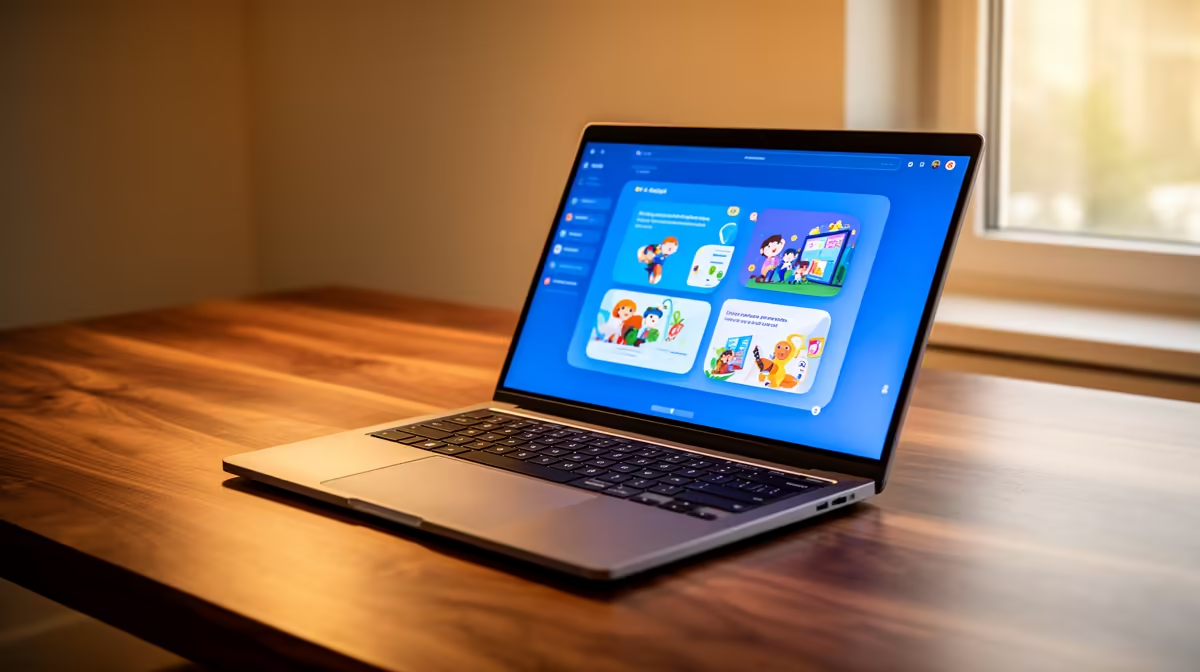
Essential Laptop Requirements for Education at DUT 2026 🔧
Heading to Durban University of Technology in 2026? Having the right laptop can make or break your study success. Whether you’re tackling CAD drawings in engineering or writing lengthy essays for humanities, knowing the ideal laptop specifications helps you avoid tech headaches. This guide breaks down the minimum laptop requirements for education at DUT 2026, making sure your investment lasts through intense study sessions without a hitch.
Minimum Laptop Specifications for DUT Students 2026
Processor & RAM: The Core of Smooth Performance ⚡
DUT courses vary, but a fast processor is essential. At minimum, opt for an Intel Core i5 or AMD Ryzen 5 processor to handle everyday tasks plus specialised software. Aim for at least 8GB of RAM to switch quickly between research tabs, Word docs, and virtual lectures.
Students in design or software development should consider 16GB RAM—your laptop will thank you during heavier multitasking. Check Evetech's notebooks selection for a variety of available models tailored to fit your budget and study needs.
Storage: Fast, Spacious, Reliable 🚀
SSD storage beats traditional HDDs for load times and durability. A minimum of 256GB SSD ensures your system boots quickly and saves assignments safely. If you work with larger files or software like AutoCAD, 512GB SSD or higher is advisable. External drives or cloud backups help, but reliable internal storage is key.
Display and Battery Life: Seeing Clearly, Lasting Long
A clear display reduces eye strain during study marathons. A 14- to 15.6-inch screen with Full HD (1080p) resolution will give crisp visuals and bright colours for diagrams, presentations, and videos. Battery life of at least 6 hours matters for campus days where power outlets aren’t guaranteed.
Graphics and Connectivity: More Than Just Basics
Integrated vs Dedicated Graphics Cards 🔥
Most study tasks run fine on integrated graphics, but dedicated GPUs shine if your course needs rendering or 3D modelling. For creative and tech-heavy DUT programmes, consider laptops with entry-level graphics cards, or browse graphics cards at Evetech if upgrading a desktop.
Connectivity & Ports
Strong Wi-Fi 5 or Wi-Fi 6 support is non-negotiable for smooth online classes. USB-C, HDMI, and multiple USB ports ease connecting to projectors or additional monitors. These features boost productivity, especially during group work or presentations.
Maximise Your Laptop’s Life Cycle
Regular software updates and cleaning vents improve performance and prevent overheating. Carry a lightweight laptop sleeve to protect your investment on campus.
Balancing Budget and Power: What to Choose?
Balancing affordability and power can be tricky. Consider customised PCs if you also game or stream on the side; check Evetech pre-built PC deals for options that fit both study and leisure. For those who’d prefer a focus strictly on learning, laptops with solid specs under R15,000 deliver reliability without overspending.
Be sure to explore Evetech’s current specials to find deals that give you the best value.
Summary: What Makes the Ideal DUT Laptop in 2026?
- Intel i5/Ryzen 5 or better processor
- Minimum 8GB RAM (16GB for heavy users)
- SSD storage of 256GB+
- Full HD 14-15.6” display
- 6+ hours battery life
- Wi-Fi 5/6 and versatile port selection
Finding your perfect DUT study companion shouldn’t feel overwhelming. With these specs in mind, your laptop will serve well throughout your course and beyond.
For high-performance gaming options alongside study, check out Evetech’s best gaming PC deals — who says education can’t come with some fun?
Get the Right Laptop for DUT 2026 Ready to power through your studies with reliable gear? Shop now at Evetech for laptops that meet every student’s needs and budget.











