

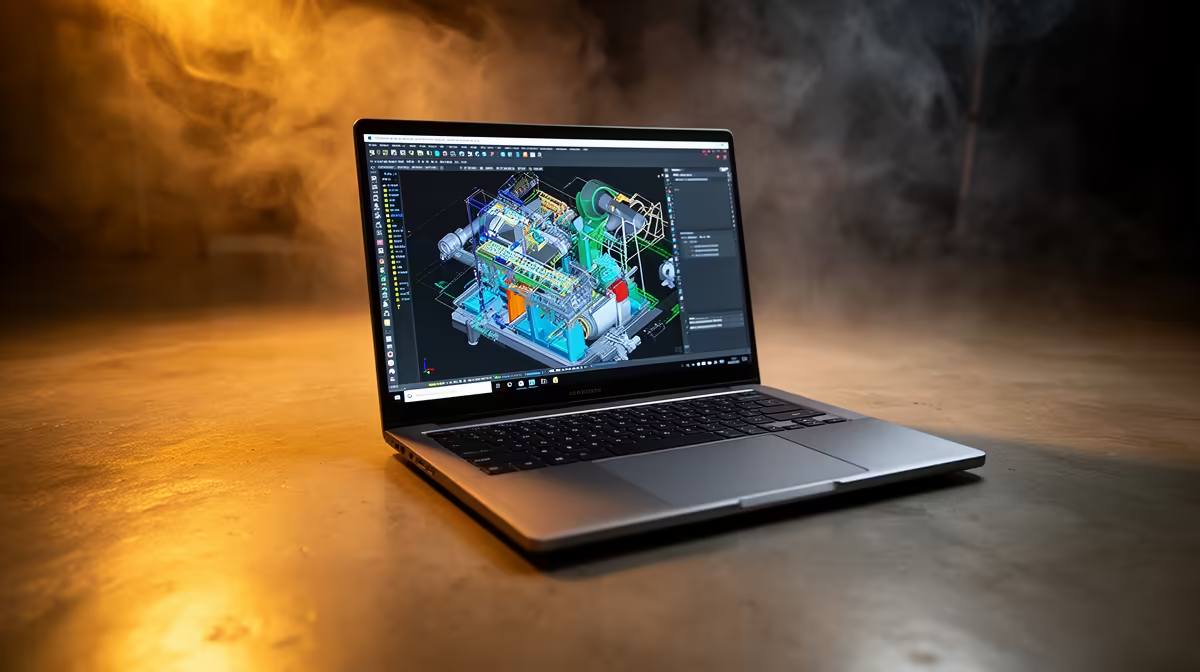
Essential laptop requirements for engineering at NWU 2026
Starting engineering studies at North-West University? 🏫 Your laptop is more than just a study tool — it’s your partner in mastering complex software and coursework. For NWU’s 2026 intake, knowing the minimum laptop requirements ensures smooth handling of demanding programs like AutoCAD, MATLAB, and SolidWorks. Choosing the right specs early saves headaches and optimises your study flow.
Minimum specs explained: processor, RAM, and storage
A powerful processor is non-negotiable. NWU engineering students should aim for at least an Intel Core i5 or AMD Ryzen 5 CPU, preferably 11th generation or newer, for swift calculations and multitasking. Paired with 8GB RAM minimum (16GB preferred), your laptop will handle simulations without freezing.
Storage-wise, a fast 256GB SSD is the minimum for quick boot-ups and file access. If you juggle large projects, consider a 512GB SSD or combine with an external HDD. For South African buyers, Evetech’s selection of notebooks for sale in South Africa offers excellent options balancing price and performance.
Graphics capabilities and display considerations
While integrated graphics might suffice for basic CAD work, a dedicated GPU enhances rendering speed and visual clarity. A GTX 1650 or better graphics card is ideal for 3D modelling and fluid graphics processing. Explore Evetech’s graphics cards selection for those building a custom rig to complement your laptop or desktop setup.
For the display, a 14 to 15.6-inch screen with FHD resolution gives a balanced view and comfortable workspace. Anti-glare screens reduce eye strain during extended study sessions — always an advantage in South African lighting conditions.
Tips for enhancing laptop longevity and study productivity
Optimise Your Study Setup
Before diving into specs, verify your engineering faculty’s latest software requirements online—updates happen. Also, regularly update your laptop’s drivers and clean out temporary files to stay lightning-fast. 🚀
To manage loads beyond your laptop’s native power, keep an eye on cooling performance — elevated temperatures can throttle speed and durability. A background fan controller app or laptop cooling pad can extend your machine’s life.
Consider also how you plan to connect your laptop. Many engineering tools benefit from multiple USB ports or HDMI for external displays. Accessories add flexibility, making complex assignments more manageable.
Beyond laptops: exploring desktop and gaming PC options for engineers
If you’re weighing portability against raw power, desktop rigs often deliver better specs for the price. Evetech’s best gaming PC deals showcase machines with powerful CPUs and GPUs. Many desktops double as excellent engineering workstations, especially for software-heavy tasks and multitasking.
Alternatively, pre-built systems tailored for performance are available, blending reliability and warranty peace of mind. Check Evetech’s pre-built PC deals for engineering-friendly packages designed to handle complex software.
Finding the best price-performance balance in South Africa
Shopping smart means combining the right specs with solid deals. Browse Evetech’s specials page to spot seasonal discounts and bundles. Remember, investing in slightly higher specs can save you from upgrades too soon, which is crucial for a three-to-four-year engineering course.
With South Africa’s tech market growing, local support and warranty options also matter—Evetech provides both strong customer service and competitive pricing, making it a reliable home for your next laptop or PC.
Your Engineering Laptop Starts Here Ready to power through NWU engineering courses with ease? Discover tailored notebooks for sale in South Africa and gear up with confidence. Shop now at Evetech for performance that leaves lag in the dust.











