

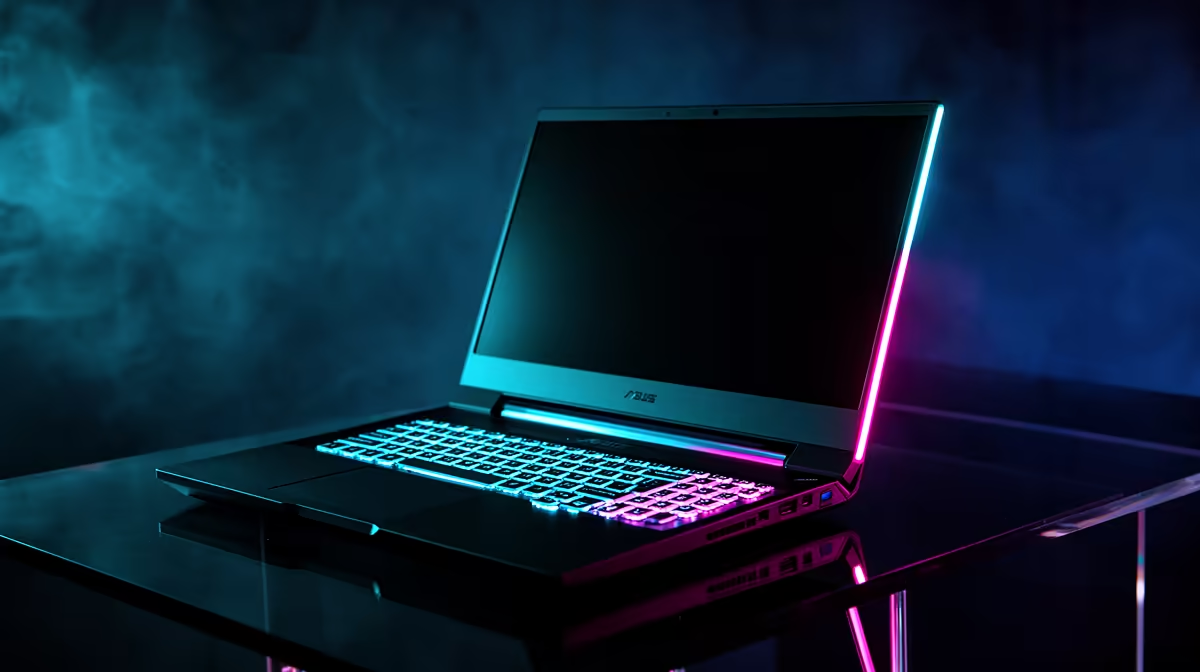
Crafting the Perfect Laptop Setup for SA Gamers ⚡
For South African gamers, a laptop isn’t just a portable device—it’s your gateway to immersive worlds and lightning-fast action. But setting it up right can be tricky. From screen refresh rates to peripheral choices, every detail counts when aiming for smooth gameplay. Ready to level up your rig? This laptop setup guide for SA gamers unlocks smart tips that bring your game to life, even during those intense LAN sessions.
Choosing a Gaming Laptop That Delivers
To start, pick a laptop tailored for gaming. Look for models with at least an NVIDIA RTX 3060 or AMD Radeon RX 6600M GPU for smooth graphics performance. Need options? Evetech’s curated notebooks for sale in South Africa offer solid builds from R15,000 upwards, balancing power and portability. Remember: higher refresh rates (120Hz or above) and quick response times reduce motion blur, crucial for fast-paced FPS titles.
Key Specs South African Gamers Should Prioritise
- GPU: A mid to high-end dedicated graphics card
- CPU: At least an Intel i5 11th gen or AMD Ryzen 5 4000 series
- RAM: Minimum 16GB for multitasking and streaming
- Storage: SSD for rapid game loading and OS speed
Balancing these specs will maximise your PC’s potential whether you’re battling on Fibre or simping on a metered mobile connection.
Optimising Your Setup for Peak Performance 🔧
A well-optimised laptop setup doesn’t just rely on raw specs. Follow these tips:
- Enable game mode in Windows to prioritise CPU and GPU power
- Update your drivers regularly for stable performance and compatibility
- Use external peripherals such as a mechanical keyboard or gaming mouse to reduce input lag
- Manage power settings: plug in your charger for max performance during play
If you prefer assembling a desktop immersive enough to rival laptops, Evetech’s best gaming PC deals bring unbeatable value and power tuned for local gamers.
Boost Your Laptop’s Cooling
Laptop fans can get noisy bombarding hot air during marathon sessions. Elevate airflow by using a cooling pad underneath your laptop—lower temps mean longer hardware life and stable FPS.
Enhancing Visuals and Audio: A Balanced Approach
Great visuals make games thrilling. For laptop gamers, external monitors support ultra-wide resolutions and higher refresh rates, but keep the display quality and connection types like HDMI 2.1 or DisplayPort in mind. Meanwhile, headphones with clear spatial sound improve situational awareness, especially in competitive shooters.
If you’re leaning into desktop gaming too, check out Evetech’s pre-built PC selection. These rigs often include advanced GPU options compatible with the graphics cards pro gamers prefer in South Africa.
Finding Deals and Discounts That Fit Your Budget
South African gamers appreciate great value, especially with fluctuating Rand prices. Regularly visit Evetech’s specials page for up-to-date discounts on gaming gear and PCs. Timing your purchase during sales can score you high-end laptops or upgrades without breaking the bank.
Whether you want to upgrade your existing setup or invest in a new machine, knowing when and where to buy is half the battle.
Ready to Upgrade Your Gaming Setup? Don’t wait for lag or poor visuals to hold you back. Shop now at Evetech for laptops that match your passion and pace.











