

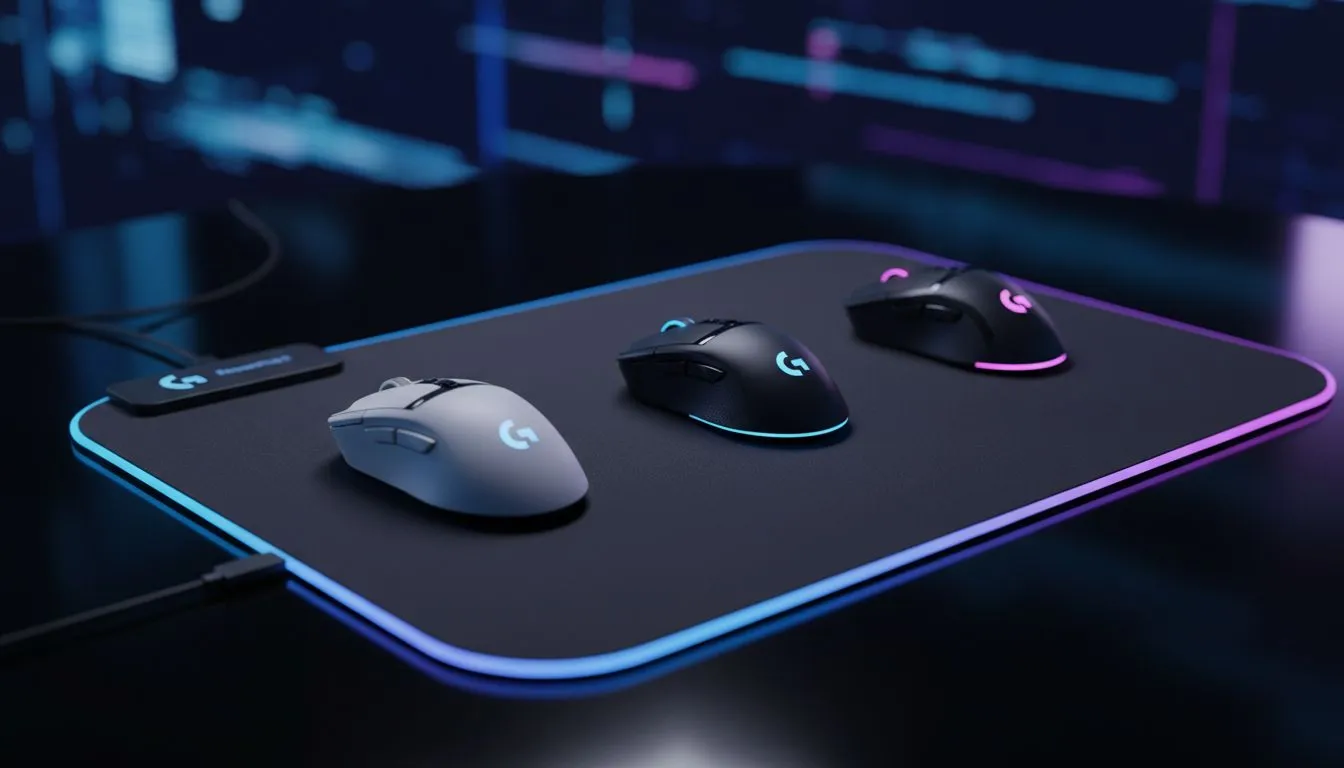
Logitech G mice compatible with PowerPlay 2 — quick verdict for SA gamers ⚡
If you want wireless freedom and perpetual charging, knowing which Logitech G mice compatible with PowerPlay 2 is key. South African gamers value reliability and minimal downtime. This short guide cuts through confusion, shows compatible models, and points you to the right mousepad options in our local range. Read on for practical tips and where to shop in ZA.
Logitech G mice compatible with PowerPlay 2 — what to look for
Logitech’s PowerPlay 2 mat uses a specific charging coil and firmware pairing. Not every Logitech mouse works out of the box. Generally, look for Logitech G mice that explicitly list PowerPlay compatibility in their product notes. If you want a smooth setup experience, check the official product pages or retailer listings first.
For a primer on pads and surface choices, see our mouse pads guide to match mat tech and surface finish: Evetech’s mouse pads overview. https://www.evetech.co.za/components/mouse-pads-101
Logitech G mice compatible with PowerPlay 2 — recommended Mat styles and sizes ✨
Pairing the right mat affects sensor performance and charging reliability. Extended and XXL surfaces protect cables and provide a consistent glide across your desktop. Browse Evetech’s Extended and XXL options to give your PowerPlay mat enough real estate. https://www.evetech.co.za/components/mouse-pads-101?attributes-size=Extended https://www.evetech.co.za/components/mouse-pads-101?attributes-size=XXL
Prefer a non-flashy setup or an RGB-ready battlestation? We stock both non-lighting and RGB pad options for compatibility and aesthetics. https://www.evetech.co.za/components/mouse-pads-101?attributes-lightingeffects=No https://www.evetech.co.za/components/mouse-pads-101?attributes-lightingeffects=Yes+%28RGB%29
Logitech G mice compatible with PowerPlay 2 — which mouse families usually work
Most recent high-end Logitech G wireless models are designed around the same ecosystem. When buying, confirm “PowerPlay” or “compatible with PowerPlay” in the specs. If you want brand alternatives or comparative pads, check our curated SteelSeries and Marvo collections to match feel and price points. https://www.evetech.co.za/components/mouse-pads-101?category=Steelseries+Gaming+Mouse+Pads https://www.evetech.co.za/components/mouse-pads-101?category=Marvo+Gaming+Mousepads
Logitech G mice compatible with PowerPlay 2 — quick setup tips and micro-story
A quick tip from a Cape Town clan-night: swap your old pad for a PowerPlay-ready surface, pair the mouse, and leave firmware updates until after the game. Updating mid-match is risky. Also, align the mouse roughly above the pad coil to ensure constant charge during play.
Charging Tip ⚡
Keep the mouse firmware updated, and centre your mouse over the mat’s charging coil for best results. If charging seems intermittent, reboot the dongle and test on a different USB port.
For a dedicated shop selection of Evetech-branded pads and models that match the PowerPlay system, see our Evetech Mousepad collection to compare fabrics and grips before you buy. https://www.evetech.co.za/components/mouse-pads-101?category=Evetech+Mousepad
Logitech G mice compatible with PowerPlay 2 — final thoughts and buying nudge 🚀
If you want near-invisible charging during marathon sessions, choosing the right Logitech G mice compatible with PowerPlay 2 will transform your setup. Consider pad size, lighting preference, and official compatibility notes when choosing. For pad-first buyers, our main mouse pad guide helps you match feel to playstyle. https://www.evetech.co.za/components/mouse-pads-101
Ready to Find Your Perfect Match? The Mac vs Windows debate is complex, but for maximum power, choice, and value in South Africa, Windows is hard to beat. Explore our massive range of laptop specials and find the perfect machine to conquer your world.











