

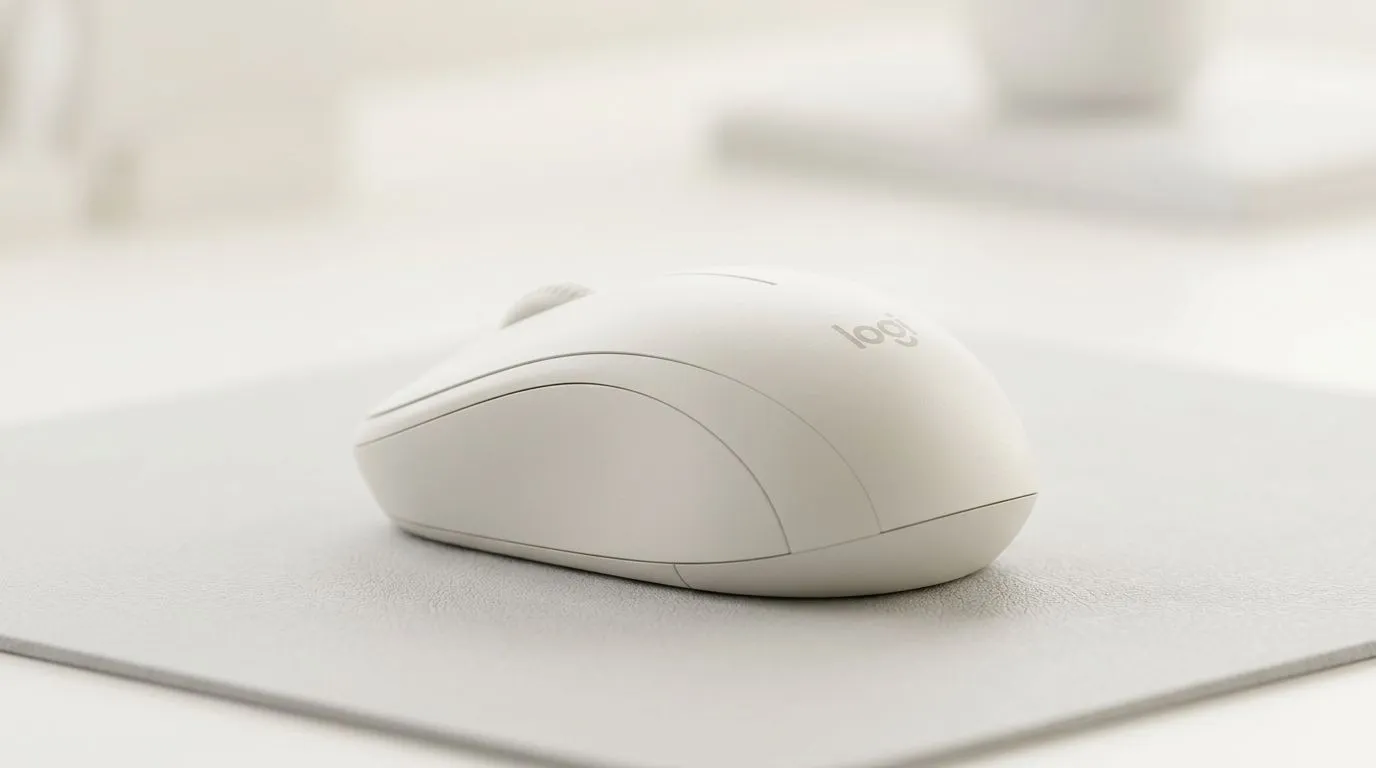
Logitech M240 comfort for small to medium hands: the “daily driver” you’ll actually keep using
If your hands feel cramped after an hour of school, work, or ranked sessions, you’re not alone. South African gamers and students often buy “whatever fits the budget”… and then wonder why wrists start complaining. Logitech’s M240 is built for comfort in smaller to medium hand sizes, so your grip feels natural instead of forced. ✨
But comfort is only half the story. You also want smooth movement, reliable tracking, and a mouse that won’t die mid-semester (or mid-event).
Logitech M240 comfort for small to medium hands: what to expect in real use
The M240 line is known for a lightweight, travel-friendly shape and a button layout that stays easy to reach. For small to medium hands, the goal is simple: avoid over-gripping. When your fingers don’t have to stretch, fatigue drops.
In practice, that means:
- More relaxed palm contact (less “death grip”).
- Thumb rests that feel in the right place, not sliding around.
- Less wrist tension during long browsing sessions.
If you’re also juggling controllers, headsets, and a desk full of cables, a mouse that feels good day after day matters more than flashy RGB.
Logitech M240 comfort for small to medium hands: buying checklist before you click “add to cart”
Before you commit, match the mouse shape to your grip style. Here’s the quick check I use:
- Measure your grip width: can you comfortably reach the left/right buttons without stretching?
- Test your hold: should your palm rest, or do you hover?
- Check your sensor habits: do you prefer glide-on-pad or desk-only use?
- Choose the right connection: wired is straightforward, wireless is freedom.
If you want a comfort-first approach, shop accessories and options that match your setup:
- Browse mouse accessories here: mouse accessories at Evetech
- If you want a no-nonsense cable setup, consider wired mouse options
- Need desk clutter-free use? Start with wireless mouse choices
Logitech M240 comfort for small to medium hands: win the “feel” with smart settings 🔧
A comfortable mouse can still feel bad if your sensitivity is off. On a smaller hand-friendly mouse, tuning matters because tiny wrist movements translate faster.
Productivity Pro Tip ⚡
On Windows, open Settings → Bluetooth & devices → Mouse, then adjust your pointer speed slowly. Pair that with a consistent DPI (if your mouse supports it) so you don’t “overshoot” while scrolling or aiming in casual games. If you use multiple apps, keep your cursor speed the same across sessions to reduce re-learning.
Also, for gaming-adjacent use:
- Use a consistent desk surface. Even a slightly textured mat changes how you feel control.
- Don’t max sensitivity. Comfort-first often performs better at moderate settings.
- Keep your grip relaxed. If you’re squeezing, the mouse isn’t right for your hand size.
Logitech M240 comfort for small to medium hands: where deals and comparisons help (in ZAR)
South Africa pricing can move week to week, especially when bundled promos drop. If you want the best value, compare across the wider mouse range first, then choose what feels right in-hand.
Start with:
- gaming mouse deals at Evetech
- Or explore the broader category for more options like size-matched shapes: gaming mouse selection
A quick personal note… I’ve seen friends “upgrade” twice and still get hand strain. The real fix was choosing a shape that fit their grip, not chasing specs.
Take the comfort route: choose the right size and connection
If your hands are small or medium, Logitech M240 comfort is the kind of detail you feel immediately. It’s not about dominating aim trainers. It’s about staying comfortable through study blocks, work calls, and those late-night games when your wrist should be relaxed, not tired.
So, measure your grip, pick wired or wireless based on your desk setup, and then buy for fit first.
Ready to Find Your Perfect Match? The Mac vs Windows debate is complex, but for maximum power, choice, and value in South Africa, Windows is hard to beat. Explore our massive range of laptop specials and find the perfect machine to conquer your world.











