

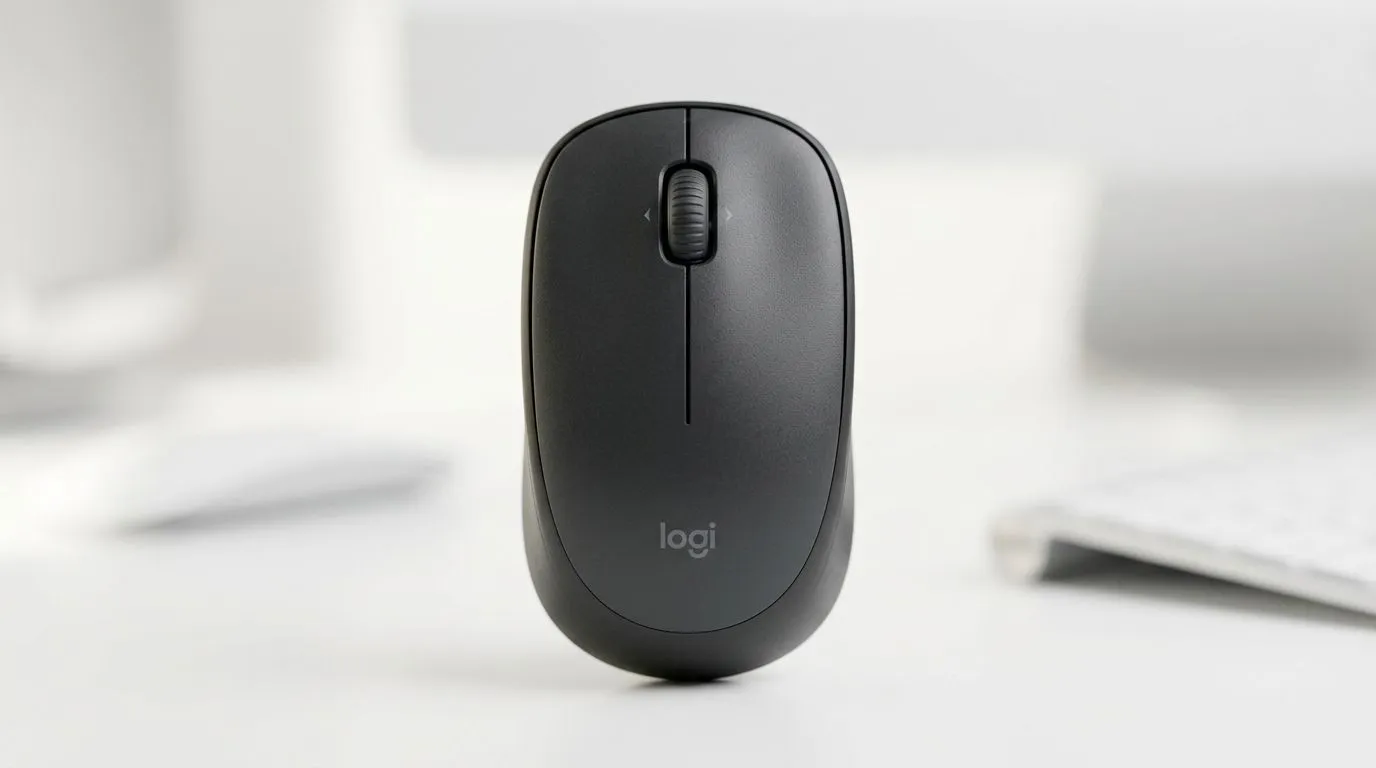
Logitech M240 Silent Bluetooth Mouse Features Explained for Productivity: Why SA Buyers Notice the Difference
If you’re gaming on weekends but working during the week, your desk setup matters more than people think. A “quiet” mouse isn’t just comfort… it’s focus. For South African gamers juggling Discord, spreadsheets, and edits after raids, Logitech’s M240 is built to feel low-friction. The best part? It’s Bluetooth, so you can keep your desk clean and still stay productive. 🔧
This guide breaks down the Logitech M240 silent Bluetooth mouse features explained for productivity, with practical setup tips you can use right away.
Logitech M240 Silent Bluetooth Mouse Features Explained for Productivity: Silent Clicks That Don’t Break Flow
The M240’s main productivity win is its quiet operation. Silent-click designs reduce the disruptive “clack” that can pull you out of deep work, especially in shared spaces like home offices. That means fewer interruptions when you’re on calls, reviewing clips, or answering tickets between matches. ✨
For specs and buying options, it helps to compare it to other mouse types at Evetech:
- If you want simplicity and a clean desk with flexible accessory options, browse mouse accessories here: mouse accessories.
- If your workflow needs the most direct connection possible, compare against wired options: wired mouse range.
Logitech M240 Silent Bluetooth Mouse Features Explained for Productivity: Bluetooth Convenience Without the Cable Chaos
Bluetooth is the reason many SA users choose this class of mouse. No dongle required means fewer USB ports taken up by peripherals. It also helps when you’re switching between a laptop and a desktop, or you’re building a tidy “console-style” PC space.
If you’re also weighing other wireless setups, you can check Evetech’s wireless mice options here: wireless mice.
What to look for when you buy:
- Reliable connection: Bluetooth generally handles it well for office productivity.
- Battery life expectations: for silent mice, consistent power matters because you want stable performance throughout the day.
If you’re price-sensitive (most of us are), start with deal hunting:
- Check current bargains and bundles: best gaming mouse deals.
Logitech M240 Silent Bluetooth Mouse Features Explained for Productivity: Setup Tips That Improve Comfort Fast
A silent mouse still won’t help if your grip and cursor speed are off. Spend 3 minutes and you’ll feel the difference.
Productivity Pro Tip ⚡
On Windows, open Settings > Bluetooth & devices > Devices and re-pair your mouse if you notice lag after sleep. Then go to Settings > Bluetooth & devices > Mouse and adjust pointer speed so your aiming feels consistent with how you move in games.
Quick checklist:
- Pair once, then test: scroll in long documents and review pages.
- Adjust tracking feel: set cursor speed to your comfort.
- Keep the desk tidy: fewer cables usually means fewer “micro interruptions”.
You can also browse Evetech’s broader mouse lineup to make sure you’re buying the right ergonomic and sensor category for your use case: mouse components and options.
Logitech M240 Silent Bluetooth Mouse Features Explained for Productivity: When It’s the Right Pick (and When It Isn’t)
The M240-style silent Bluetooth approach is ideal if you:
- do office work, studying, or content editing,
- work in shared spaces,
- want easy portability between devices.
If you’re doing competitive shooters daily, you may prefer a gaming mouse with higher polling and a tuned sensor. That’s why it’s smart to compare categories before committing. ⚙️
Ready to buy? Logitech M240 Silent Bluetooth Mouse Features Explained for Productivity: Choose with Confidence
Want to get the right mouse for your setup without overpaying? Start by deciding whether you need Bluetooth simplicity or whether a wired or gaming option better matches your performance needs. Then grab the best fit from Evetech’s range.
Ready to Find Your Perfect Match? The Mac vs Windows debate is complex, but for maximum power, choice, and value in South Africa, Windows is hard to beat. Explore our massive range of laptop specials and find the perfect machine to conquer your world.











