

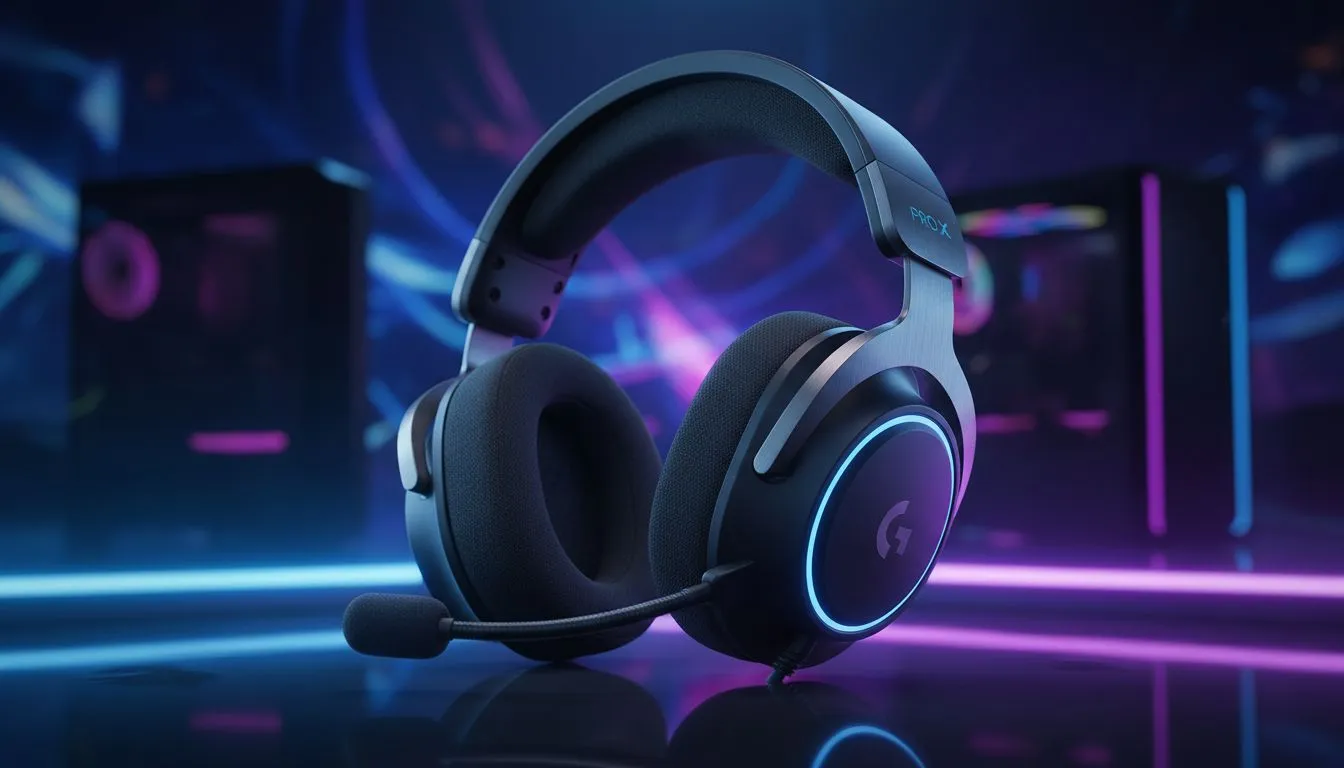
Logitech PRO X Gaming Headset Features for LAN Tournaments
Ready to win at your next LAN? If you’re packing gear for a Saturday-night LAN, the right headset keeps you hearing every footstep and staying calm under pressure. This guide looks at Logitech PRO X gaming headset features for LAN tournaments and explains what matters to South African gamers. ⚡🎧
Why these headset features matter in a LAN setting
LAN tournaments are noisy. You need isolation that keeps the crowd out and the game in. You also need a mic that captures clear voice comms across congested networks. Focus on comfort, durability, and quick swaps between PC rigs. For broader headset options and to compare models, see Evetech’s headset category for specifications and availability: Evetech headset category.
Comfort and fit: play through long tournaments
A headset that feels light after four hours is a tournament advantage. Look for memory-foam earpads, adjustable headbands, and breathable materials. Try a headset before you commit, or confirm return policies on local stores. For a compact wireless option that many local players consider for mixed usage, check the Razer Barracuda X Chroma at Evetech: Razer Barracuda X Chroma at Evetech. ✨
LAN Ready Tip ⚡
a small carry kit: a spare 3.5 mm cable, a USB sound adapter, and adhesive velcro for cable management. These small items fix most headset problems between matches and save a forfeit.
Voice clarity and mic reliability for team comms
At a LAN, the mic is both the tool and the lifeline. Choose a headset with a clear, directional mic that resists background noise. If you use software for voice presets, save a tournament profile with slightly boosted mids. For alternative headset lines and mic tech options, browse Razer headphones and headsets on Evetech: Razer headphones & headsets.
Connectivity and flexibility: wired vs wireless at LANs
Wired headsets avoid latency surprises and battery drama. Wireless brings mobility but adds one more failure point. Pack a 3.5 mm adapter or USB sound card for compatibility with different rigs. Also, double-check that audio controls are quick to reach during matches.
Setup checklist before you enter the arena
- Test mic and game/chat mix on the LAN rig.
- Lower ambient game music; prioritise voice clarity.
- Bring your own audio settings file if the headset supports profiles.
- Label cables to speed up swaps between stations.
Expert takeaway for South African buyers
Logitech PRO X gaming headset features for LAN tournaments should prioritise comfort, mic clarity, and wired reliability. Try gear in-store or order from a retailer with solid returns. Use local forums and clan groups to hear real-world experiences. 🚀
Ready to Find Your Perfect Match? The Mac vs Windows debate is complex, but for maximum power, choice, and value in South Africa, Windows is hard to beat. Explore our massive range of laptop specials and find the perfect machine to conquer your world.











