Quick Answer
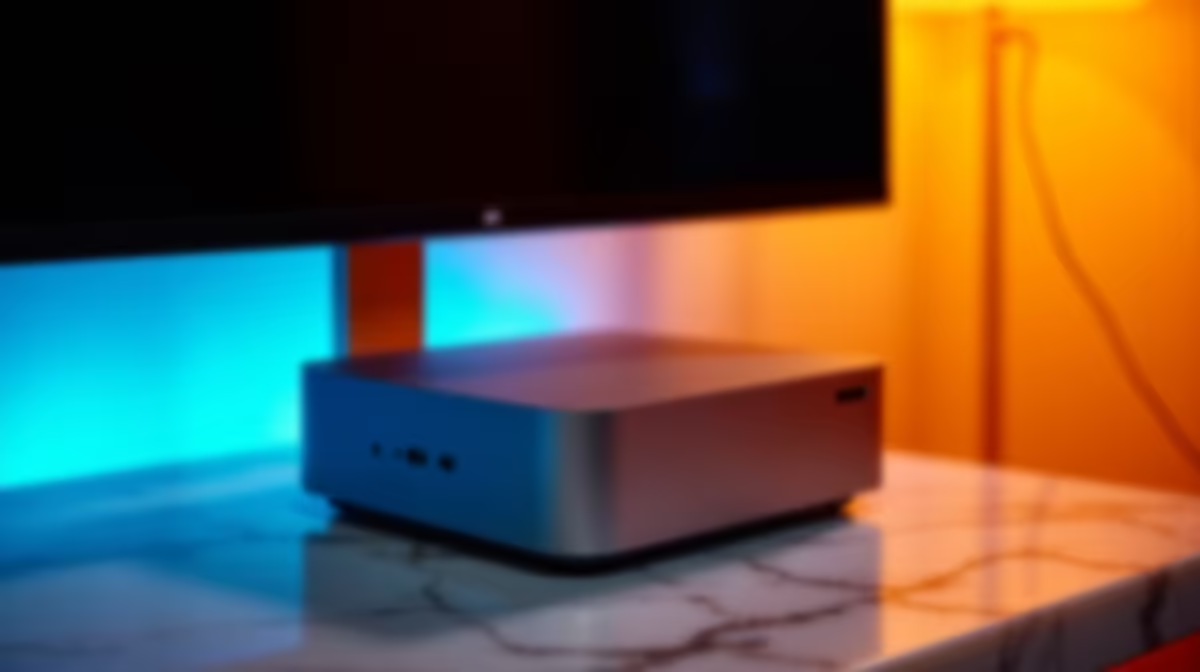
The Mac Mini paired with Apple''s Studio Display creates a compact, high-performance creative workstation that is well-suited to South African designers, video editors, and content creators. It delivers professional-grade colour accuracy, excellent build quality, and strong software optimisation - though the total cost in Rands is substantial and warrants careful consideration against your workflow needs.
South Africa''s creative industry has grown significantly, with more designers, video producers, photographers, and content creators working from home studios or small agencies. The question of which workstation to invest in is never trivial, especially when pricing in Rands makes premium hardware feel even more expensive than its dollar equivalent. The Mac Mini and Studio Display combination has attracted considerable attention as a space-efficient, high-performance creative setup - but is it the right choice for SA creatives in 2026?
Performance for Creative Workflows
The Mac Mini running Apple Silicon - whether the M4 or M4 Pro chip - delivers exceptional performance for creative applications. Video editing in DaVinci Resolve, motion graphics in After Effects, photo retouching in Lightroom and Photoshop, and 3D rendering in Blender all benefit from Apple Silicon''s unified memory architecture, which allows the CPU, GPU, and Neural Engine to share a fast memory pool. For SA video editors working with 4K or even 8K footage, the Mac Mini''s ability to handle demanding timelines without a discrete GPU is a genuine differentiator. The M4 Pro configuration in particular suits multi-stream editing and colour grading work. Thermal performance is also impressive for a fanless or near-silent chassis, meaning the Mac Mini remains whisper-quiet in recording environments - a real advantage for SA content creators who also produce voiceovers or podcasts.
The Studio Display: Colour Accuracy and SA Creative Standards
The Apple Studio Display features a 27-inch 5K Retina panel with P3 wide colour gamut, True Tone technology, and 600 nits of sustained brightness. For SA graphic designers producing work destined for print or international digital platforms, the P3 colour coverage and factory calibration mean what you see on screen closely represents the final output. The display''s 5K resolution at 27 inches produces pixel density that makes text and fine design details crisp without upscaling. The integrated 12-megapixel Centre Stage webcam and spatial audio speakers add practical value for SA creatives who attend client calls or international video conferences from their workstation. One consideration: the Studio Display does not include height adjustment in the standard configuration - a VESA mount or third-party arm may be needed for ergonomic setups in South African home studios.
Cost Considerations for South African Buyers
Pricing in Rands is the most significant factor for SA creatives evaluating this combination. Apple hardware carries a premium in the South African market due to import duties, VAT, and the Rand-Dollar exchange rate. The Mac Mini base model is more accessible, but the M4 Pro configuration that most creative professionals will want pushes into a higher price bracket. Adding the Studio Display substantially increases the total investment. SA buyers should evaluate whether the all-in-one workflow benefits - tight hardware-software integration, macOS stability, and the longevity of Apple Silicon machines - justify the upfront cost versus a Windows-based workstation with comparable or superior specs. For freelancers billing in Rands, the return on investment timeline is longer than for those billing in USD or EUR. That said, the Mac Mini''s compact form factor also means lower electricity consumption, which is meaningful in South Africa where energy costs and an unexpected outage UPS requirements add to the total cost of ownership picture.
Everyday Reliability
If a UPS is required, size it for a controlled shutdown against the measured load of the complete setup. However, the Studio Display draws additional power, so sizing the UPS correctly for both devices is essential. Many SA creatives have found the Mac Mini plus a smaller secondary monitor on a second UPS circuit to be a practical power-continuity strategy, using the Studio Display for primary work and switching to a lower-power monitor during outages. Cloud-based auto-save in Final Cut Pro, Adobe Creative Cloud, and Notion means work loss risk is further reduced when the setup is configured correctly.
Frequently Asked Questions
Q: Is the Mac Mini M4 powerful enough for 4K video editing in South Africa?
A: Yes. The M4 and especially the M4 Pro handle 4K timelines smoothly in Final Cut Pro and DaVinci Resolve. For heavy multi-stream 4K or 8K work, the M4 Pro configuration is recommended.
Q: Can I use the Studio Display with a non-Apple computer?
A: The Studio Display connects via Thunderbolt 3 and functions as a monitor with PCs, but many features including Centre Stage, True Tone, and the built-in camera are only fully supported with Apple devices.
Which everyday reliability factors matter most?
A: Its low power draw makes it well-suited to UPS backup. A mid-range UPS can sustain the Mac Mini for an extended period during an unexpected outage, especially compared to power-hungry tower workstations.
Q: Is the Studio Display worth the cost for SA graphic designers?
A: For professionals who require P3 colour accuracy and 5K resolution for design or photography work, the Studio Display is a worthwhile investment. Budget-conscious creatives may find alternative 27-inch 4K monitors that cover P3 adequately at lower cost in Rands.