

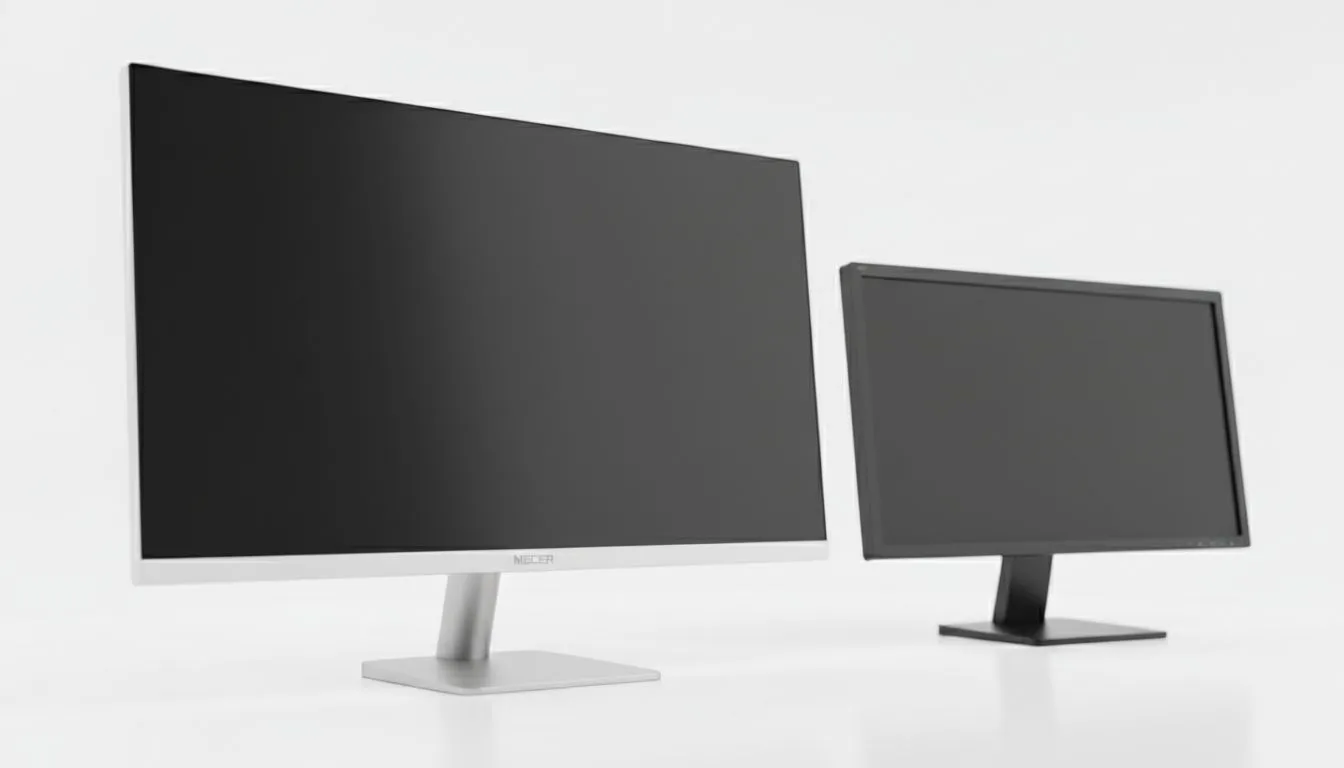
Finding the Balance: Mecer A2758FD vs Desktop Monitor Options
Finding one screen to rule your home office and your late-night gaming sessions is a mission. In the South African market, the Mecer A2758FD vs desktop monitor debate is heating up. You need crisp text for spreadsheets during the day and smooth frames for gaming at night. Is this budget-friendly local hero enough to satisfy both worlds, or should you look elsewhere? Let's dive in. 🔧
Why the Mecer A2758FD vs Desktop Monitor Choice Matters
The hybrid lifestyle is the new normal in South Africa. We often share our desks with work laptops and gaming rigs. When you browse the current range of PC monitors, you will notice that Mecer offers a compelling price-to-performance ratio. The A2758FD provides a generous 27-inch display... giving you enough digital real estate to multitask without the clutter of a dual-screen setup.
Choosing a local favourite like Mecer often means getting more features for your ZAR. While international brands carry a premium, this model focuses on the essentials. It is about getting that high refresh rate and decent colour reproduction for a fraction of the cost.
Visual Clarity and Panel Technology
Work tasks require accurate colours and sharp text. This is especially true for creative projects or long hours in document editors. Many modern displays use IPS panels to ensure wide viewing angles. This means your work looks consistent even if you shift your seating position. The Mecer A2758FD aims for this balance... providing vibrant visuals without the massive price tag of professional-grade studio screens. ✨
Productivity Pro Tip ⚡
On Windows, use the PowerToys FancyZones utility to create custom snap layouts for your windows. It is a lifesaver for managing multiple apps on a 27-inch screen, letting you organise your email, Slack, and browser perfectly for a streamlined workflow.
Smooth Gameplay with Adaptive Tech
Gaming is where the Mecer A2758FD vs desktop monitor comparison gets interesting. To avoid annoying screen tearing during fast-paced action, look for FreeSync (AMD) support. If you use a Team Green graphics card, you might prefer G-Sync (NVIDIA) compatibility for the smoothest experience. Most versatile screens now include Adaptive Sync to handle whatever frame rate your PC pushes out... ensuring your gaming remains fluid after the workday ends. 🚀
Choosing Your Screen Shape and Style
Do you prefer a traditional, professional look? Flat monitors are often better for architectural work or straight-line precision. However, many South African gamers love the immersion provided by Curved displays. The A2758FD usually sticks to a flat profile. This makes it a safer bet for a professional desk setup that still feels modern and sleek. It fits into any office aesthetic while hiding a beastly refresh rate under the hood. ⚡
Ready to Find Your Perfect Match? The Mecer A2758FD vs desktop monitor choice depends on your specific needs, but for great value in South Africa, Evetech has you covered. Explore our massive range of PC monitors and find the perfect display to conquer your work and play.











