

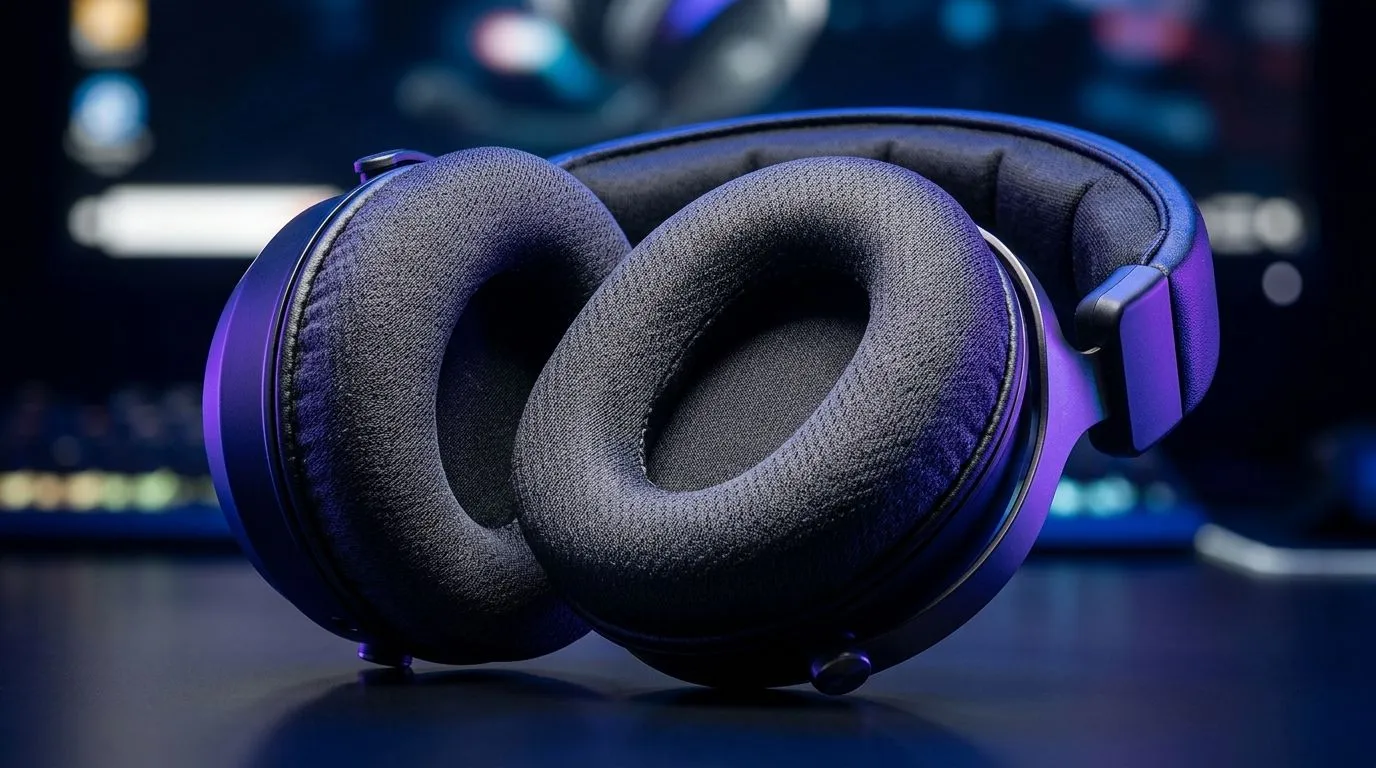
Memory Foam Ear Cushions Comfort for Long Gaming Sessions: Why Your Head Needs a Break
If you play ranked for hours, you already know the truth… comfort becomes performance. One hotspot, one sweaty moment, and suddenly you’re fighting your headset instead of the enemy. In South Africa, where load shedding can stretch sessions and LAN nights still happen, the right fit matters even more. Memory foam ear cushions can feel like the difference between “fine” and “I could keep going.” Here’s how to pick them properly, and what to look for before you checkout. 🎮✨
Memory Foam Ear Cushions Comfort for Long Gaming Sessions: What to Look For
Not all foam is the same. Memory foam ear cushions generally conform to your head shape, which helps spread pressure. That reduces the “clamp” feeling some headsets create over time.
When you’re shopping, check these essentials:
- Cooling and breathability: Look for designs that don’t trap too much heat.
- Seal and isolation: A better seal can improve audio detail, but too much pressure can hurt comfort.
- Cushion thickness and replaceability: Thick, well-supported cushions usually feel better. Also ask if the cushions can be replaced later.
- Fit with your glasses: If you wear specs, shallow cushions can press harder on your frames.
If you’re unsure where to start, Evetech’s headset range makes it easy to compare comfort-focused options. Start broad, then narrow down by audio and build quality using our category pages:
- Explore Razer’s Barracuda X lineup with a comfort-first design approach on this deal page: Razer Barracuda X Chroma Wireless Headset (Phantom White) best deal
- Browse the wider headset selection here: Razer Headphones & Headsets
- Compare more headphone and headset options across the category: Headphone & Headsets collection
Memory Foam Ear Cushions Comfort for Long Gaming Sessions: Fit Tips That Actually Help
Here’s a quick micro-check you can do in-store (or on delivery day) before you commit:
- Put them on for 10 minutes. If your ear starts feeling “hot” early, that’s a sign.
- Adjust the headband until the cushions sit evenly. Avoid crushing your ears.
- Do a quick mic test and game sound check. Comfort matters, but so does clarity.
South African summers can be intense, so sweat control matters. If your cushions feel spongey but start to smell quickly, you might need more breathable materials or easier-to-clean covers.
Productivity Pro Tip 🚀
long sessions, take a 60-second “audio reset” every hour: remove the headset, let your ears cool, then put it back using the same headband position. It sounds small, but it reduces pressure build-up and helps maintain audio focus.
Memory Foam Ear Cushions Comfort for Long Gaming Sessions: Pair With the Right Audio Mode
Comfort and audio go together. If you game with teammates on comms, you’ll want a sound profile that keeps voice readable. Depending on your headset, you may see options like 7.1 surround or Stereo modes.
Evetech lists different audio configurations in its headset options, so you can match comfort to how you like to play:
- For setups that support multichannel audio like 7.1, check options here: Headphone & Headsets (7.1)
- Prefer simplicity? Start with Stereo-focused options: Headphone & Headsets (Stereo)
Memory Foam Ear Cushions Comfort for Long Gaming Sessions: What to Expect After You Buy
Once you find the right fit, memory foam usually “beds in” after a few sessions. That’s normal. But if you notice pain, numbness, or a strong pressure point, stop using the headset and re-check the adjustment.
You’re not being picky. You’re protecting focus, hearing comfort, and long-term enjoyment. And in a country where many gamers grind through long evening sessions, that’s worth taking seriously. ⚡
Ready to Find Your Perfect Match? Comfort is personal, but the right headset category doesn’t have to be. Jump into our Evetech selection and choose memory-foam-friendly options that fit how you actually play. Explore our massive range of laptop specials and find the perfect machine to conquer your world.











