

Minecraft isn't just about placing blocks anymore. With path-traced ray tracing, it transforms into a breathtaking visual masterpiece. If you recently upgraded your rig, you are probably wondering about the optimal Minecraft settings on RTX 5060 Ti for best performance. Let us dive into tweaking your setup to balance those glorious reflections with buttery smooth frame rates... perfectly suited for your next weekend building session.
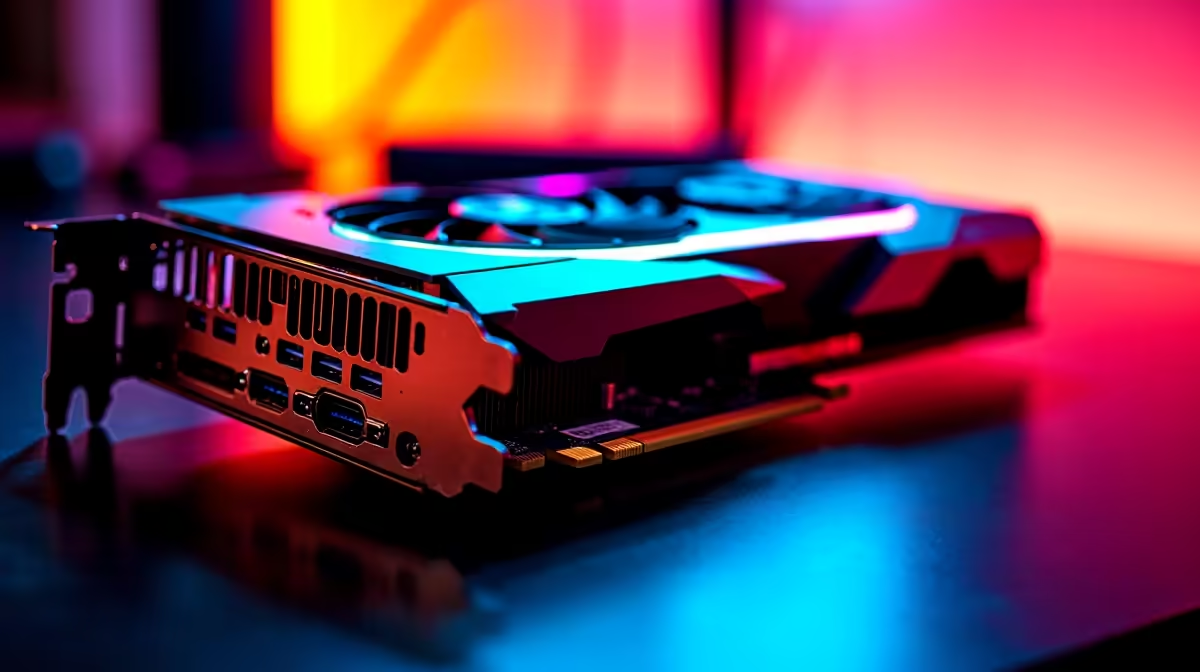
The RTX 5060 Ti is a phenomenal piece of hardware. It punches well above its weight class. To push those blocky worlds to the limit, you need a solid foundation. If you are still running older hardware, it might be time to browse the latest graphics cards to ensure your system can handle the heavy lifting.
Ray Tracing and DLSS Configuration ✨
For the best Minecraft settings on RTX 5060 Ti, start by enabling ray tracing in the video settings. This brings realistic lighting, vibrant colours, and deep shadows. However, ray tracing is incredibly demanding on your GPU.
That is why turning on DLSS is absolutely crucial. Set Nvidia DLSS to 'Balanced' or 'Performance' mode. This smart upscaling gives you high frame rates without sacrificing visual fidelity. You get crisp textures while keeping your hardware cool. If you want a rig that comes ready for these advanced tweaks, exploring the best gaming PC deals can save you thousands of Rands.
Optimisation Pro Tip 🔧
Always update your Nvidia drivers before tweaking Minecraft RTX settings. A simple driver update can squeeze out an extra 10 to 15 percent performance boost, ensuring your ZAR goes further on your hardware investment.
Maximising Your FPS and Visuals 🚀
Render distance is the biggest performance killer in Minecraft. On an RTX 5060 Ti, setting your ray tracing render distance to 12 or 16 chunks offers the sweet spot. You get expansive, beautiful views without annoying micro-stutters.
Next, turn off VSync if you have a G-Sync compatible monitor. This reduces input lag significantly. You should also ensure you are using a high-quality PBR (Physically Based Rendering) texture pack. These packs tell the game exactly how light should bounce off different materials.
Pair these settings with a decent CPU to avoid bottlenecks. If you prefer a hassle-free, plug-and-play setup, checking out our pre-built PC deals is a brilliant move. Alternatively, if you are a gamer on the go, modern high-performance laptops pack enough punch to run RTX Minecraft flawlessly from anywhere.
Hardware to Match Your Ambition
Getting the best performance out of your Minecraft settings on RTX 5060 Ti requires a balanced system. You need fast RAM and a snappy NVMe SSD to load new chunks instantly. Slow storage will cause freezing when exploring new biomes.
Upgrading your PC does not have to break the bank. You can build a phenomenal machine on a budget. Keep an eye on our weekly specials to find top-tier components at unbeatable prices. Every Rand saved is another Rand you can spend on games.
With the right tweaks, your RTX 5060 Ti will deliver an unforgettable Minecraft experience. The lighting will look incredibly lifelike. Your frame rates will stay consistently high. Now, it is time to boot up the game and start building your ultimate world.
Ready to Experience True Ray Tracing? Dialing in the perfect settings transforms Minecraft into an entirely new game. If you want the ultimate performance in South Africa, Evetech has your back. Explore our massive range of gaming PC specials and find the perfect machine to conquer your blocky world.











