

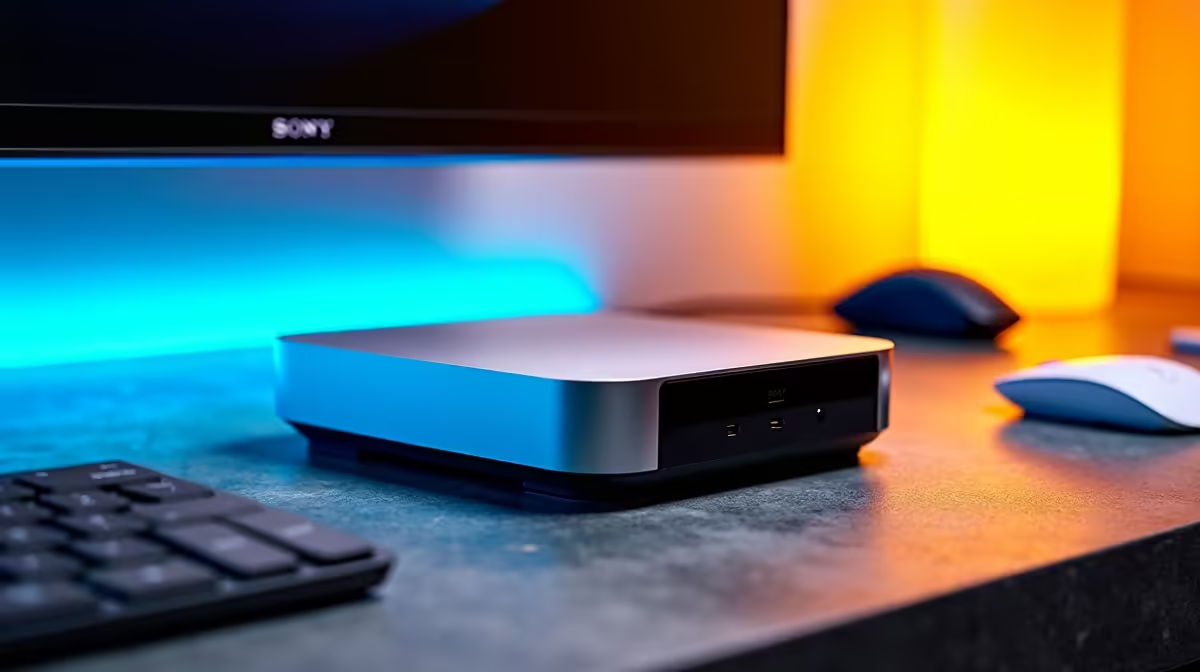
Mini PC Accessories: Essentials to Complete Your Setup
You’ve finally ditched the bulky tower for a sleek, compact powerhouse. But while your new Mini PC saves a massive amount of desk space, it’s only half the battle. To truly unlock its potential, you need the right gear. Whether you're crushing spreadsheets in Sandton or gaming in Cape Town, these Mini PC accessories are the essentials you need to complete your setup today.
Maximising Your Minimalist Workspace
One of the biggest draws of a compact system is the clean aesthetic. However, a mess of cables can quickly ruin the vibe. To keep things tidy, consider a VESA mount. Many of the best mini PCs actually come with these brackets, allowing you to hide the entire computer behind your monitor. This creates a "DIY All-in-One" that looks professional and saves valuable desk real estate for your coffee or notebook 🔧.
Cable Management Pro Tip ⚡
Use a VESA mount to attach your Mini PC directly to the back of your monitor. This not only hides the unit but also reduces the length of cables needed, creating a floating screen effect that looks incredibly clean in any home office.
Essential Connectivity and Expansion
While small, these machines pack a punch... but they can be limited by their physical port count. If you are running multiple peripherals, a high-quality USB-C docking station is non-negotiable. You can find excellent deals on PC components and mini PCs that offer Thunderbolt support, making it easy to connect external GPUs or high-speed storage with a single cable. This is particularly useful for video editors or gamers who need that extra bit of ZAR value from their hardware.
Peripherals That Match the Aesthetic
Your choice of keyboard and mouse should reflect the compact nature of your PC. Opting for wireless peripherals helps maintain that clutter-free look. Brands like the Minisforum range often pair perfectly with low-profile mechanical keyboards. These provide the tactile feedback gamers love without taking up half the desk. Don't forget a decent pair of noise-cancelling headphones to complete the immersive experience... especially if you're working in a noisy South African household 🚀.
High-Speed External Storage
Since Mini PCs often have limited internal drive slots, an external NVMe SSD is a smart investment. It allows you to expand your library without opening the chassis. Look for drives with high read/write speeds to ensure your load times remain snappy. This ensures your setup remains fast, efficient, and ready for any task you throw at it ✨.
Ready to Build Your Ultimate Mini Setup? A compact PC doesn't mean compromising on performance or style. Whether for work or gaming, the right accessories make all the difference. Explore our full range of Mini PCs and accessories to upgrade your South African tech setup today.











