

Quick Answer
The best monitor practices for South African users start with picking the right resolution and refresh rate for your GPU, mounting at the correct viewing distance, and protecting the panel from loadshedding power surges. A 1440p 144Hz IPS monitor like the LG UltraGear 27GP850 at around R7,500 hits the value sweet spot for most SA gamers, students and home-office users.
Choosing the Right Panel for Your Use Case
Resolution and refresh rate should match your GPU's actual output. An RTX 4060 pushes 1440p 144Hz comfortably; a 4K 240Hz panel pairs best with an RTX 4080 Super or higher. For competitive shooters, prioritise refresh rate and response time. For creative work or general productivity, prioritise colour accuracy with a wide-gamut IPS or OLED panel. Mixed-use SA homes typically land on 1440p 144Hz IPS as the best all-rounder, since it gives you sharp text for studying or work while still smoothing out gaming.
Panel type also matters. IPS gives you accurate colours and wide viewing angles. VA gives the best contrast for dark scenes. OLED gives perfect blacks but costs more and risks burn-in for static UI elements like the Windows taskbar. For SA buyers, IPS is usually the most forgiving long-term pick.
Setup, Distance and Ergonomics
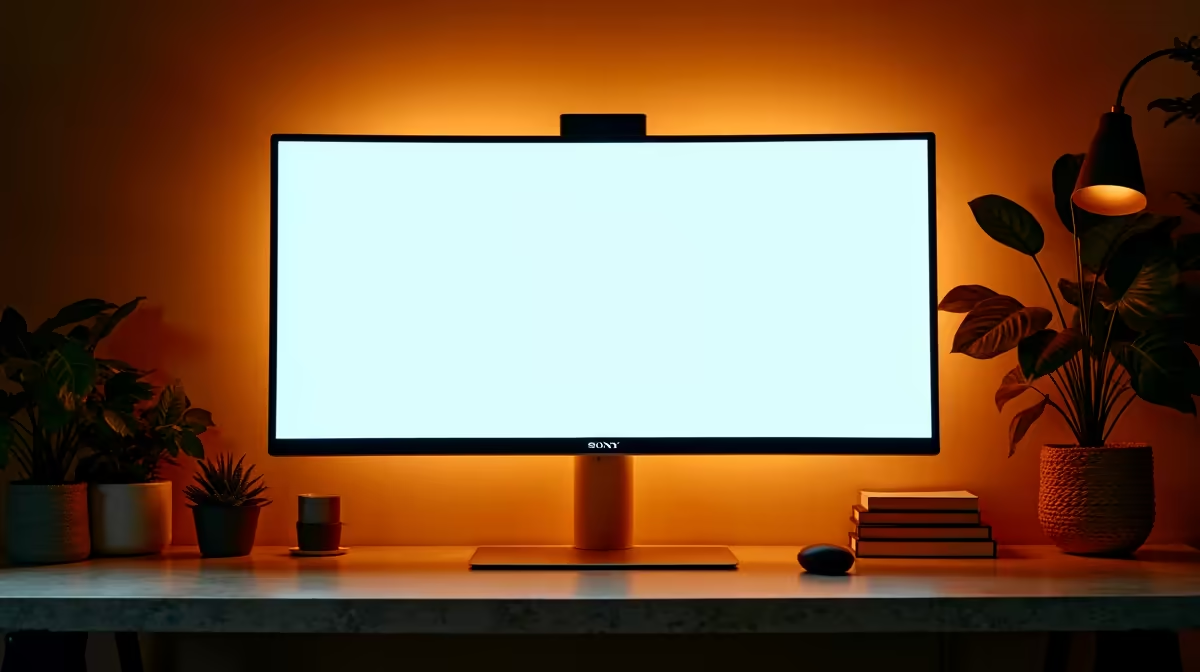
Mount the monitor so the top edge sits at eye level, with the screen roughly an arm's length away (around 60-80cm for a 27-inch panel). This stops the neck strain that hits hard during exam crunch or long work-from-home days. Tilt the screen slightly back, around 10-20 degrees, and keep the brightness around 120-150 nits for indoor SA lighting; eye fatigue is real and an over-bright 400-nit panel will kill your eyes by mid-afternoon.
If you've got a south-facing window in Cape Town or Joburg, glare is the enemy. Anti-glare matte coatings beat glossy panels every time, and a R200 desk-mounted clip light gives even bias lighting that reduces strain on long sessions. If you wear glasses, blue-light filtering on the monitor side (most modern panels offer it) plus 60-second screen breaks every 20 minutes is the simplest eye-care routine.
Calibration and Colour for SA Creators
Out-of-box colour on most monitors is decent but not accurate. For photographers, video editors and 3D artists, a hardware calibrator like the Calibrite Display Plus at around R5,500 is worth every rand. Aim for sRGB calibration for web work, P3 for video, and Adobe RGB for print prep. Save your ICC profiles per-workflow so you can switch quickly between client deliverables.
FreeSync or G-Sync should be enabled in Windows display settings if your monitor supports it, since variable refresh smooths gameplay and reduces tearing without input lag penalties. Modern HDMI 2.1 cables also unlock 120Hz at 4K on PS5 and Xbox Series X, so make sure you're not stuck on an older HDMI 2.0 cable.
Loadshedding, Surges and Monitor Lifespan
Loadshedding is the silent monitor killer in SA. The repeated power cycle wears capacitors and can corrupt firmware. Plug your monitor and PC into a 1500VA line-interactive UPS or at minimum a quality surge-protected multiplug. Cheap power strips don't cut it. A R1,800 UPS pays for itself the first time it saves your monitor's main board from a Stage 6 surge. Add a R250 surge arrestor on the wall side for double protection.
Clean the panel monthly with a microfibre cloth and distilled water; SA dust and aircon outflow build up surprisingly fast. Avoid alcohol-based cleaners on matte coatings as they slowly etch the anti-glare layer. Cable management with velcro ties also reduces strain on the HDMI/DisplayPort connectors over time.
Evetech stocks LG, Samsung, ASUS, MSI and AOC monitors with SA-wide delivery, local warranty support and bundle deals when paired with a new GPU or PC build.
Frequently Asked Questions
What's the best monitor size for a typical SA desk?
27-inch is the sweet spot for desks 60cm deep or more. 24-inch is better for tighter res-room setups, while 32-inch ultrawides shine in dedicated home offices.
Do I need 240Hz for casual gaming in South Africa?
No, 144Hz is the comfortable sweet spot for most players. 240Hz benefits competitive CS2 or Valorant players, but the average SA gamer won't notice the difference past 144Hz.
How often should I replace my monitor?
Quality monitors last 6-8 years easily if protected from surges. If colour accuracy and brightness drift past calibration tolerance, that's the time to upgrade.
Ready to Find Your Perfect Match? Find the right monitor for your setup with bundle savings today. Shop monitors at Evetech











