

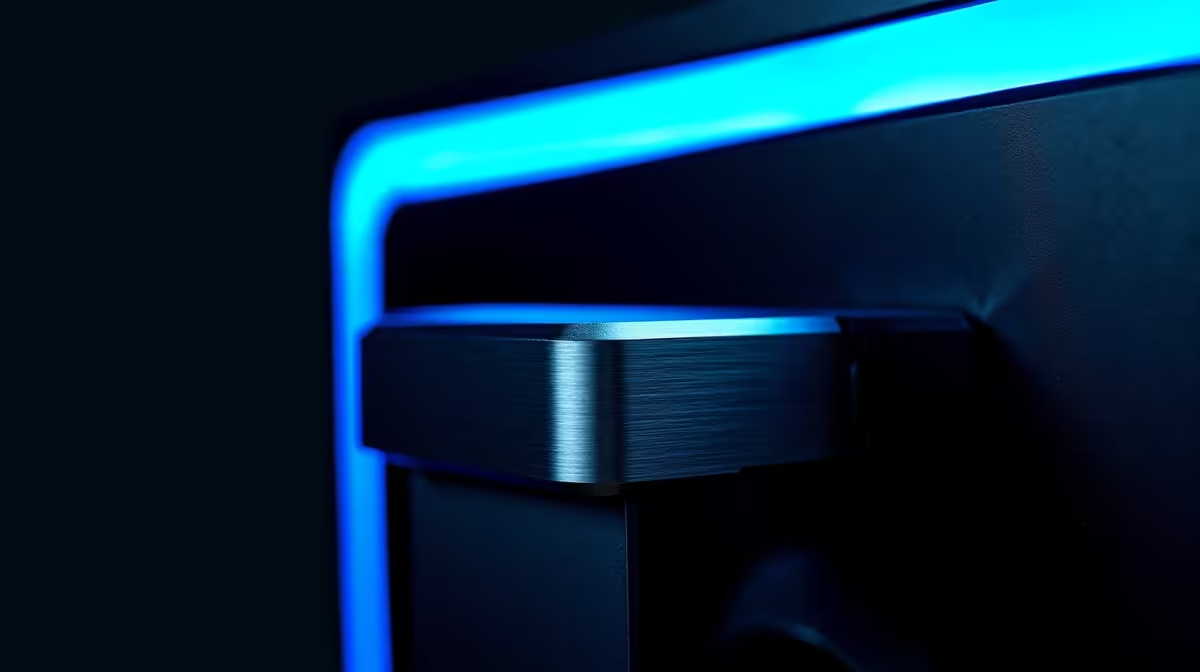
Your gaming setup is your sanctuary, but let's be honest... where do you put your headset? On the desk, taking up valuable mouse space? Draped over your monitor, risking a scratch? For many South African gamers, it’s a daily struggle. A simple monitor headphone hook promises a clean, elegant solution. But is this small flip-down hanger actually worth it? We got our hands on one to find out.
A Simple Fix for a Cluttered Desk
At its core, a monitor headphone hook is exactly what it sounds like: a small arm that attaches to your monitor to give your headset a dedicated home. This review focuses on the popular flip-down hanger style, which tucks away neatly when not in use. These gadgets are part of a growing world of clever monitor accessories designed to optimise your workspace and keep things tidy. 🎧
From Box to Battle Station in 60 Seconds
The setup is ridiculously simple. Most models use a strong 3M adhesive pad. You just peel, stick it to the back or side of your monitor, and press firmly for about 30 seconds. That’s it. We tested ours on a few different screens, and it stuck securely to both the flat back of a standard display and the gentle slope of one of our immersive curved monitors. The flip-down mechanism feels sturdy enough for daily use, clicking satisfyingly into place.
Our Full Monitor Headphone Hanger Review
So, after using this headphone hanger for a week, what's the verdict? It’s a surprisingly effective little upgrade.
The Pros: Why It Works ✨
The biggest benefit is reclaiming desk space. Your headset is lifted off the surface, giving you more room to manoeuvre your mouse during intense gaming sessions. It also just looks better. A tidy setup can help you focus, which is crucial when you're admiring the crisp details on modern high-resolution 4K and 5K monitors. Having your headset in a consistent, easy-to-reach spot is a small quality-of-life improvement that you quickly get used to.
The Cons: What to Watch Out For
It’s not perfect for everyone. The main concern is the adhesive. While strong, will it hold a heavier audiophile headset over time? We recommend checking the weight limit. Also, some modern gaming monitors have ultra-thin bezels or uniquely shaped chassis where finding a flat surface to stick it might be tricky. It's also worth noting some high-end screens already have a hanger built-in, so check your model first!
Cable Management Pro Tip 🔧
Pair your new headphone hook with a few small, adhesive cable clips on the back of your monitor. Run your headset cable through them to prevent it from dangling or getting tangled with your mouse cable. This creates an ultra-clean look for just a few extra Rand.
The Final Verdict: Is This Flip-Down Hanger Worth It?
For the price of a fancy coffee, a monitor headphone hanger is an absolute win for most PC users. It solves a common problem elegantly and affordably. It’s a simple, effective piece of kit that declutters your space and streamlines your setup. Whether you're decking out your main rig or organising a travel setup with one of today's impressive portable monitors, this little hook makes a noticeable difference.
This simple gadget is a great starting point for anyone looking to improve their PC space. Of course, the foundation of any great setup is the screen itself, and Evetech has an entire range of PC monitors to suit any need or budget. If you're hunting for value, be sure to check out the best PC monitor deals currently available.
Ready to Perfect Your Setup? A tidy desk is a tidy mind. Small upgrades like a headphone hook can make a huge difference, but the real centrepiece is your screen. Explore our massive range of PC monitor deals and find the perfect display to conquer your world.











