

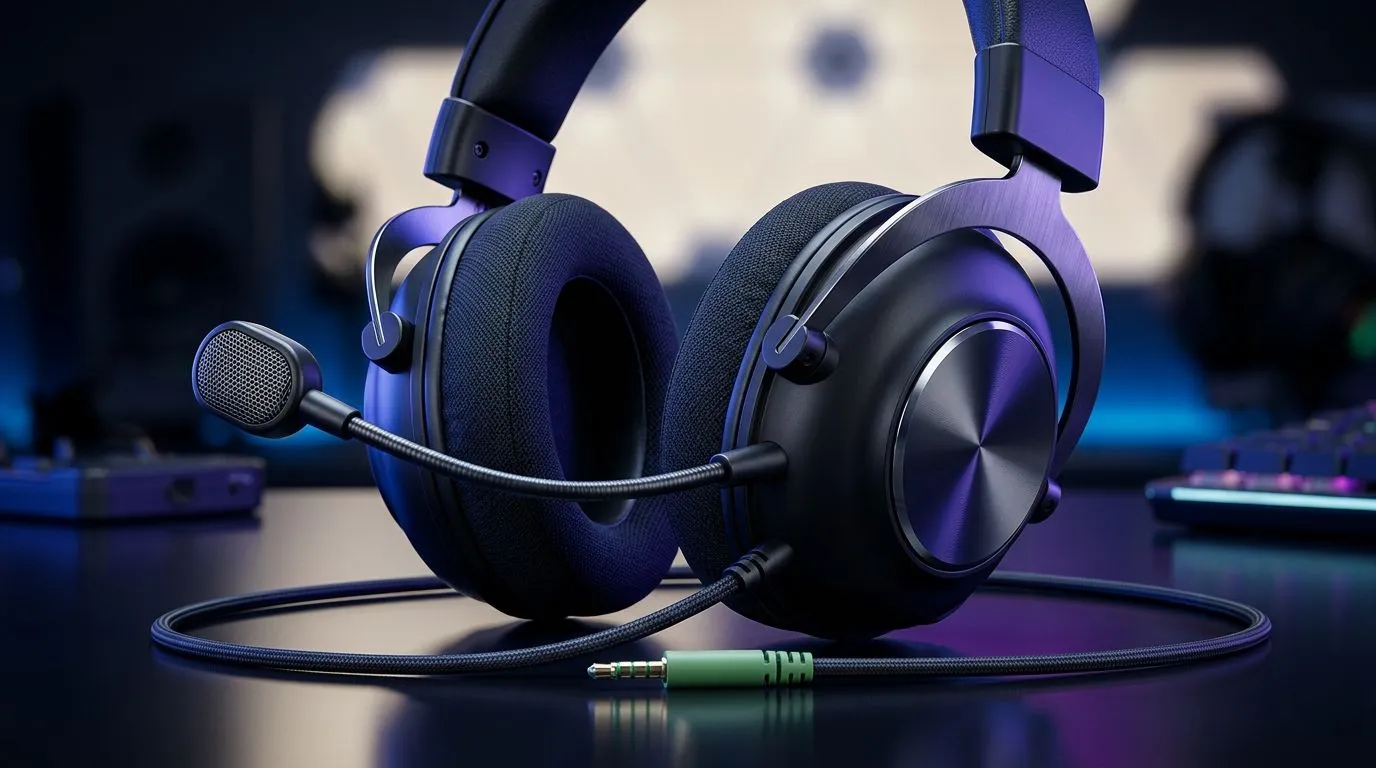
Multi-Platform 3.5mm Headset vs Switch-Only: a SA gamer decision worth getting right
Buying a headset shouldn’t feel like buying a lottery ticket… especially when you’re mixing a Switch with a PC, Steam Deck, or a PlayStation. The big question is simple: do you go for Multi-Platform 3.5mm Headset vs Switch-Only: Which Should South Africans Buy? or lock yourself into one console ecosystem?
In South Africa, many gamers want “one headset for everything” because budgets are real. You also want something that lasts longer than your newest backlog excuse.
Multi-Platform 3.5mm Headset vs Switch-Only: how the audio connection changes your experience
A 3.5mm headset is basically the universal passport. As long as your device has a 3.5mm audio jack (or a compatible adapter), you can plug in and go. That means fewer “why is my mic not working?” moments. It also means you’re less dependent on console-specific wireless modes.
A Switch-only headset is built around the Switch’s connection method. That can be convenient… until you want to use it on a different platform. Then you’ll likely hit either missing drivers, incompatible connections, or features you can’t access.
Multi-Platform 3.5mm Headset vs Switch-Only: the mic and controls reality check 🎧
Voice chat is where frustrations show up first. On multi-platform options, mic monitoring and button mapping tend to be more straightforward because the audio path is the same across devices. On Switch-only designs, some controls may only work as expected on the Switch.
If your household is like most in SA, you’ll also share gear. A 3.5mm option is easier to hand to a cousin for “just one match” without changing settings.
Multi-Platform 3.5mm Headset vs Switch-Only: latency and comfort basics ✨
Latency matters most for competitive play. With 3.5mm, you avoid most wireless delay issues. Comfort matters just as much. Look for soft ear pads and a clamp that doesn’t make your ears feel like they’re being pinched after an hour.
For wired gaming headsets, you typically get stable performance without charging cycles. That’s a big deal when you’re gaming through load shedding… and the USB ports are doing too much already.
Productivity Pro Tip 🔧
On Windows, if your headset’s mic level jumps between games, open Sound settings and set the correct input device once. Then inside your game (or Discord), confirm the input selection too. This prevents those “my teammates can’t hear me” moments without reinstalling anything.
Multi-Platform 3.5mm Headset vs Switch-Only: what to buy for South African setups
If you play mostly on Switch, a Switch-friendly headset can be a clean buy. But if you bounce between PC and handheld, multi-platform makes more sense.
Here’s how I’d decide in under a minute:
- Choose multi-platform (3.5mm) if you want one headset for multiple devices.
- Choose Switch-only if you’re sure you won’t mix platforms and you want a simpler setup.
Need examples to start from? Check out these Evetech options:
- If you’re comparing wireless alternatives for a multi-device lifestyle, look at the Razer Barracuda X Chroma here: Razer Barracuda X Chroma Wireless Headset (Phantom White)
- If you want to browse a broader headphone range, this category page is a solid starting point: Razer Headphones & Headsets
- And for pure wired and general selection comparisons, explore: Headphone & Headsets
Multi-Platform 3.5mm Headset vs Switch-Only: quick checklist before you checkout ⚡
Before you buy, confirm:
- Your device has a compatible audio input (or you have the correct adapter).
- Your controller or dock routes both game audio and party chat correctly.
- The headset mic is detachable or at least properly positioned.
- Comfort checks: try to match your ear shape and head size with the pad depth.
Most returns in gaming are about the basics. Get the basics right, and you’ll spend more time playing… less time troubleshooting.
Ready to Find Your Perfect Match? If you’re tired of guessing between platforms, let Evetech help you lock in the right headset for your setup. Browse gear that fits your console life and your PC grind, all in ZAR with local availability. Explore our massive range of laptop specials and upgrade the rest of your rig too.











