

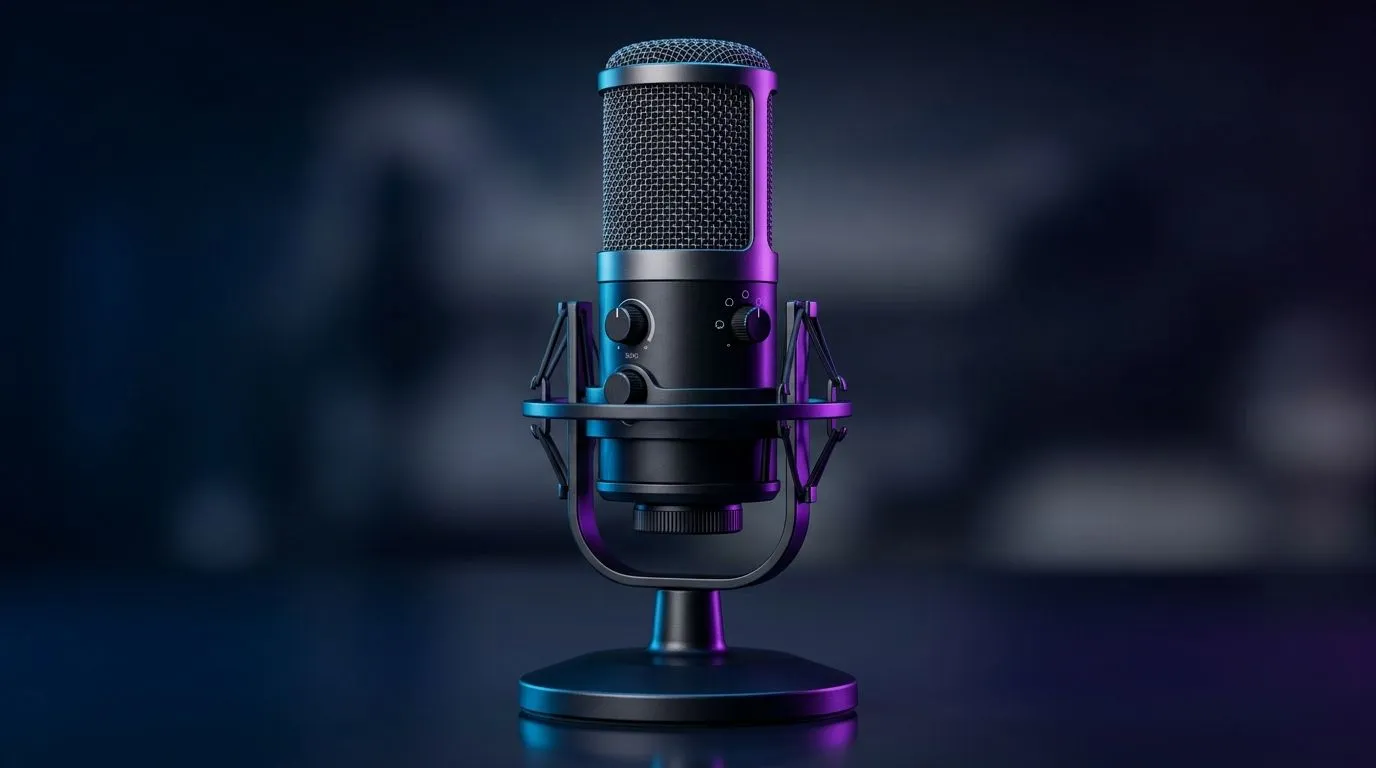
Choosing a Multi-Platform USB Microphone for PS5, PC and Mac
If you’re streaming on Twitch, podcasting, or gaming late into the night on your PS5, PC, or Mac, clear audio separates you from the pack 🎙️. A multi-platform USB microphone boosts your voice quality across all devices with simple plug-and-play ease. But with so many options out there, how do you pick the right one for your setup and budget? This checklist helps you zoom in on must-have features for crisp, professional sound regardless of platform.
Key Features to Look for in a USB Microphone Compatible with PS5, PC and Mac
Plug-and-Play Compatibility
Make sure the microphone supports USB connection standards for easy setup on PS5, PC, and Mac. Most modern USB mics work seamlessly without extra drivers — just plug in and start recording. Confirm it states cross-platform compatibility explicitly.
Sound Quality and Pickup Pattern
Look for a cardioid pickup pattern to reduce background noise and capture your voice clearly. Check the sample rate and bit depth — 16-bit/48kHz is standard for streaming. This helps ensure your voice sounds natural whether chatting live or recording podcasts.
Pro Audio Tip
Position your microphone 15-20cm from your mouth with a pop filter for crystal-clear vocals and less plosives.
Build Quality and Durability
Durability matters, especially if you move your mic between setups. Metal chassis and high-quality cables keep your gear reliable over time. Many popular models also include shock mounts to reduce desk vibrations.
Additional Gear to Complete Your Streaming Setup
While the mic is the centrepiece, your setup benefits from streaming essentials like webcams, ring lights, and mounts ⚡. Check out Evetech’s streaming essentials collection to gear up for sharp visuals and rich audio on any budget.
For South African gamers wanting premium quality, brands like CORSAIR offer sleek multi-platform microphones with robust features. Explore these CORSAIR streaming essentials to elevate your content creation.
And don’t forget your video game streams deserve crisp visuals too — pairing your mic with the right webcam completes the immersive broadcast experience.
Why Choose a Multi-Platform Microphone for Seamless Gaming and Streaming?
A multi-platform USB microphone reduces the hassle and expense of multiple mics for different devices. It’s plug, play, and sound pro-quality across your PS5, Mac, and PC. This flexibility suits diverse gaming, voice chat, podcasting, and video calls — especially when friends tune in from various devices.
Quality mics let your true personality shine through — no muffled or tinny audio to hold you back. And with South Africa’s growing esports community, clear communication can be your edge during clutch plays.
Quick Setup Tip
Test your mic gain levels in noisy and quiet environments to find the sweet spot for clear, distortion-free audio.
Upgrade Your Audio Gear Today Ready to sound crisp and professional on every device? Shop now at Evetech for multi-platform USB microphones and streaming essentials. Stay clear, stay connected.











