

Tired of lagging out just as you peek a corner in CS2? South African gamers know the pain of routing issues and latency spikes. Whether you are battling international ping or local fibre drops, a solid setup is your best defence. This network optimization guide covers the best practices for SA players looking to eliminate lag. A stable connection is the foundation of any great gaming session.
Start With the Hardware Basics 🔧
You cannot optimise a network if your hardware is holding you back. Many players blame their ISP when their aging rig is actually struggling to process network packets. Your motherboard's network interface controller plays a massive role in stability. Upgrading your system is the first logical step. If you are looking for a reliable rig, checking out the latest gaming PC deals can give you the processing power needed to handle high-tickrate servers without stuttering.
Wired Connections and Router Placement
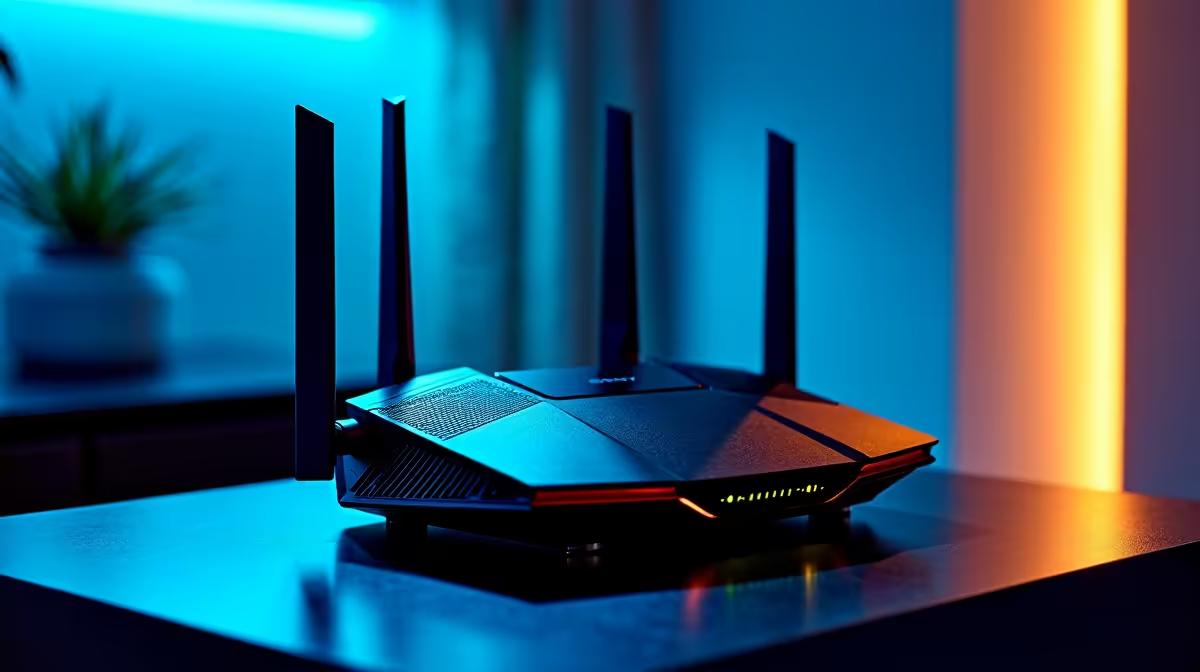
Wi-Fi is incredibly convenient, but it remains the absolute enemy of competitive gaming. Thick brick walls in South African homes destroy wireless signals and introduce packet loss. Local ISPs provide great fibre lines, but how you manage that line internally makes all the difference. Always run a Cat6 Ethernet cable directly from your fibre router to your machine. If you prefer the portability of laptops for sale in South Africa, invest in a quality docking station. A dedicated Ethernet port ensures your connection remains perfectly stable during intense ranked matches.
Ping Reduction Pro Tip ⚡
Flush your DNS cache weekly. Open Command Prompt as administrator and type 'ipconfig flushdns'. This clears outdated routing data and forces your PC to find the fastest, most direct path to local SA servers.
Optimise Your Background Processes
Background downloads will absolutely ruin your latency. Windows updates and game launchers love to steal bandwidth right when you drop into a match. You need to prioritise your gaming traffic. Most modern routers feature Quality of Service settings. Enable QoS and set your gaming machine as the highest priority. This tells your router to process your gaming packets before someone else's Netflix stream. If you want a machine configured right out the box, exploring pre-built PC deals ensures you get a clean, optimised system ready for competitive play.
Keeping Up With Visuals and Latency 🚀
Network lag is terrible, but input lag is just as deadly. If your system drops frames, it feels exactly like network stutter. Pushing high framerates reduces overall system latency. You can easily upgrade your visual fidelity and responsiveness by looking at the latest graphics cards. A powerful GPU ensures your frames render instantly... keeping your actions perfectly synced with the server.
Power Protection and Network Stability
Load-shedding destroys routers. Constant power surges degrade internal networking components over time. Always connect your fibre ONT and router to a dedicated mini-UPS. Consistent power means your router does not have to renegotiate its connection with the exchange every time the grid drops. Protecting your gear saves you thousands of ZAR in the long run. If you want to upgrade your entire setup while saving cash, keep an eye on our specials for UPS units and premium networking gear.
Ready to Dominate the Server? Network optimization is only half the battle. To truly conquer your games in South Africa, you need hardware that never quits. Explore our massive range of gaming specials and find the perfect machine to elevate your gameplay.











