

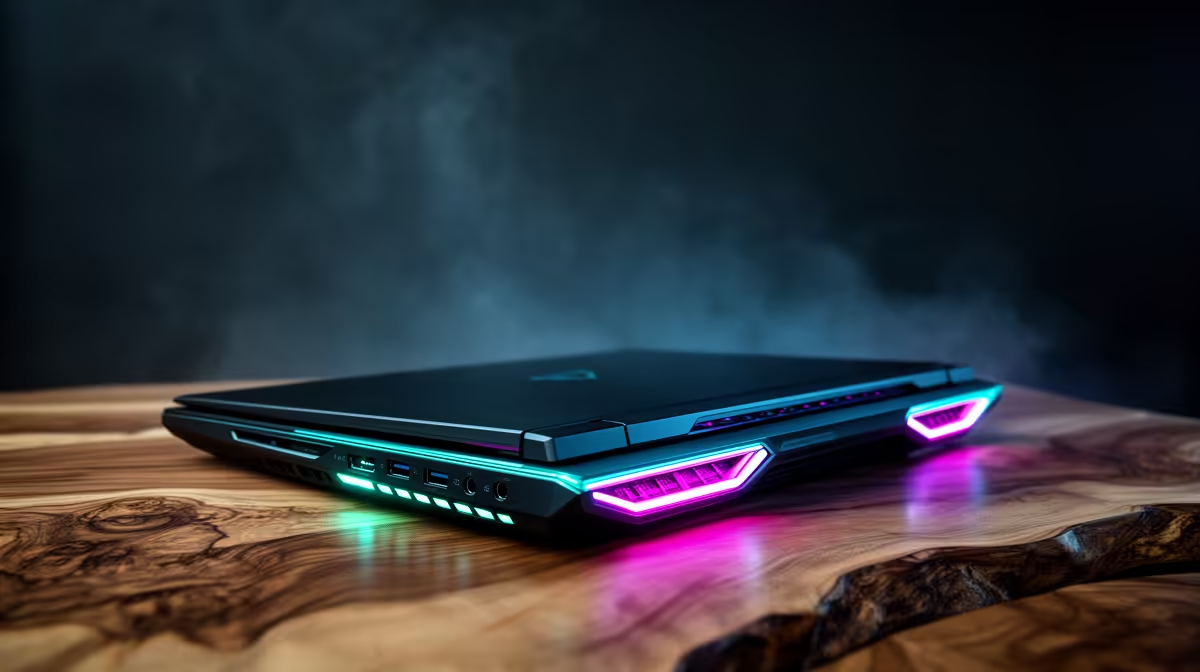
Securing your NSFAS allowance is a massive relief... but finding the right tech can be stressful. If you are hunting for the best NSFAS R8000 laptop options this November 2026, you are not alone. South African students need machines that handle heavy research, endless assignments, and maybe a bit of downtime gaming. Let us break down exactly what your ZAR can buy you right now.
Maximising Your R8000 Budget
When exploring the latest NSFAS R8000 laptop options, expectations need to be realistic but optimistic. In November 2026, a budget of R8000 easily secures a reliable machine for university. You should look for at least an Intel Core i3 or AMD Ryzen 3 processor paired with 8GB of RAM. This ensures your browser tabs do not freeze mid-essay. Always prioritise a solid-state drive over an older hard drive. A 256GB SSD guarantees lightning-fast boot times when rushing to a morning lecture. If you want portability for campus, checking out the wide range of notebooks for sale in South Africa is your best starting point.
Desktop Alternatives for Students 💻
Sometimes a laptop is not the absolute necessity you think it is. If you study mostly from your res room or home desk, a desktop might offer more raw performance for your Rand. For around the same price as a budget notebook, you can often find incredible pre-built PC deals that deliver serious multitasking power. These setups allow you to type up reports comfortably on a larger screen... and they are much easier to upgrade later when your budget allows. Plus, desktop setups run significantly cooler during those intense, all-night cramming sessions.
Balancing Work and Play 🎮
All work and no play leads to serious burnout. South African gamers know that unwinding after exams is crucial. While standard student laptops handle basic tasks, they often struggle with modern gaming titles. If gaming is a priority alongside your studies, you might want to stretch your budget slightly or look for dedicated gaming PC deals. Investing in a proper rig means you can tackle heavy 3D rendering for engineering classes by day and dominate competitive lobbies by night.
Battery Life Pro Tip ⚡
When taking your laptop to campus, always enable 'Battery Saver' mode in Windows 11 and lower your screen brightness to 60 percent. This simple tweak can add up to two hours of extra battery life, ensuring your device survives back-to-back lectures without needing a wall plug.
Making the Most of November Deals
Perhaps you already have an older desktop tower gathering dust at home. Instead of spending your entire R8000 allowance on a brand new system, you could simply upgrade what you have. Upgrading specific components is a highly cost-effective way to boost performance without breaking the bank. Throwing in a new GPU from the latest selection of graphics cards can instantly revive a sluggish machine. Always keep an eye out for seasonal discounts too. November is notorious for massive price drops, so browsing the latest specials might just help you score premium hardware at a fraction of the normal cost. 🚀
Ready to Upgrade Your Study Setup? Finding the right balance between academic performance and budget is crucial. Whether you need a portable powerhouse for campus or a reliable home station, we have you covered. Explore our massive range of laptop specials and find the perfect machine to conquer your world.











