


Best Monitor for RX 9070: Resolution & Refresh Rate Match 2026
Top Monitor for RX 9070: Resolution & Refresh Rate picks evaluated on performance, value & SA availability with current Rand pricing from Evetech.
Read moreOLED for Tarkov lets you spot enemies in Interchange's dark corridors. Get settings, calibration steps, and monitor picks to win low-light fights 🔍🕹️
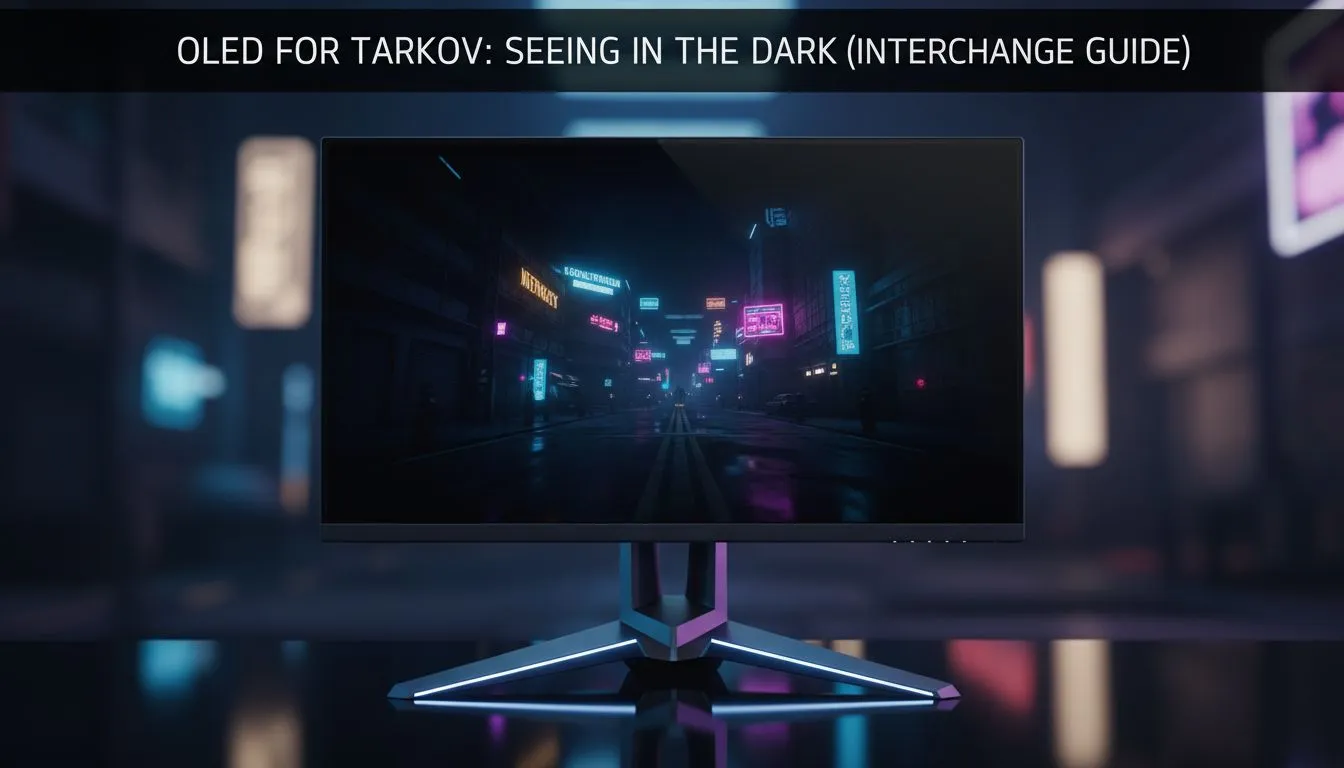
Dropping into Interchange at night is a high-stakes gamble. One second you are looting IDEA, the next you are back in the stash because a PMC was hiding in a shadow your old LCD simply could not render. If you want to master OLED for Tarkov: Seeing in the Dark on Interchange, you need pixels that actually turn off to reveal your enemies.
In the world of Escape from Tarkov, visibility is life. Standard IPS or VA panels often suffer from "IPS glow" or "backlight bleed" which turns the dark corridors of the Ultra Mall into a muddy grey soup. When you use OLED for Tarkov: Seeing in the Dark on Interchange, you gain the advantage of self-emissive pixels. This means black is actually black... not a glowing dark grey.
If you are looking to upgrade your setup without breaking the bank, checking out the best PC monitor deals is the first step toward clearing those corners with confidence.
When running an OLED, avoid using high "PostFX" brightness settings in-game. Instead, rely on the monitor's natural contrast. Excessive in-game brightness can wash out the perfect blacks of your OLED, making it harder to spot the slight silhouette of a player camping near the hole in the floor.
Interchange is arguably the most lighting-dependent map in the game. From the flickering lights of the garage to the pitch-black storage rooms, your hardware is constantly tested. Browsing through a wide selection of PC monitors reveals that OLED technology provides the fastest response times available... often as low as 0.03ms. This eliminates ghosting when you are flicking your mouse to check for Killa behind a kiosk.
For those who want the widest field of view to catch movement in their periphery, many players prefer to buy curved monitors. The subtle wrap-around effect helps you stay focused on the dark mall aisles for longer raids without straining your eyes.
Seeing a pixel-sized head peeking over a crate at 100 metres requires more than just good contrast; it requires density. When you buy 5K and 4K monitors, you are essentially increasing your "digital zoom" by having more physical pixels to represent the enemy.
While some competitive players stick to 1080p, the shift toward higher resolutions is undeniable in 2024. You can explore all gaming monitors at Evetech to find a balance between high refresh rates and crisp detail that fits your budget... whether you have 5,000 or 20,000 ZAR to spend.
Even if you are a mobile gamer or need a secondary screen for your Discord maps, you might want to buy portable monitors to keep your extracts and quest locations visible at all times. Keeping your primary OLED screen clean is also vital for spotting movement... any smudge can look like a distant PMC. Be sure to buy monitor accessories like microfibre cloths and mounting arms to ensure your ergonomic setup is as lethal as your aim.
Ready to Find Your Perfect Match? Mastering the shadows of Tarkov requires the best display technology available in South Africa. Explore our massive range of monitor specials and find the perfect OLED or high-refresh screen to dominate your next raid.
Use lower black level, slightly reduced brightness, contrast tweak, and fast response mode. These best OLED settings Tarkov Interchange boost visibility.
Yes. OLED for Tarkov gives deeper blacks and faster pixel response than IPS, improving enemy contrast in low-light zones.
Calibrate with a low gamma, modest brightness, and disable excessive dynamic contrast. Follow a step-by-step how to calibrate OLED for Tarkov routine.
Black crush can obscure details. Use specific OLED black crush fix Tarkov tips: raise shadow detail and test on Interchange dark spots.
27-32 inch OLED with 120Hz+ offers balance of field and responsiveness. Best OLED size for gaming Tarkov depends on desk distance.
Risk exists with static HUDs. Use pixel shift, lower brightness, and varied content to minimise burn-in while playing Tarkov.
Test near the mall's lower levels and tech stores. Use interchange map dark spots Tarkov to evaluate visibility and settings.
Top Monitor for RX 9070: Resolution & Refresh Rate picks evaluated on performance, value & SA availability with current Rand pricing from Evetech.
Read more
Valorant Settings on RX 9060 XT: Performance. Real-world benchmark data, FPS numbers & performance analysis. What SA gamers can actually expect.
Read more
Top Monitor for RTX 5060: Resolution & Refresh Rate picks evaluated on performance, value & SA availability with current Rand pricing from Evetech.
Read more
Top GPU and CPU Pairing for Mid-Range picks evaluated on performance, value & SA availability with current Rand pricing from Evetech.
Read more
Top GPU for Civilization VII: Every Resolution Tested picks evaluated on performance, value & SA availability with current Rand pricing from Evetech.
Read more
Top Case for RTX 3050: Airflow & Size Compatibility picks evaluated on performance, value & SA availability with current Rand pricing from Evetech.
Read more
RX 7800 XT The Witcher 4 Low Settings at 1440p. Real-world benchmark data, FPS numbers & performance analysis. What SA gamers can actually expect.

RTX 5070 GTA 6 High Settings at 1440p: FPS Results. Real-world benchmark data, FPS numbers & performance analysis. What SA gamers can actually expect.

Does RTX 5070 Run Hot in South African Climate Detailed answer with SA data, expert analysis & practical recommendations for local buyers.

How Long Will the RX 7900 XTX Last for Gaming Detailed answer with SA data, expert analysis & practical recommendations for local buyers.

Every spec on PCIe 5.0 explained in plain English. What matters for gaming and creator work in 2026, what's marketing fluff, and how each number translates to real-world performance.

Every spec on bios explained in plain English. What matters for gaming and creator work in 2026, what's marketing fluff, and how each number translates to real-world performance.

Every spec on gaming setups explained in plain English. What matters for gaming and creator work in 2026, what's marketing fluff, and how each number translates to real-world performance.

Every spec on cooling systems explained in plain English. What matters for gaming and creator work in 2026, what's marketing fluff, and how each number translates to real-world performance.

Top RTX 5070 Under R25,000 picks evaluated on performance, value & SA availability with current Rand pricing from Evetech.

Core i5-14600K + B760 + RTX 5060 Build Under. Full parts list, Rand pricing & expected performance. Build confidently with SA-available components.
Top Monitor for RX 9070: Resolution & Refresh Rate picks evaluated on performance, value & SA availability with current Rand pricing from Evetech.
Valorant Settings on RX 9060 XT: Performance. Real-world benchmark data, FPS numbers & performance analysis. What SA gamers can actually expect.