

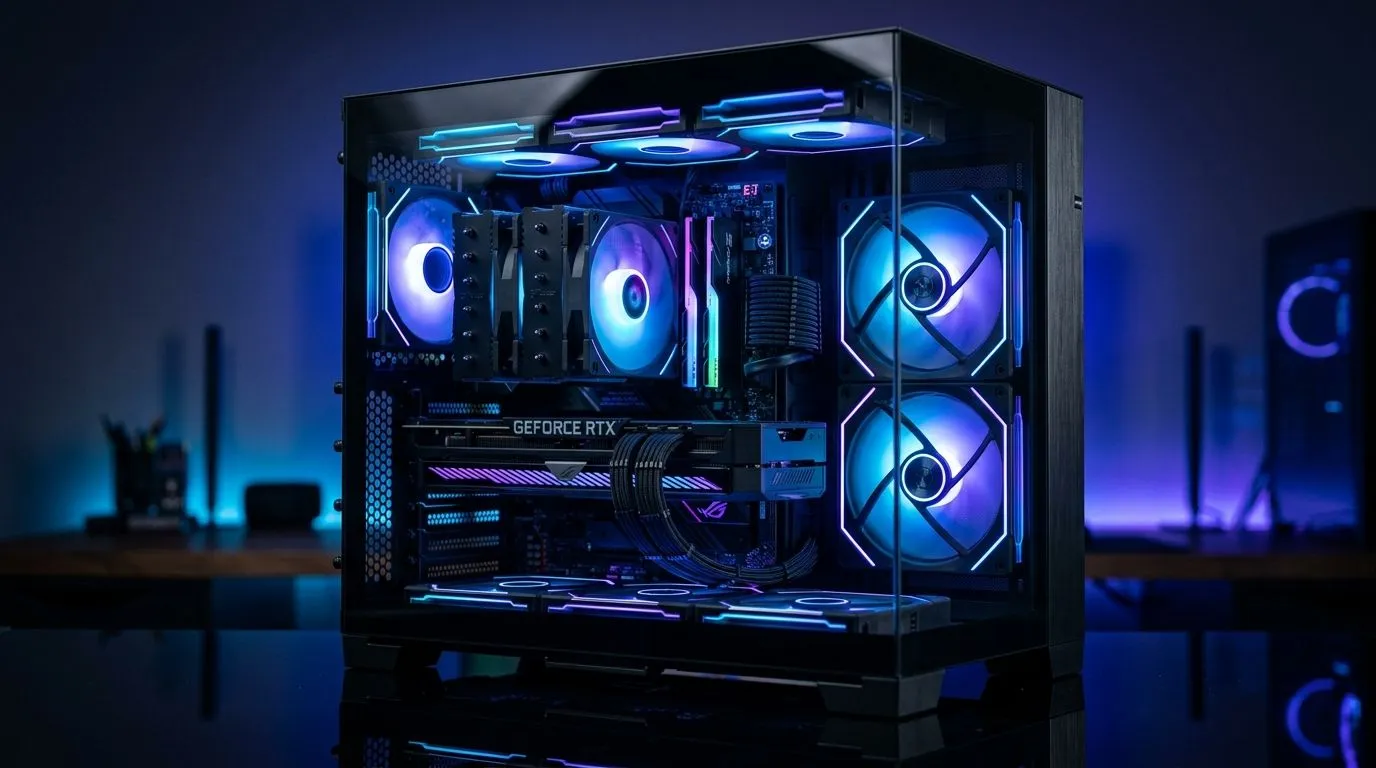
Panoramic Glass ARGB Showcase PC Case: What to Check Before You Buy
A stunning PC build starts with the case... and South African gamers know the vibe matters. If your rig lives on a desk, a panoramic glass ARGB showcase PC case can turn a solid gaming setup into a proper centrepiece 🔧 But looks alone are risky. Before you spend your rand, check airflow, GPU clearance, radiator support, and build quality. The right choice should protect your parts, not just flash lights.
Panoramic Glass ARGB Showcase PC Case: airflow still comes first
The biggest mistake? Choosing a case for the front panel, not the airflow path. Tempered glass looks clean, but it can restrict intake if the design is too closed off. Look for mesh inlets, side ventilation, and enough fan mounts to keep fresh air moving across the GPU and CPU.
If you run a hot graphics card, this matters more than RGB count. A stylish case with poor cooling can lead to louder fans, higher temps, and less headroom when gaming for long sessions. For real-world browsing, compare options on the full computer cases range.
Panoramic Glass ARGB Showcase PC Case: space, fitment, and cable routing
A beautiful case is useless if your components do not fit properly. Check GPU length, CPU cooler height, and PSU shroud clearance before buying. Panoramic cases often prioritise clean sightlines, so cable management space becomes even more important.
Also look at motherboard support. Many showcase cases are built for ATX, but some compact models need more careful planning. If you want a more premium finish, it is worth checking the Fractal Design PC cases selection, since those often focus on layout, airflow, and cleaner interior design. ✨
Build Tip ⚡
When measuring case fit, check the listed GPU length with front fans or a radiator installed. That extra hardware can reduce usable space fast, especially in glass-heavy cases.
Panoramic Glass ARGB Showcase PC Case: ARGB control and upgrade value
ARGB is not just about rainbow lighting. It should be easy to control and easy to expand. Check whether the case includes a fan hub, motherboard sync support, or pre-installed ARGB fans. If you need to add more later, a good controller saves time and cable clutter.
South African buyers should also think about value in rand terms. If you are working with a tighter budget, compare the Gamdias gaming cases range and the sub-R1500 Gamdias gaming cases. That is often where you find the best mix of looks, included fans, and practical features for a first build or upgrade.
Panoramic Glass ARGB Showcase PC Case: small details that matter 🔍
Pay attention to the bits people often skip. Are the dust filters removable? Are the thumbscrews sturdy? Does the front panel feel solid, or does it flex when you remove it? These details affect long-term ownership more than glossy product photos suggest.
Noise is another factor. Cases with thin panels can rattle under load. Better-built frames reduce vibration and feel more premium on a gaming desk. If possible, read the product specifications carefully and compare them with your current parts list before placing the order.
Panoramic Glass ARGB Showcase PC Case: the smart buying checklist
Before you buy, ask yourself four simple questions:
1. Will it cool my hardware properly?
2. Does it fit my GPU and radiator?
3. Is cable management practical?
4. Does the design suit my desk and budget?
If the answer is yes to all four, you are probably looking at a strong buy. That is the sweet spot... good airflow, good looks, and enough flexibility for future upgrades.
Ready to Find Your Perfect Match? The Mac vs Windows debate is complex, but for maximum power, choice, and value in South Africa, Windows is hard to beat. Explore our massive range of laptop specials and find the perfect machine to conquer your world.











