

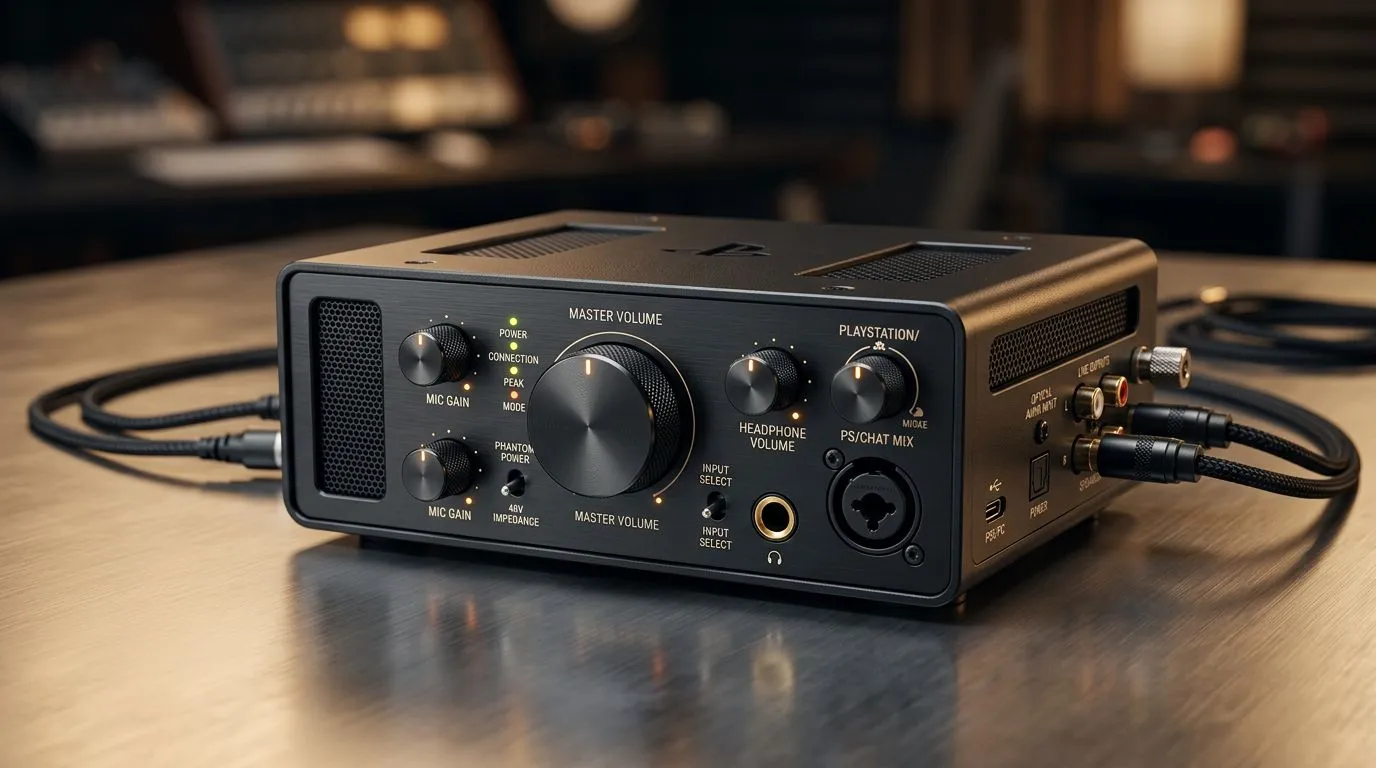
PlayStation audio setup: Get pro console sound in minutes 🔧
If you want immersive game audio that punches through your living-room chaos, stop guessing and start tuning. This PlayStation audio setup guide gives practical, local-tested tips to tighten imaging, reduce hiss, and make footsteps audible without breaking the bank. Ready to hear the difference tonight? 🚀
PlayStation audio setup basics: hardware first
Begin with your listening device. A good headset brings clarity; a DAC or soundbar handles room audio. On Evetech you can browse budget to premium gaming audio and accessories — many solid headsets start around R999 ZAR on the streaming essentials page for South African buyers (source: Evetech). Use wired connections for lowest latency where possible and test both stereo and 3D audio modes on console.
Find compatible streaming and recording accessories on the streaming essentials collection.
PlayStation audio setup: headphones, DACs and brands
Choose a headset with a clear midrange and tight bass control. If you’re gaming in a shared space, a closed-back or USB headset helps isolation. For hi-fi console sound, a compact USB DAC or amp can lift dynamics dramatically. If you prefer trusted manufacturer ranges, explore the Corsair options stocked at Evetech for reliable PC-and-console peripherals.
Check Corsair options for wired and wireless headsets.
PlayStation audio setup: tuning the console and TV
PS5 and newer PlayStation consoles include 3D audio and output choices. Try these steps: set audio format to linear PCM for multi-channel output, enable 3D Audio for headsets, and test TV passthrough if using a soundbar. Keep TV audio processing off to avoid lag. Small changes in the console menu often beat expensive gear for clarity.
PlayStation audio setup: streaming, mics and capture tips ✨
If you stream or record, your setup must balance game sound and mic clarity. Place your microphone a fist’s distance from your mouth and use a pop filter. Colourful room lighting and ambient effects help mood; Cololight accessories make setup look pro without fuss. Good webcams matter for stream presentation too — pair your audio upgrade with a crisp camera.
Pair lighting from Cololight to enhance your stream visuals.
Pro Audio Tip ⚡
For headset testing, use a mix of familiar music and a high-frame-rate gameplay clip. Listen for bass bleed, vocal sibilance, and positional cues. Tweak equaliser presets on console or headset software; small cuts around 250–500Hz often free up vocal clarity.
Need a webcam to finish your streaming kit? Browse reliable webcams that suit PS streaming setups.
PlayStation audio setup: final checklist before game night
- Test with in-game soundtests and a familiar track.
- Start flat EQ; cut if it sounds muddy.
- Prefer wired for competitive play.
- Keep firmware updated for headsets and consoles.
Ready to Find Your Perfect Match? The Mac vs Windows debate is complex, but for maximum power, choice, and value in South Africa, Windows is hard to beat. Explore our massive range of laptop specials and find the perfect machine to conquer your world.











