

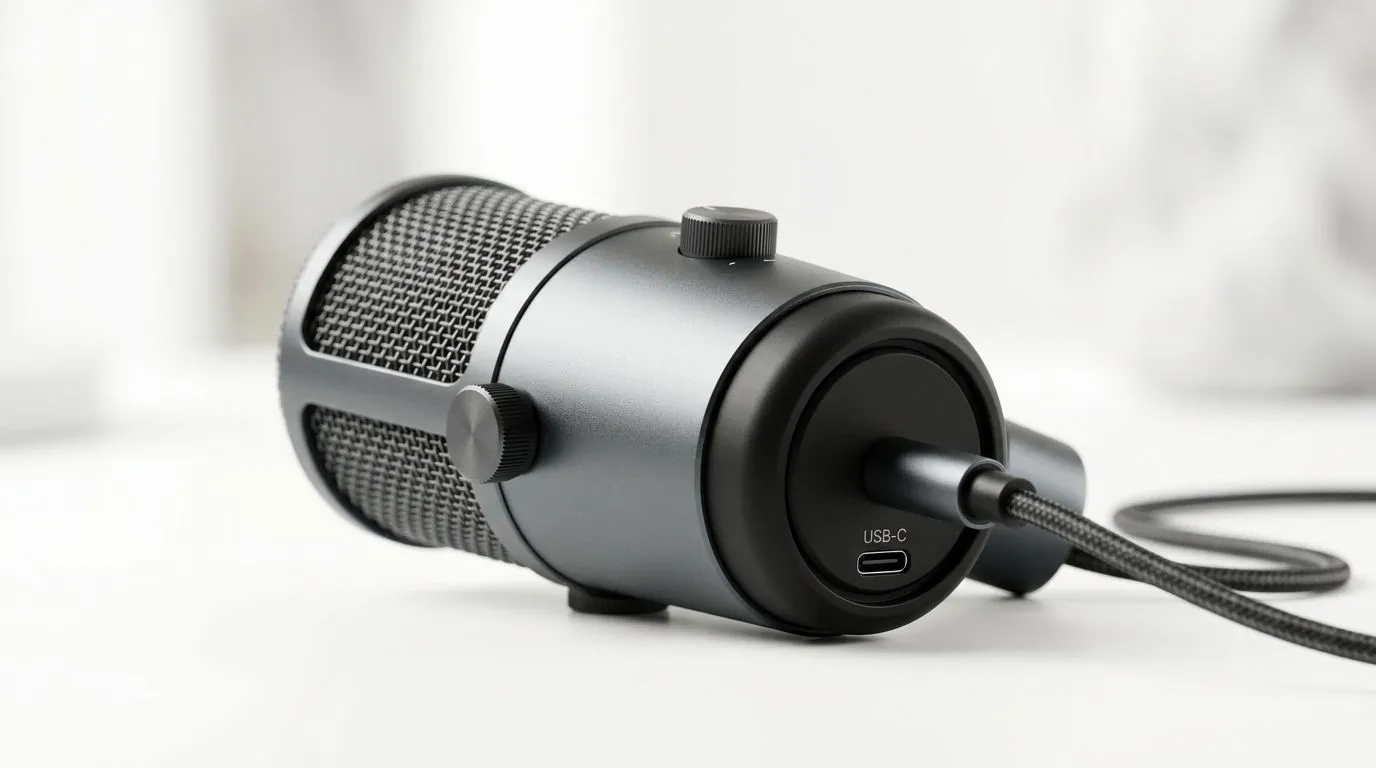
Why a Plug-and-Play USB-C Microphone Is Your Next Must-Have 🎙️✨
Calling all South African gamers and streamers — ever struggled with clunky mic setups that kill your flow? A plug-and-play USB-C microphone for PC and console slashes setup time and delivers clear audio. No drivers, no fuss... just crisp sound that gets you heard loud and clear during your raids or livestreams. It’s the upgrade your gaming station deserves.
Plug-and-Play USB-C Microphone: Seamless Setup Across Devices ⚡
A USB-C mic works effortlessly with modern PCs and consoles. This simple connection means zero driver installs — just plug it in and start streaming or chatting. South African gamers appreciate how it frees them from tech headaches, leaving more time to focus on the game.
Plus, the USB-C standard offers faster, more stable data transfer. That translates to pristine voice clarity and ultra-low latency — crucial when coordinating with your squad. Many mics now support both PC and console without extra adapters. For instance, check out the range of essential streaming gear that pairs perfectly with a USB-C mic here.
Expert Tips to Optimise Your USB-C Microphone Experience 🔧
Placement Matters
Keep your USB-C microphone positioned about 15-20cm from your mouth for balanced sound. Avoid direct airflow blasts by angling it slightly, reducing breath pops without muffling your voice.
Use a Pop Filter
Pop filters tame harsh plosives and keep your audio professional, essential whether you're streaming CS:GO or chatting on Discord.
Leverage Monitoring Features
Some USB-C mics offer real-time headphone monitoring. This instant feedback helps you adjust your voice levels to avoid clipping or distortion.
Pro Audio Setup Tip
Position your microphone so that you speak slightly off-axis. It reduces unwanted noise and captures clear dialogue, especially useful in noisy home environments.
Picking the Right Streaming Essentials to Match Your Microphone 🎮
South African streamers want gear that performs well and looks sleek. Consider pairing your USB-C mic with Corsair streaming accessories — from capture cards to lighting — for a polished setup that elevates your channel. Explore Corsair’s options available on Evetech here.
Looking to customise your streaming space? Cololight’s modular RGB panels can add striking ambience that syncs with your mic’s quality audio — browse them right here.
Enhance Your Video Quality with the Right Webcam to Complement Your Audio 📹
Great audio deserves great video. Choosing a quality webcam alongside your USB-C microphone ensures viewers stay glued to your stream. Check out Evetech’s selection of webcams that pair well to create a professional broadcast here.
Summary: Why a USB-C Microphone Worth the Upgrade in SA
In South Africa’s competitive gaming and streaming scene, clarity and quick setup equal success. A plug-and-play USB-C microphone delivers both — plus compatibility across your devices and simple portability. It’s the audio upgrade that matches your raid’s pace and your content’s quality goals.
Level Up Your Stream Audio Today Ready for effortless, clear audio that adapts to your gaming rig? Shop now at Evetech for a plug-and-play USB-C microphone combo that suits PC and console needs.











