

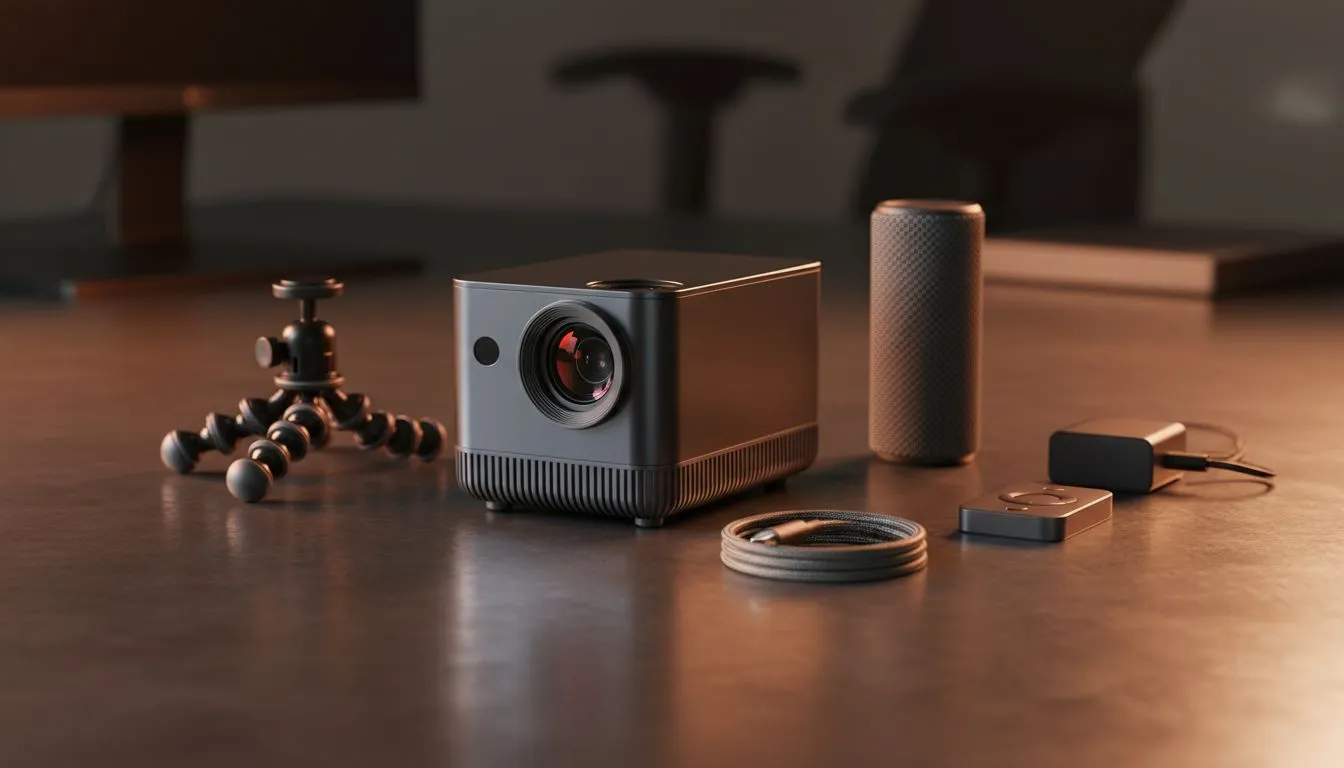
Portable Presentation Setup: Essential Accessories Guide
South African gamers and tech buyers, want a presentation kit that's as nimble as your weekend LAN rig? Learn how to build a portable presentation setup that fits in a backpack, works in hotel conference rooms, and keeps clients impressed — without last‑minute panic. This guide gives practical kit lists, packing hacks, and vendor links that help you choose smart, local options. 🔧
Portable presentation setup essentials: must-have accessories
Start with the basics: a compact, reliable laptop, a USB-C hub with HDMI output, a clicker with a built‑in laser, and a small travel tripod for webcam stability. For a one-stop browse of compatible peripherals and adapters, check Evetech’s main gaming accessories collection which also lists compact hubs and adapters in stock: https://www.evetech.co.za/PC-Components/buy-gaming-accessories-160.aspx. These items keep video crisp and your transitions smooth.
Portable Presentation Setup: cables, adapters and power tips
Cables fail at the worst moment. Carry a short HDMI, a USB‑C to HDMI adapter, and a multiport charger. If you rely on multiple devices, a power bank with pass‑through charging removes the stress of finding a spare wall outlet. Look for local deals on chargers and power solutions to optimise cost and warranty support via Evetech's current accessories deals: https://www.evetech.co.za/gaming-accessories-deals/x/229.aspx. ✨
Portable presentation setup accessories for AV confidence
Sound matters. A tiny clip‑on lavalier mic or a compact USB condenser mic lifts audio quality instantly. Pack a foldable mini presenter stand and a laptop cooling pad to avoid throttling during long video demos. Browse the Gaming Accessories category for compact audio and mounting accessories if you want specific models and compatibility notes: https://www.evetech.co.za/PC-Components/buy-gaming-accessories-160.aspx?category=Gaming+Accessories. 🚀
Portable Presentation Setup: packing, testing, and quick wins
Do a dry run 24 hours before the presentation. Test video resolution, microphone levels, and slide animations on the actual venue projector or screen. Carry labelled cable pouches and a small toolkit with a multi‑bit screwdriver. Keep replacement batteries for your clicker in a zipped pocket.
Portable Pro Tip ✨
Pack chargers, a compact HDMI adapter, and a USB‑C hub in a single pouch. Label cables with coloured tape so you plug the right lead quickly under pressure.
Portable Presentation Setup: final checklist before you walk out the door
Quick checklist: laptop, hub/adapter, HDMI cable, clicker + spare batteries, lavalier/USB mic, power bank, chargers, and backup slides on USB and cloud. A calm, repeatable routine beats panic when tech hiccups happen.
Ready to Find Your Perfect Match? The Mac vs Windows debate is complex, but for maximum power, choice, and value in South Africa, Windows is hard to beat. Explore our massive range of laptop specials and find the perfect machine to conquer your world.











