

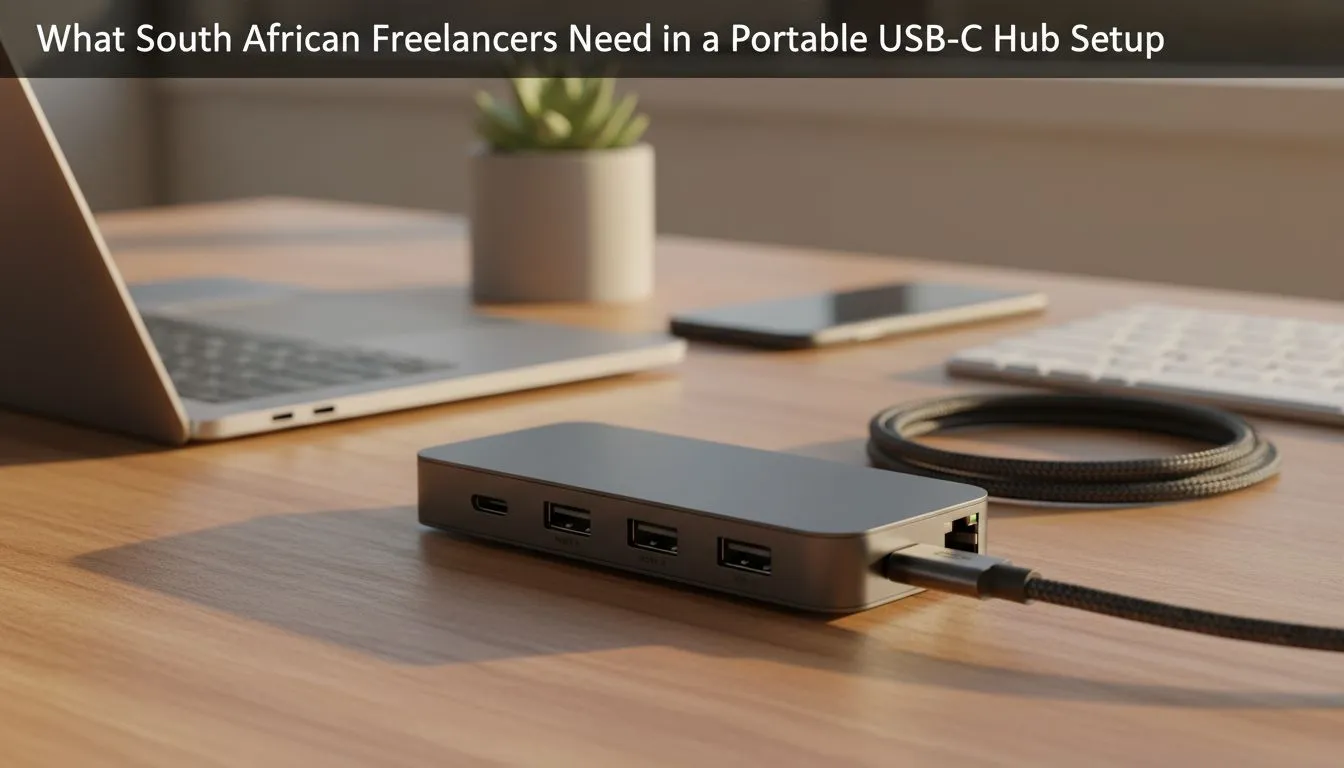
You’re at a coffee shop in Sandton, the deadline is looming, and your ultra-thin laptop is a powerhouse... with only two ports. How do you connect your monitor, charge your phone, and pull files from a client's USB drive all at once? For the modern South African freelancer, the answer is simple but essential: a portable USB-C hub. This small device is the key to unlocking your machine’s true potential, turning a single port into a command centre.
Why Your Laptop Needs a Portable USB-C Hub
Modern laptops are incredible feats of engineering—slim, light, and powerful. But this minimalist design often comes at the cost of connectivity. Manufacturers have embraced the versatile USB-C standard, but the reality is we still live in a world of USB-A drives, HDMI monitors, and SD cards.
A portable USB-C hub acts as a bridge, expanding one of your laptop's USB-C ports into a multi-functional dock. It’s not just about adding more ports; it’s about restoring the flexibility you need to work from anywhere, whether it's your home office, a client’s boardroom, or a co-working space in Cape Town. It’s one of the most practical and essential PC components for any mobile professional.
Key Features for the Savvy SA Freelancer
Not all hubs are created equal. Finding the perfect portable USB-C hub depends entirely on your workflow. Do you need to connect to a 4K monitor or just transfer files quickly? Here’s a breakdown of the most important features to look for. ✨
Video Output: HDMI and DisplayPort
If you use an external monitor to extend your screen real estate (and you absolutely should), this is non-negotiable.
- HDMI: The most common standard for connecting to TVs and monitors. Look for hubs that support 4K resolution at 60Hz for a smooth, crisp picture.
- DisplayPort (DP): Often preferred by creative professionals for higher refresh rates and the ability to daisy-chain multiple monitors.
Data Ports: USB-A and Card Readers
Don't let your legacy devices gather dust.
- USB-A 3.0 (or higher): Essential for connecting older hard drives, flash drives, keyboards, and mice. The "3.0" signifies faster data transfer speeds, saving you precious time.
- SD/MicroSD Card Readers: A must-have for photographers, videographers, and drone pilots. Transferring footage directly from your card without a separate reader is a massive convenience.
Check for Pass-Through Power ⚡
Many USB-C hubs feature Power Delivery (PD). This means you can plug your laptop's charger into the hub, and it will 'pass through' the power to charge your laptop while you use all the other ports. Look for hubs offering at least 60W PD to ensure your machine charges efficiently under load.
Network Stability: The Ethernet Port
Wi-Fi is great, but it can be unreliable, especially during peak hours or when load-shedding messes with local infrastructure. An RJ45 Ethernet port on your portable USB-C hub provides a direct, stable, and often faster connection to the internet. For online meetings, large file uploads, or competitive gaming after hours, a wired connection is king. 👑
Finding the Best Hub for Your Budget
A quality portable USB-C hub is an investment in your productivity. You don't need to break the bank, but it's wise to avoid the cheapest, no-name options which can be unreliable. Look for reputable brands known for solid build quality—you want a hub that can handle being tossed in a laptop bag daily.
Keep an eye on Evetech's gaming accessories deals, as these often include high-quality peripherals like multiport hubs at great prices in ZAR. A good hub complements your entire setup, so it's worthwhile to browse our range of gaming accessories to see how it can fit into your dream mobile workstation.
Ultimately, the right portable USB-C hub removes friction from your day, letting you focus on what you do best: delivering amazing work for your clients. 🚀
Ready to Find Your Perfect Match? Don't let a lack of ports slow you down. A reliable hub is the key to unlocking true productivity for any South African freelancer. Explore our massive range of PC accessories and find the perfect hub to conquer your workflow.











