

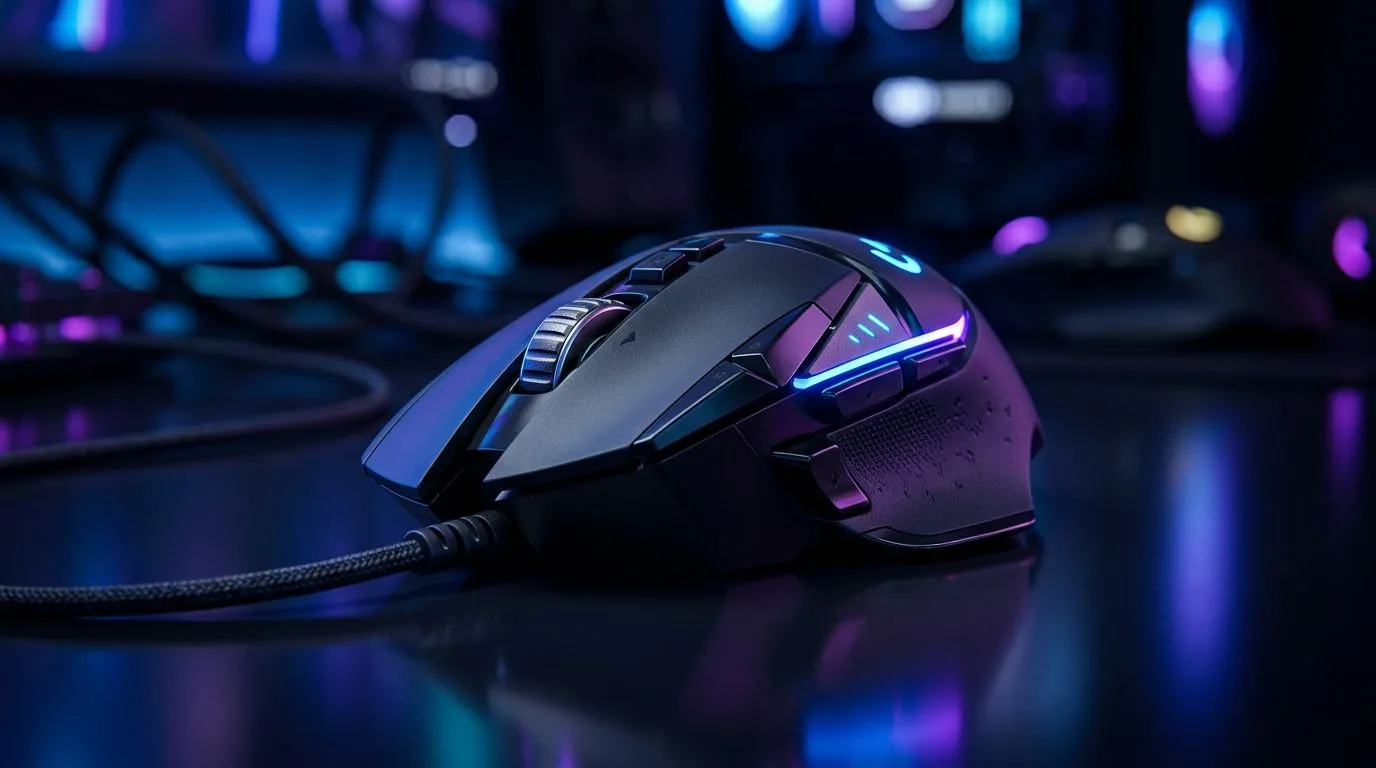
PS5 and Xbox Series X|S Mouse Compatibility Guide for South African Gamers 🔧
If you’ve ever tried to aim in a console shooter and thought, “This would be easier with a mouse,” you’re not alone. South African gamers want precision, comfort, and a setup that just works. The good news? PS5 and Xbox Series X|S mouse compatibility is real, but it depends on the game, the console, and the mouse you choose. That’s where this buyer guide helps... before you spend rands on the wrong gear.
PS5 and Xbox Series X|S Mouse Compatibility Explained
Both PS5 and Xbox Series X|S support USB and Bluetooth input in different ways, but actual mouse use is controlled by the game. Some titles offer native mouse and keyboard support. Others simply ignore it. Sony’s and Microsoft’s own support pages confirm that accessory compatibility can vary by software, not just hardware. For the safest setup, check the game’s official support notes before buying.
On Xbox, mouse support is more widely documented in select titles. On PS5, compatibility is also title-dependent. In practice, that means your favourite shooter, strategy game, or MMO might work beautifully... or not at all.
What This Means Before You Buy
If you want a mouse for console gaming, don’t shop by sensor hype alone. Shop by use case.
- Playing supported shooters? A responsive wired mouse is often the simplest choice.
- Want a cleaner couch setup? Wireless makes life easier.
- Need extras like grips, pads, or adapters? Start with the right mouse accessories first.
PS5 and Xbox Series X|S Mouse Compatibility Buyer Guide
A good console mouse setup is about balance. You want low input lag, comfort for long sessions, and a shape that suits your hand. For fast-paced games, wired models are still popular because they remove battery worries and usually keep things simple. If you prefer a neater desk or living-room setup, a wired mouse selection can still be the most reliable route for competitive play.
For gamers who hate cables around the TV unit, a wireless mouse range is worth a look. Just remember to check battery life and whether the mouse supports a 2.4 GHz dongle or Bluetooth. The first is often more stable for gaming. The second is convenient for casual use.
How to Pick the Right Mouse Shape
Grip style matters more than many buyers expect. If you use a palm grip, a fuller shape may feel better. Claw and fingertip players often prefer smaller, lighter mice. Weight can also change how fast you flick and how tired your wrist feels after a long session. That’s especially useful if you split your time between console play and PC browsing.
PS5 and Xbox Series X|S Mouse Compatibility Tips for Smarter Buying
A common mistake is buying the cheapest mouse and hoping the console sorts everything out. It won’t. Instead, think about the whole setup. A decent surface helps. A stable connection helps. And a mouse with a proven gaming reputation helps even more. If you’re hunting value, keep an eye on gaming mouse deals so you can stretch your budget in ZAR without compromising too hard on performance.
For buyers who may later move between console and PC, browsing gaming mouse hardware can help you compare sensor features, ergonomics, and price tiers before you commit.
Console Mouse Buying Tip ⚡
When a game supports mouse input, test it with a simple USB mouse first before buying a premium model. That quick check can save you money and tells you whether you need wireless comfort, extra buttons, or just a dependable everyday option.
PS5 and Xbox Series X|S Mouse Compatibility: What to Check First
Before adding anything to cart, ask three simple questions:
1. Does the game support mouse input?
Check the game’s official site or in-game settings. If it doesn’t support mouse and keyboard, a fancy mouse won’t unlock the feature.
2. Do you want wired or wireless?
Wired is straightforward. Wireless is tidy. Either can work well if the game supports it.
3. Will you use the mouse elsewhere?
If the mouse will also handle schoolwork, editing, or PC gaming, you may want a more versatile model.
That’s the smart way to buy in South Africa... especially when every rand has to count.
PS5 and Xbox Series X|S Mouse Compatibility: The Bottom Line
Mouse support on PS5 and Xbox Series X|S is not universal, but it is useful when the game allows it. The best purchase is the one that matches your actual play style, not just the spec sheet. Start with compatibility, then choose wired or wireless, then compare value. If you do that, you’re far more likely to end up with gear you’ll actually enjoy using. ⚡
Ready to Find Your Perfect Match? The Mac vs Windows debate is complex, but for maximum power, choice, and value in South Africa, Windows is hard to beat. Explore our massive range of laptop specials and find the perfect machine to conquer your world.











