

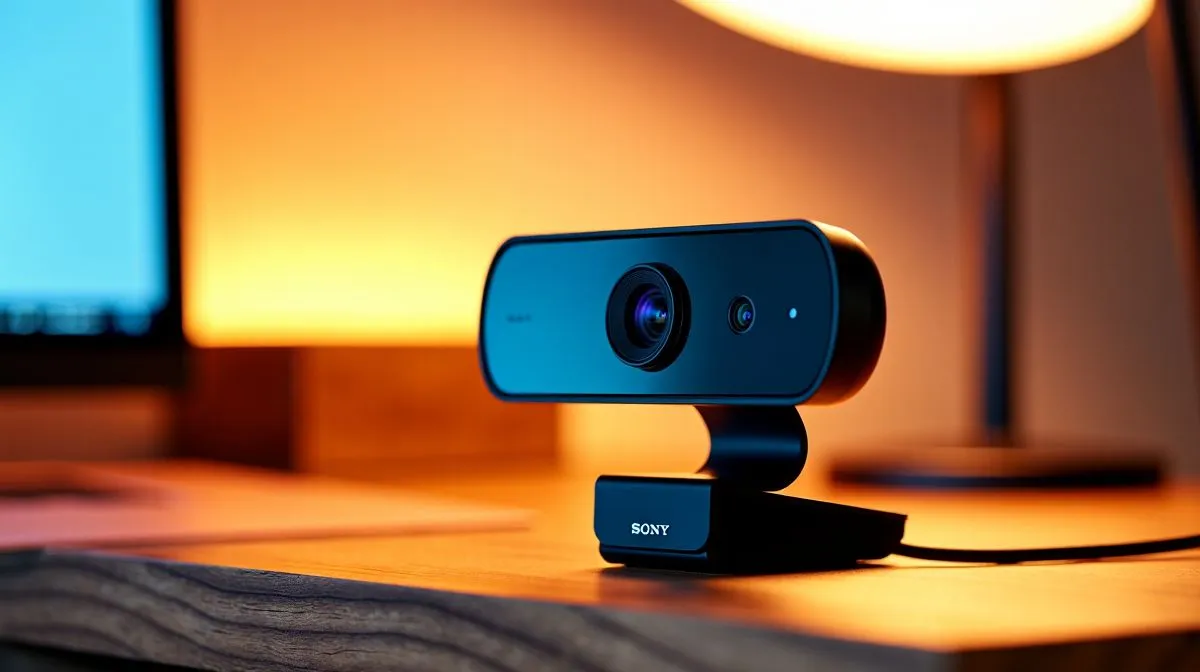
Quartz Webcam vs Standard Colour Options: Does Finish Matter?
If you’re shopping for a webcam in South Africa, the first spec usually feels obvious. Resolution. Frame rate. Autofocus. But then you spot something quieter… finish. Quartz. Black. White. Suddenly the decision feels more personal than technical 🔧
So, does the Quartz Webcam vs Standard Colour Options debate matter, or is it just desktop styling? For most buyers, the answer sits somewhere in the middle. The finish won’t improve image quality, but it can change how the camera fits into your setup, especially if you stream, attend daily Teams calls, or keep your desk neat for content creation.
Quartz Webcam vs Standard Colour Options: finish and first impressions
A webcam is one of the few devices that sits at eye level all day. That makes colour more noticeable than with a motherboard or PSU. Quartz finishes often aim for a softer, more premium look. Standard black or dark grey options usually disappear into the monitor bezel. White variants can pop against lighter setups, though they may show dust more easily.
For South African gamers working with compact desks, finish can also affect how “busy” your space feels. A clean-looking webcam can make your setup feel more intentional, even if the sensor inside is identical to a standard colour model.
Quartz Webcam vs Standard Colour Options: what actually affects performance
The important bit? Colour usually does not change the core webcam spec. Image quality is typically driven by the sensor, lens, light handling, microphone quality, and software support. If two models share the same internals, you should expect similar video performance.
That means your buying decision should start with use case. Need better low-light calls for loadshedding evenings? Look at lighting behaviour and noise handling. Need a quick plug-and-play unit for school, work, or Discord? Focus on compatibility first. If you want to browse current options, start with Evetech’s full webcam range ⚡
Quartz Webcam vs Standard Colour Options: matching finish to budget
Finish matters most when the price difference is small. If a Quartz version costs only a little more, the visual upgrade can be worth it. If the gap is large, put that money toward better specs instead.
A practical way to shop is by budget. If you’re trying to keep costs tight, look at webcams under R1000. If you want a stronger balance of style and performance, the R2000 webcam range is a sensible middle ground. For buyers chasing a more polished setup, webcams up to R3000 often open the door to more refined choices.
A quick real-world rule
If your room lighting is strong and your desk is already tidy, finish becomes more noticeable. If your setup is plain, the webcam’s shape and colour can add a little personality without costing much more.
{{TipBox title:"Quick Buying Tip ✨" , Always compare webcam finishes after checking the specs. If the sensor, resolution, and mounting are the same, choose the colour that suits your monitor, lighting, and desk theme best. } }
Quartz Webcam vs Standard Colour Options: the buyer’s decision
Here’s the honest take. Finish matters, but only after the essentials are right. For most South African shoppers, the best webcam is the one that delivers clear calls, fits the budget, and looks right on the desk. Quartz can feel premium. Standard colours can feel safer and more timeless. Neither is wrong.
If you’re upgrading for work, study, or streaming, choose the model that balances appearance with real-world use. That way, you get something you’ll actually enjoy using every day… not just unboxing once 😄
Ready to Find Your Perfect Match? The Mac vs Windows debate is complex, but for maximum power, choice, and value in South Africa, Windows is hard to beat. Explore our massive range of laptop specials and find the perfect machine to conquer your world.











